





 See Compatible Printers
 Read more about our ink!
Brother
Compatible Brother LC79 LC79BK Black Ink Cartridge
- Page Yield:
- Up to 2,400 pages (ISO/IEC 24711)
- Shipping:
- Calculated at Checkout

Amazon Price:

- Page Yield:
- Up to 2,400 pages (ISO/IEC 24711)
- Shipping:
- Calculated at Checkout
- Compatible Printers
- Specifications
- SKU:
- CS-BR-79-BK
- Condition:
- New Compatible
- OEM Part #:
- LC79BK
- Color:
- Black
- Page Yield:
- Up to 2,400 pages (ISO/IEC 24711)
- Chip:
- New compatible chip
- Warranty:
- Lifetime Warranty
- Returns:
- 1-Year Free Returns
- Description
- Reviews
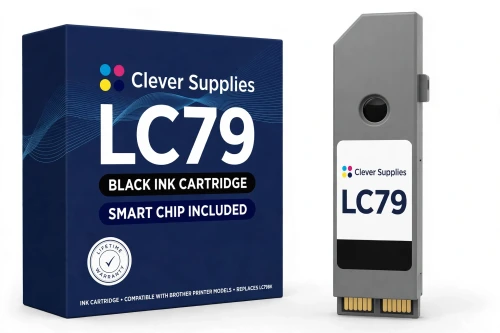
This is the endurance black of the family: our compatible LC79BK is rated up to 2,400 pages under ISO/IEC 24711 — four times the LC75BK. It fits exactly four printers (MFC-J5910DW, MFC-J6510DW, MFC-J6710DW, MFC-J6910DW), and the limit is physical, not commercial: the seven smaller models cannot take the LC79 cartridge at all. If your printer is one of the four, no other black on this shelf runs longer between changes.


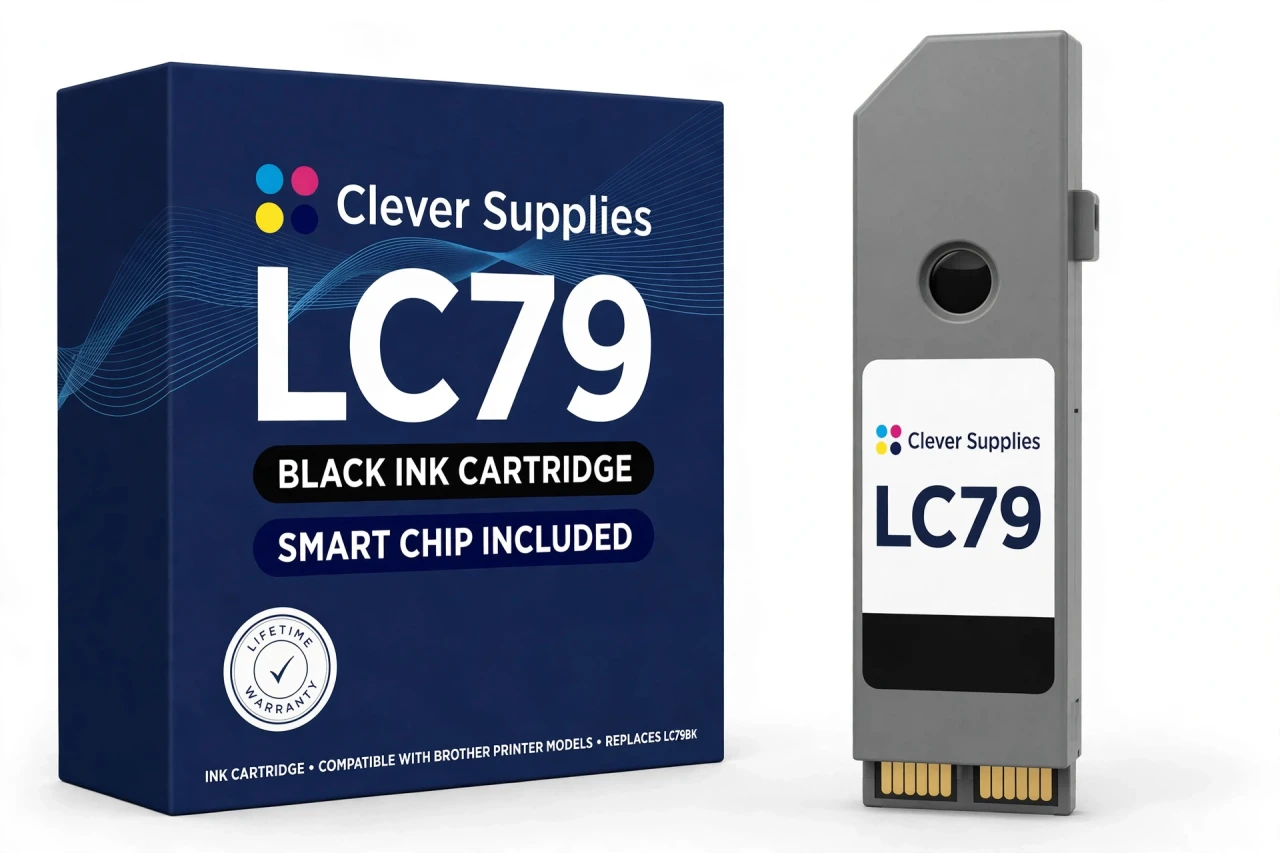
Every cartridge is an individual, chipped Innobella cartridge — one slot per color, replaced separately, with a new compatible chip fitted. What makes this family easy to get wrong is its three tiers: LC71 standard, LC75 high yield and LC79 super high yield share a family name but not a fit list. This listing's Compatible Printers list is its own — checked against Brother's official model lists, not copied from a seller's range page.
A lifetime warranty covers it, with free returns in the first year. The rating printed here is Brother's own ISO/IEC 24711 figure for the tier; the cartridge is our compatible, labeled as such on the box and the page.
Shop the Brother LC79 family: LC75BK Black Ink Cartridge · LC75C Cyan Ink Cartridge · LC75M Magenta Ink Cartridge · LC75Y Yellow Ink Cartridge · LC79C Cyan Ink Cartridge · LC79M Magenta Ink Cartridge · LC79Y Yellow Ink Cartridge · Set of 10 BCMY Ink Cartridge · Set of 4 BCMY Ink Cartridge · Set of 10 BCMY Ink Cartridge · Set of 4 BCMY Ink Cartridge
Browse by series: MFC MULTIFUNCTION SERIES
Frequently Asked Questions
How many pages does one LC79BK actually print?
Up to 2,400 pages per ISO/IEC 24711 — Brother's own published rating for the LC79 black cartridge. We quote the manufacturer's number; listings advertising dramatically higher counts for this code are not reporting a Brother measurement.
Which printers take the LC79BK?
Four models only: MFC-J5910DW, MFC-J6510DW, MFC-J6710DW and MFC-J6910DW. That is Brother's complete official fit list for this tier — no other printer accepts this cartridge. For the whole top tier side by side — all six LC79 offers priced per page, and the high-yield shelf beneath it measured beside them — see our Best Brother LC79 Ink Cartridges guide.
I have LC71 cartridges left from another printer — will they work here?
No. None of the four LC79 models ever used LC71; their ladder starts at LC75. LC71 is the standard tier of the seven smaller models in this family, sitting beneath their LC75 high yield.
My printer currently runs LC75 cartridges. Is the LC79BK a drop-in upgrade?
Only on the four large models named above. The seven smaller LC75 models — MFC-J280W, MFC-J425W, MFC-J430W, MFC-J435W, MFC-J625DW, MFC-J825DW and MFC-J835DW — cannot physically take an LC79 cartridge. Any listing claiming LC79 fits the whole family is mistaken; on those machines LC75 remains the highest tier available.
Can LC79 and LC75 cartridges share the same printer?
On the four large models, yes — the tiers combine one slot at a time, so this black can run alongside LC75 colors. The seven smaller models have no such option: LC79 fits none of their slots, and they top out at LC75 above the LC71 standard.
How do I confirm this is the right cartridge before ordering?
Two checks settle it: your model appears in the Compatible Printers list below, and the code printed on the cartridge you are replacing reads LC79BK. The model is what fixes the tier here — one family name spans three tiers, each with its own fit list, so go by the model rather than the family name.
What arrives when I order this listing?
One compatible LC79BK black cartridge. Black, cyan, magenta and yellow are separate listings, because on this platform each slot is serviced on its own schedule.
Why is black sold on its own instead of in a bundle?
The printer tracks four slots at four separate levels, and black rarely empties in step with the colors. Buying individually means an empty yellow never forces you to throw away cyan and magenta that still hold ink — you swap only the slot that ran dry.
What is the right way to put it in?
Grip the cartridge by its body, keep your fingers away from the chip contact, and leave seals and caps on until the moment of installation. Push it into the black slot until it clicks; if the machine has sat unused for a while, follow up with a nozzle check.
What if the printer refuses to read it?
The cartridge carries a new compatible chip, but a recent firmware update can sometimes trigger a 'Cannot Detect' message — the known failure mode on this platform. Pull the cartridge out, confirm the chip contact is clean and untouched, seat it again firmly and restart the printer. Recognition is not something we can promise in every firmware state; if the message persists, the warranty process takes over.
Is this an original Brother cartridge?
No. It is a Clever Supplies compatible built to the LC79BK specification and fitted with a new compatible chip, sold as compatible on the box and on this page. Brother did not manufacture it.
What protection do I get after the sale?
A lifetime warranty: a cartridge that fails to perform is replaced. Returns are free during the first year, in line with our standing policy for compatible products.
Related Items

Brother
Compatible Brother LC79 LC79Y Yellow Ink Cartridge
Our compatible LC79Y is the long-run yellow for the four printers that accept the LC79 tier — MFC-J5910DW, MFC-J6510DW,


Brother
Compatible Brother LC79 LC79C Cyan Ink Cartridge
Our compatible LC79C doubles the LC75 cyan: up to 1,200 pages under ISO/IEC 24711, in the cyan slot of the family's four large models — MFC-J5910DW,

Brother
Compatible Brother LC79 LC79M Magenta Ink Cartridge
Magenta at the family's top tier: our compatible LC79M is rated up to 1,200 pages under ISO/IEC 24711, double the LC75M, and fits only the MFC-J5910DW,

Brother
Compatible Brother LC79 Set of 4 BCMY Ink Cartridge
The long-run tier, one of each: a single LC79BK black rated up to 2,400 pages plus one each of LC79C, LC79M and LC79Y at up to 1,200 pages each, all under ISO/IEC 24711 and stated per cartridge. This...