





 See Compatible Printers
 Read more about our ink!
Brother
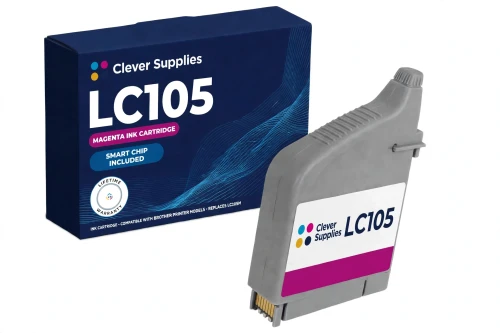
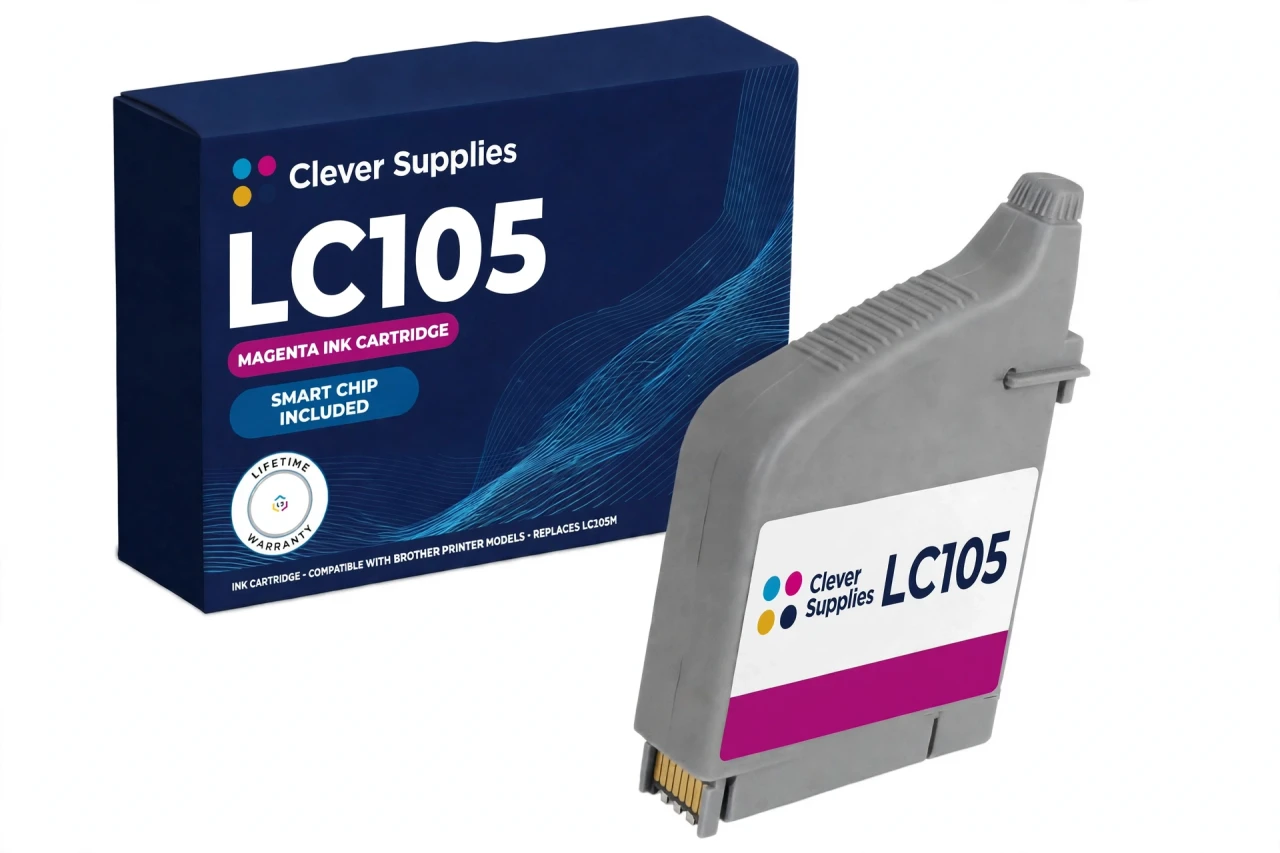
Compatible Brother LC105 LC105M Magenta Ink Cartridge
- Page Yield:
- Up to 1,200 pages (ISO/IEC 24711)
- Shipping:
- Calculated at Checkout

Amazon Price:

- Page Yield:
- Up to 1,200 pages (ISO/IEC 24711)
- Shipping:
- Calculated at Checkout
- Compatible Printers
- Specifications
- SKU:
- CS-BR-105-M
- Condition:
- New Compatible
- OEM Part #:
- LC105M
- Color:
- Magenta
- Page Yield:
- Up to 1,200 pages (ISO/IEC 24711)
- Chip:
- New compatible chip
- Warranty:
- Lifetime Warranty
- Returns:
- 1-Year Free Returns
- Description
- Reviews
Super-high magenta for the eight larger printers in this family: our compatible LC105M, rated up to 1,200 pages under ISO/IEC 24711 — double the LC103M, in the same slot. It belongs to the super-high (XXL) tier that only the family's larger printers accept.


The eight printers are MFC-J4310DW, MFC-J4410DW, MFC-J4510DW, MFC-J4610DW, MFC-J4710DW, MFC-J6520DW, MFC-J6720DW and MFC-J6920DW. On the first five the matching super-high black is LC107BK; on the three ledger models it is LC109BK — the colors are LC105 on all eight, the black is not one code. The nine smaller family models never see this cartridge: their ceiling is LC103.
Every cartridge in this family carries a new compatible chip. Brother's own help pages for this platform describe the small green chip on top of the genuine cartridge and the "Cannot Detect" message that appears when a chip is not read — so handle the cartridge by its housing, never touch the green chip contact, and seat it firmly until it clicks. If your printer's firmware has been updated, recognition issues can occasionally occur; reseating the cartridge and restarting the printer clears most of them, and we do not promise recognition on every firmware version. Covered by our lifetime warranty, with free returns for the first year.
Shop the Brother LC105 family: LC103BK Black Ink Cartridge · LC103C Cyan Ink Cartridge · LC103M Magenta Ink Cartridge · LC103Y Yellow Ink Cartridge · Set of 4 BK C M Y Ink Cartridge · Set of 9 BK C M Y Ink Cartridge · LC105C Cyan Ink Cartridge · LC105Y Yellow Ink Cartridge · LC107BK Black Ink Cartridge · Set of 4 BK C M Y Ink Cartridge · Set of 9 BK C M Y Ink Cartridge
Browse by series: MFC MULTIFUNCTION SERIES
Frequently Asked Questions
Why is there no LC105 black cartridge?
Brother simply never built one: an LC105BK does not exist. In this tier only the colors carry the LC105 name. The black job is split between two cartridges — the LC109BK covers the MFC-J6520DW, J6720DW and J6920DW, while the LC107BK covers the MFC-J4310DW, J4410DW, J4510DW, J4610DW and J4710DW. A seller offering an 'LC105 black' has mislabeled whatever it is actually selling.
How far does the LC105M go compared with the LC103 magenta?
Twice as far on paper. Brother publishes up to 1,200 pages for the LC105M under ISO/IEC 24711 — precisely double the 600-page rating of the LC103 high-yield equivalent.
My magenta is the only color that is empty. Can it be swapped alone?
Yes. Every color sits in a slot of its own with a chip of its own, so this cartridge comes out and its replacement goes in while the remaining colors stay untouched.
Will my printer read a cartridge that is not made by Brother?
In the ordinary run of things, yes — a new compatible chip is fitted to this cartridge. Firmware updates stir up the exceptions: after one, a printer can occasionally fail to register the cartridge. The recovery is mechanical: remove it, confirm the green chip contact is clean and untouched, press it firmly back in and restart the machine. Brother's own "Cannot Detect" guidance for the family starts from that chip check too. Recognition on every possible firmware version is not a promise we make; if the cartridge still will not register, the lifetime warranty covers it.
My black cartridge is an LC103. Can the two tiers live together?
They can. Slots are independent on these eight printers and mixed tiers are commonplace — an LC103 black running beside LC105 colors is a typical set-up, and so is the full super-high combination of LC107BK or LC109BK with LC105 colors.
What fitting habit protects the chip?
Handle the cartridge by its housing and keep your fingers off the small green chip on top, then push it home until it clicks. Brother's own help pages for this family begin every 'Cannot Detect' check at exactly that chip.
Which models does this magenta fit?
The eight larger Business Smart printers: MFC-J4310DW, MFC-J4410DW, MFC-J4510DW, MFC-J4610DW, MFC-J4710DW, MFC-J6520DW, MFC-J6720DW and MFC-J6920DW. Nothing else is claimed for it — the family's nine smaller models do not accept the LC105 tier in any color. For the full top tier side by side — all six LC105 and LC107 offers priced per page, with the fit split between the eight color printers and the five full-shelf models drawn exactly — see our Best Brother LC105 and LC107 Ink Cartridges guide.
Does it fit the MFC-J870DW?
No. The J870DW belongs to the nine smaller models, and for those machines LC103 is the ceiling — the LC105 tier belongs to the eight larger Business Smart models on this page.
Is the super-high tier worth choosing over LC103?
For steady color work, yes: doubling the rating to 1,200 pages makes it the endurance choice per page on the eight printers that take it. LC103 counters with a lower price per cartridge, and it is the only tier the nine smaller models can use.
How should an unopened spare be stored?
Sealed, upright and shielded from direct sunlight, cap left in place. Do not open it until the day it goes into the printer.
Is this a genuine Brother product?
No — it is a Clever Supplies compatible, built to the LC105M specification with a new compatible chip, and it says compatible on the box and on this page.
What if the cartridge fails to perform?
The lifetime warranty replaces it, and returns are free within the first year.
Related Items

Brother
Compatible Brother LC105 LC105C Cyan Ink Cartridge
This is the super-high-yield cyan for the family's eight larger printers: our compatible LC105C, rated up to 1,200 pages under ISO/IEC 24711 — double the LC103C it sits above, in the same color slot...


Brother
Compatible Brother LC105 LC105Y Yellow Ink Cartridge
Super-high yellow for the eight larger printers in this family: our compatible LC105Y, rated up to 1,200 pages under ISO/IEC 24711 — double the LC103Y, in the same slot. It belongs to the super-high...

Brother
Compatible Brother LC401 LC401M Magenta Ink Cartridge
This is our compatible LC401M magenta cartridge — the standard-yield tier of Brother's LC401 family, rated up to 200 pages in accordance with ISO/IEC 24711. It serves the three printers on Brother's...

Brother
Compatible Brother LC203 LC203M Magenta Ink Cartridge
High-yield magenta for all twelve printers in this family: our compatible LC203M, rated up to 550 pages under ISO/IEC 24711 — more than double the standard LC201M, in the same slot on the six...