




WorkCentre 6015n
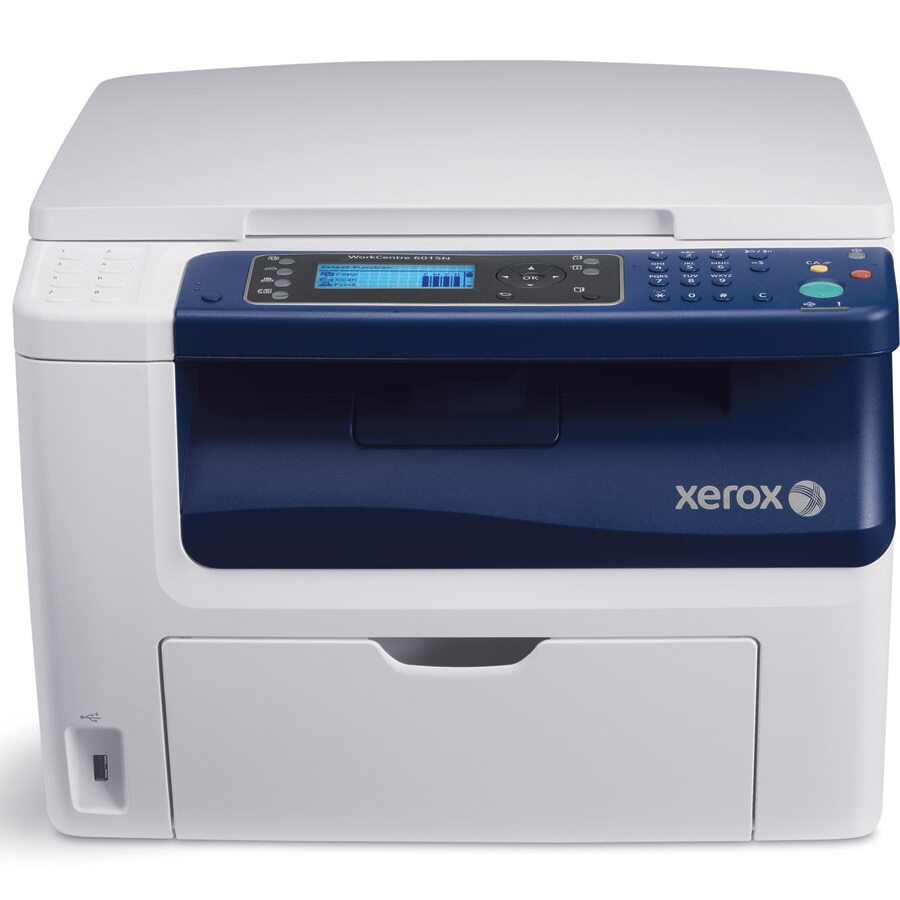
The Xerox WorkCentre 6015n brings color printing, copying, scanning and faxing to the desktop — and the "n" adds network connectivity, so a whole office can share it. Its black toner is the 106R01630, rated for roughly 2,000 pages, joined by cyan 106R01627, magenta 106R01628 and yellow 106R01629 at about 1,000 pages each.
Sharing changes how a printer consumes supplies. Instead of one person's habits, the 6015n absorbs an office's worth of print jobs, and black toner quietly bears the brunt — memos, labels, packing slips — while colors drain in bursts around presentations and marketing pieces. Nobody owns the cartridge level on a shared machine, which is exactly why a spare black on the shelf matters more here than on a personal printer.
Toner Cartridges for 6015n
| Cartridge | Color | Page Yield |
|---|---|---|
| 106R01630 | Black | About 2,000 pages |
| 106R01627 | Cyan | About 1,000 pages |
| 106R01628 | Magenta | About 1,000 pages |
| 106R01629 | Yellow | About 1,000 pages |
| 4 Color Set (106R01630, 106R01627, 106R01628, 106R01629) | Black + CMY | Per cartridge ratings |
| WorkCentre 6015n — 4 Color Set | Black + CMY | Per cartridge ratings |
| WorkCentre 6015n Premium — 4 Color Set | Black + CMY | Per cartridge ratings |
Which cartridge should you buy?
Plan this machine's supplies around the black cartridge. At roughly 2,000 pages it will cycle two or more times for every color change in a typical office, so keep one in reserve and order singles as slots empty. The 4 Color Set is the reset button: useful after a heavy color project has drained several cartridges together, or when a new team inherits the printer and wants every slot fresh. The 6015n-named sets and the code-named cartridges listed here are interchangeable supplies for the same four slots.
Chip, toner and everyday use
On a networked machine, the toner levels are visible to everyone who prints, which helps — the first person to spot a low warning can order before it becomes someone else's stalled job. Remember that ratings assume 5% page coverage: a shared printer producing color handouts will move through cyan, magenta and yellow well ahead of their 1,000-page estimates. When a cartridge starts printing light, a gentle side-to-side rock redistributes the toner inside and often carries the office through to the next delivery.
Frequently Asked Questions
Does the 6015n use the same cartridges as the standard 6015?
Yes — networking changes how the printer connects, not what it consumes. The 6015n takes the same 106R01630 black and the same three color cartridges as the rest of the 6015 family.
Which cartridge will a shared office replace most often?
Black, by a wide margin. It is rated around 2,000 pages against roughly 1,000 for each color, and everyday office documents are overwhelmingly black-and-white.
What yield should we expect from the color cartridges?
About 1,000 pages each at 5% coverage. Offices printing color-rich material will see less, so check the level display before a big color run rather than during it.
Is it better to stock singles or a full set for a shared printer?
Singles for routine replacements — slots empty at different rates. Keep a set only if several cartridges are aging together or you want a complete reset in one box.
More printers that use the same cartridges
The same four cartridges also fit these models: Phaser 6000, Phaser 6000B, Phaser 6010, Phaser 6010N, WorkCentre 6015, WorkCentre 6015V/B, WorkCentre 6015V/N, WorkCentre 6015V/NI, WorkCentre 6015b, WorkCentre 6015ni.