




Versalink C505S
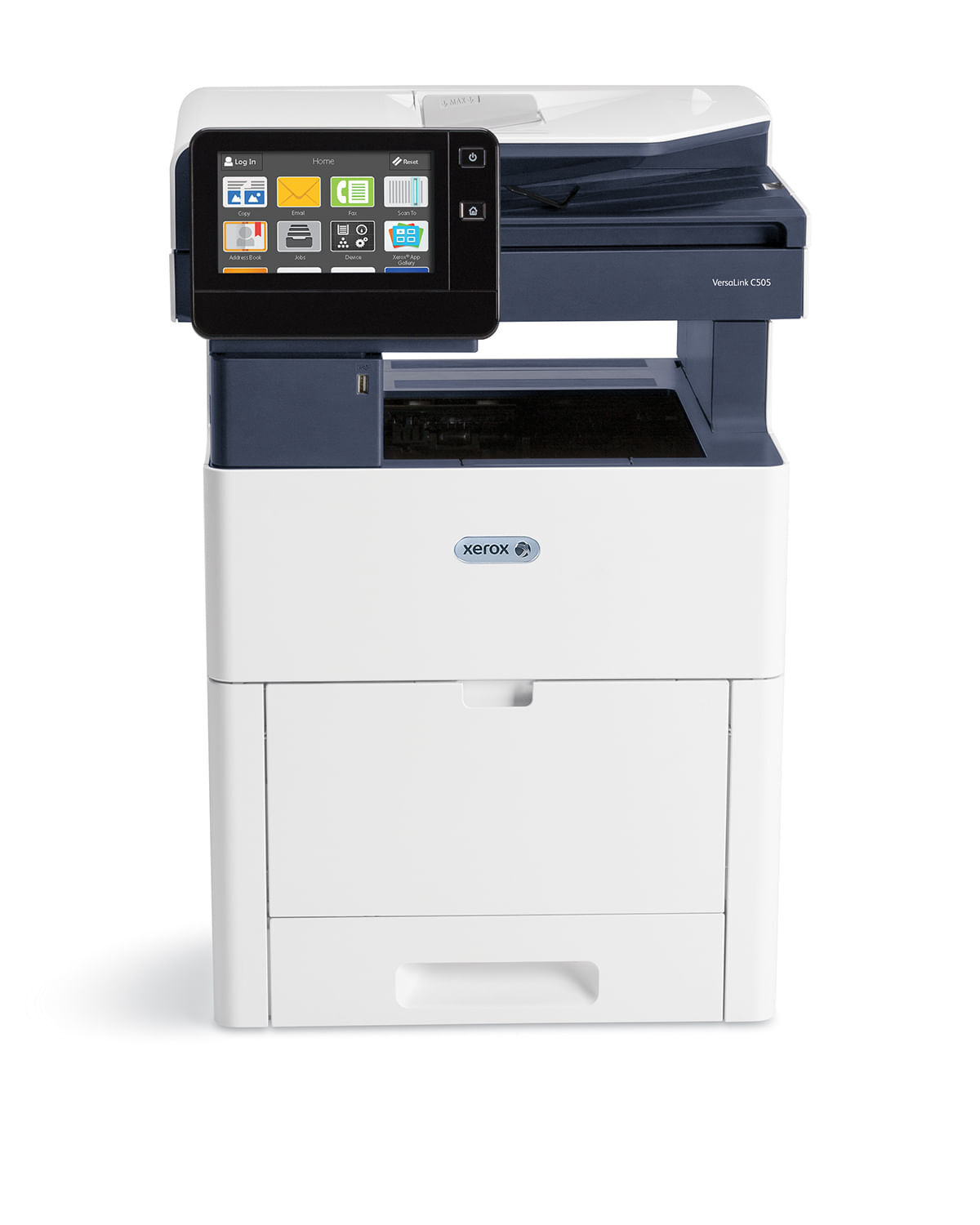
Not every team needs the largest configuration to get full multifunction capability. The VersaLink C505S is the streamlined color multifunction printer of its workgroup family, offering print, copy and scan without the premium-configuration price. Its standard cartridges are the 106R03862 series — black 106R03862 near 5,500 pages, and cyan 106R03863, magenta 106R03864 and yellow 106R03865 near 3,000 pages each. The listings on this page are the high-capacity alternatives: black 106R03869 at about 12,100 pages, cyan 106R03866, magenta 106R03867 and yellow 106R03868 at roughly 9,000 pages each.
The C505S suits a compact team that wants one capable machine by the shared desk: contracts printed, forms copied, paperwork scanned, all from the same unit. In that setting, predictable running costs count for as much as the purchase price. Fitting the high-capacity family means the team orders toner a few times a year rather than every few weeks, and the machine's one recurring errand nearly disappears.
Toner Cartridges for Versalink C505S
| Cartridge | Color | Page Yield |
|---|---|---|
| 106R03869 | Black | About 12,100 pages |
| 106R03866 | Cyan | About 9,000 pages |
| 106R03867 | Magenta | About 9,000 pages |
| 106R03868 | Yellow | About 9,000 pages |
| 106R03869 | Black — 2 Pack | About 12,100 pages each |
| 106R03866, 106R03867, 106R03868 | Cyan, Magenta, Yellow — 3 Color Set | About 9,000 pages each |
| 106R03869, 106R03866, 106R03867, 106R03868 | All four colors — 4 Color Set | Black about 12,100 pages; colors about 9,000 pages |
| 106R03869, 106R03866, 106R03867, 106R03868 | All four colors — 5 Color Set | Black about 12,100 pages; colors about 9,000 pages |
Which cartridge should you buy?
Keep it simple: the high-capacity set covers everything this printer asks for. A four-cartridge set refreshes every slot in one order when the machine is new to you or several cartridges are low together, and the five-cartridge set adds a spare black for the slot that empties first. Between refreshes, order colors individually — a single cyan, magenta or yellow drops into its own slot while the others keep working. Compared with the standard family, the high-capacity black lasts about twice as long and each color about three times as long, so even a team that prints daily can treat toner as a quarterly purchase instead of a monthly one.
Chip, toner and everyday use
Each cartridge carries a chip the C505S uses to track its level, and the reading is an estimate built on pages of about five percent coverage. Color-heavy pages — a brochure, a chart-filled report — spend toner faster, so treat a low warning on the colors as a prompt to order rather than a countdown. Keep one spare black within reach of the machine, because a document printer without black stops entirely, while a low color only limits color jobs. Spares keep best in their sealed bags, stored flat and away from radiators or sunny windowsills.
Frequently Asked Questions
What is different about the high-capacity cartridges for the C505S?
They fit the same slots and carry the same colors; they simply hold more toner. Black rises from about 5,500 pages in the standard family to roughly 12,100, and the colors from about 3,000 to about 9,000 pages each.
Can I change only the yellow cartridge?
Yes. The four cartridges are independent, so swap whichever one the printer reports as low and leave the rest in place.
Will the C505S keep printing when one color is empty?
Color work needs all four cartridges present and usable, so replace the empty color promptly; keeping a spare of the color your team uses most avoids the pause.
How should I store a spare cartridge for this printer?
Leave it sealed in its bag, lying flat in a cool, dry spot. Stored that way, a spare stays ready for the day the low-toner warning appears.
More printers that use the same cartridges
The rest of this workgroup family runs on the identical cartridges: the Versalink C500 DN, the Versalink C500N and the Versalink C505 X.