




ML-3470
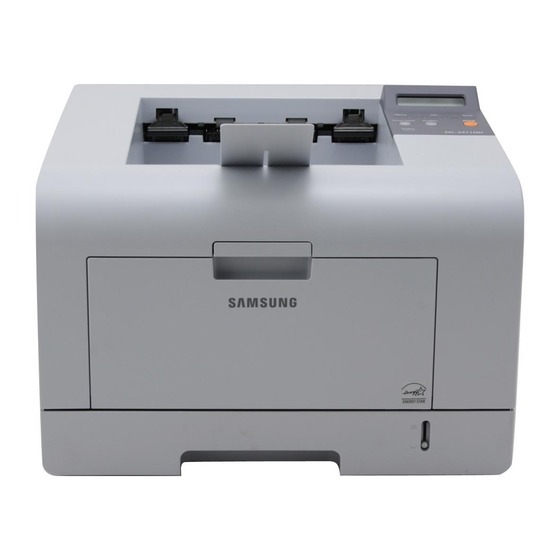
The Samsung ML-3470 anchored the departmental mono line — a fast single-function black-and-white laser for offices where one printer serves many users.
Its toner is ML-D3470A or the high-yield ML-D3470B. Compatible and genuine OEM cartridges for the ML-3470 are available here.
Toner Cartridges for ML-3470
This printer works with the following toner cartridges:
- Samsung ML-D3470A
- Samsung ML-D3470B
More Samsung Printers
Frequently Asked Questions
Does the ML-3470 have a toner-save or eco mode?
If your ML-3470 prints look light and you never enabled eco mode, check the driver quality tab - toner-save can be on by default in some installations. Turn it off and print a test page at normal quality. Only suspect the ML-D3470A cartridge if output stays light at full density.
Why does my ML-3470 not recognize a brand-new cartridge?
Work over a sheet of paper, since a little toner can escape during unboxing. Remove all seals and the orange tab from the new ML-D3470A, then give it five or six gentle side-to-side rocks to settle the toner. Seat it in the ML-3470 along the guide rails until you feel the click, close the cover, and print a test page to check coverage is full and even.
How can I prevent the ML-3470 from jamming all the time?
Jamming that only happens with particular paper means the ML-3470 is fussy about that weight or finish — very thin or glossy sheets are classic causes. Switch to standard office paper and align the tray's paper-type setting with what is loaded. Which paper feeds well has nothing to do with the ML-D3470A.