




ML-3470D
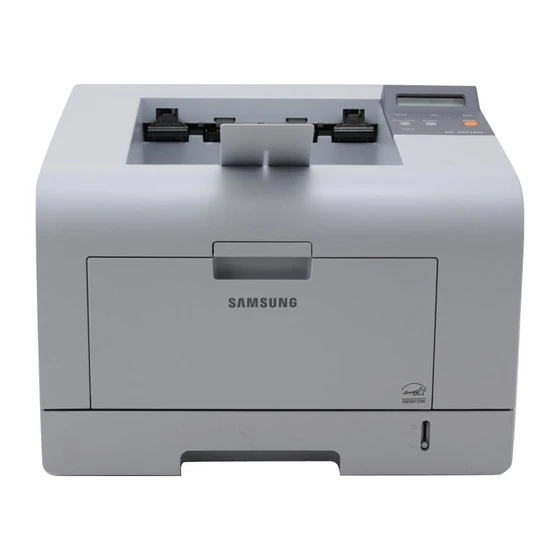
The D in the Samsung ML-3470D means duplex — this departmental mono laser paired two-sided printing with a workgroup-grade engine for offices printing black-and-white in volume.
It takes ML-D3470A or the higher-yield ML-D3470B toner. Both compatible and genuine OEM cartridges for the ML-3470D are available here.
Toner Cartridges for ML-3470D
This printer works with the following toner cartridges:
- Samsung ML-D3470A
- Samsung ML-D3470B
More Samsung Printers
Frequently Asked Questions
Can you tell me exactly where the cartridge fits inside the ML-3470D?
Changing the ML-3470D cartridge means opening the front cover and pulling the spent ML-D3470A out by its handle. Clear the new cartridge of any orange seals or tape, slide it along the rails until it clicks, and close the cover. A test page afterward confirms even coverage.
What would cause the ML-3470D to print blank pages following a paper jam?
Intermittent blanks on the ML-3470D point to a loosely seated ML-D3470A or a driver glitch rather than empty toner, which fades slowly instead of suddenly. Reseat the cartridge and restart your computer's print spooler. Note any pattern — for example, blank first pages only after waking from sleep.
I need a driver for the ML-3470D — where's the safest place to get one?
A generic class driver is what Windows installs when the manufacturer's installer is unreachable, and it misses features like toner-level reporting for the ML-D3470A on the ML-3470D. Put the official driver in place to regain full control of quality and supply status. Restart the printer afterward to flush the queue.