




CLP-310N
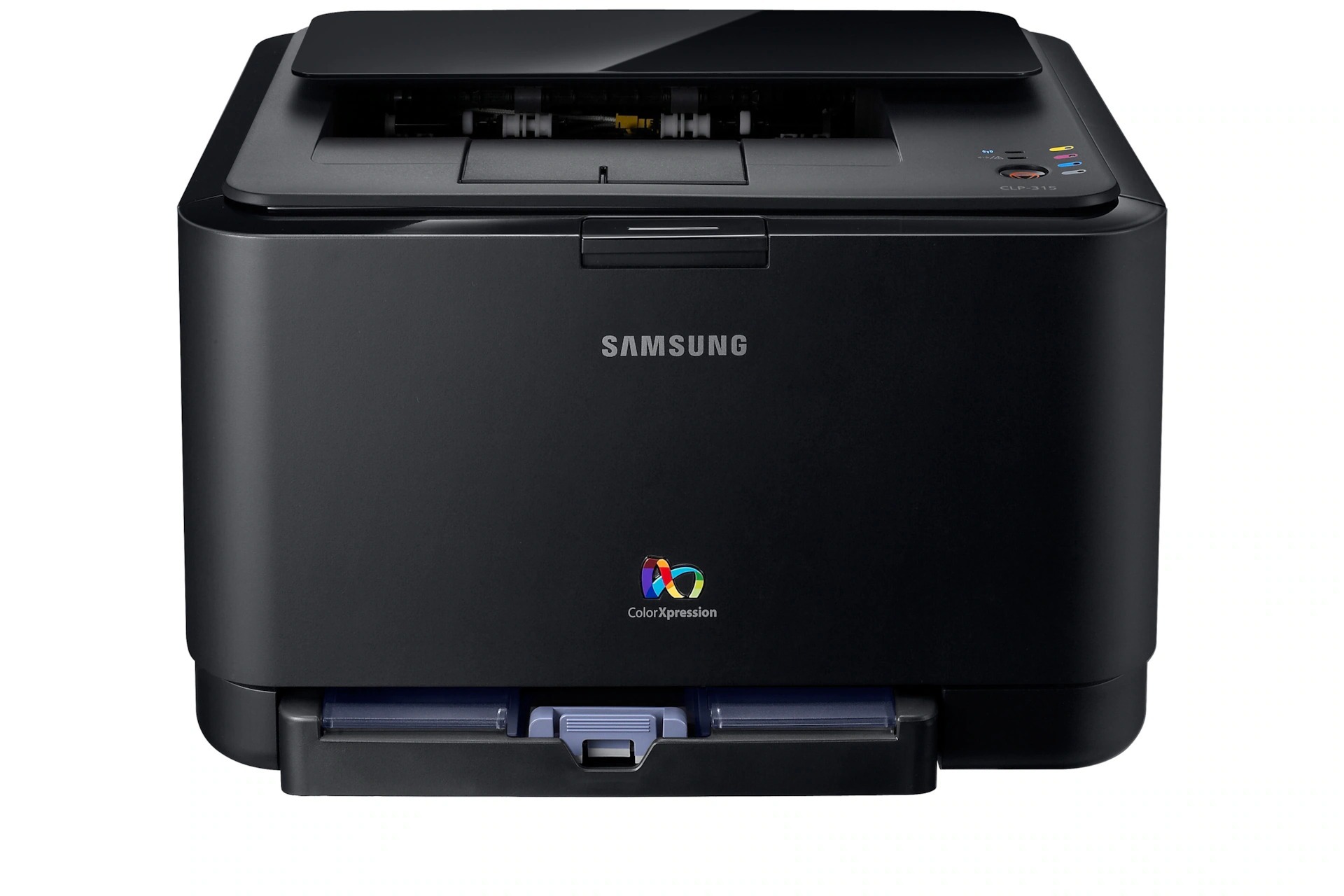
A color laser printer from Samsung's late-2000s CLP/CLX range, the CLP-310N brought color laser output to smaller budgets, and the N means it adds wired Ethernet networking over the base model. It takes the 409S cartridges — CLT-K409S for black, CLT-C409S for cyan, CLT-M409S for magenta and CLT-Y409S for yellow — with compatible and genuine Samsung versions of each stocked on this page.
Like the CLP-310 it is based on, this version was made for home users and small offices that wanted full color in a compact footprint; the network port simply lets the whole desk row share it. A shared compact printer lives a double life — long quiet spells, then a rush when a deadline lands — and its supplies page reflects that: four toner cartridges that change often, and an imaging unit that runs far longer behind them.
Toner Cartridges for CLP-310N
| Cartridge | Color | Page Yield |
|---|---|---|
| CLT-C409S Toner Cartridge | Cyan | See product page |
| CLT-K409S Toner Cartridge | Black | See product page |
| CLT-M409S Toner Cartridge | Magenta | See product page |
| CLT-Y409S Toner Cartridge | Yellow | See product page |
| CLT-409 4 Color Set (CLT-K409S / CLT-C409S / CLT-M409S / CLT-Y409S) | Full set | See product page |
| CLP-310N 4 Color Set | Full set | See product page |
| CLP-310N Premium Quality 4 Color Set | Full set | See product page |
Which cartridge should you buy?
Buy for the way a shared machine actually empties. Text dominates most small-office output, so black turns over fastest and a spare black is the one stock item worth keeping. The three colors can be ordered individually as each warning shows; a full set only earns its keep when several colors are low together or the printer is about to face a color-heavy project. Do not budget the imaging unit on the same cycle — it is a separate, longer-lived consumable, and most owners simply buy it on demand when image quality, not a schedule, says it is due. Compatible cartridges keep this budget machine cheap to run, with a 1-year warranty and 1-year returns behind them.
Chip, toner and everyday use
Two consumables confuse owners more than any error message. Toner is the powder that ends up on the page and it empties steadily; the imaging unit forms the image and typically outlasts several cartridges, so the two are replaced on independent schedules. Check the supplies status to see each life separately, fix toner first when quality drops — it is the cheaper and far more common cause — and never swap color cartridges between slots to even them out, because each one is keyed to its own position.
Frequently Asked Questions
Why does this printer have two separate consumables?
Toner and the imaging unit wear at different rates. The imaging unit typically outlasts several toner cartridges, so keeping them separate means you never throw away a healthy unit just because a cartridge ran dry. Each has its own life counter in the supplies status.
Why does black last longer than the colors?
Everyday documents are mostly black text, so black toner is consumed steadily while colors sip. A printer that pauses black printing when a color is empty is protecting calibration, not malfunctioning — replace the empty color and printing resumes.
How can I tell a cartridge is running low without opening software?
Washed-out text and thin, pale patches across the page are the classic signs. Order the replacement as soon as the first warning appears so the printer never sits idle waiting on a delivery.
Does this model use the same toner as the CLP-310?
Yes — the networking is the only real difference between them, and both run the 409S family, black being CLT-K409S. Spares bought for one machine serve the other.
More printers that use the same cartridges
One cartridge family covers a broad band of Samsung color printers from these years: Samsung-CLT409, CLX-3175N, CLX-3175FW, CLX-3175FN, CLX-3175F, CLX-3175, CLX-3170FN, CLX-3170, CLP-315W, CLP-315, CLP-310.