




LaserJet P2055X
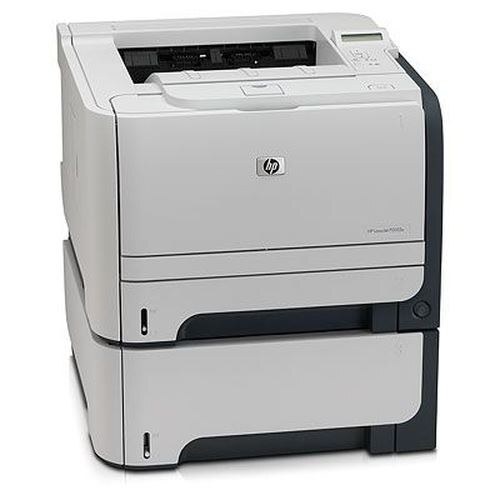
The X marks the LaserJet P2055X as the loaded configuration of the P2055 line — extra paper handling and memory for departments that push the printer hard.
It runs on the same HP 05A/05X family: CE505A or high-yield CE505X, compatible or genuine OEM. For the X's workload, the high-yield CE505X is the natural pick.
Toner Cartridges for LaserJet P2055X
This printer works with the following toner cartridges:
- HP CE505A
- HP CE505X
More HP Printers
- LaserJet P2033
- LaserJet P2034
- LaserJet P2035
- LaserJet P2035DN
- LaserJet P2035N
- LaserJet P2036
- LaserJet P2037
- LaserJet P2053
- LaserJet P2053D
- LaserJet P2053DN
- LaserJet P2054
- LaserJet P2054D
- LaserJet P2054DN
- LaserJet P2055
- LaserJet P2055D
- LaserJet P2055DN
- LaserJet P2056
- LaserJet P2056DN
- LaserJet P2057
- LaserJet P2057D
Frequently Asked Questions
How do I know which cartridges fit my LaserJet P2055X?
Look for CE505A (standard) and CE505X (high-yield) when shopping for the LaserJet P2055X — those codes identify the cartridges this printer takes.
Will a compatible cartridge print as well as the OEM in the LaserJet P2055X?
A good compatible CE505A produces output comparable to the OEM in the LaserJet P2055X; print a test page after installing it in the LaserJet P2055X and judge the quality yourself before committing.
How do I replace the toner cartridge in the LaserJet P2055X?
Open the LaserJet P2055X's front access door, pull the spent cartridge straight out, unpack the new CE505A and remove its sealing tape, then slide it in until it seats — the LaserJet P2055X runs a short cycle once you close the door.