




LaserJet P2035N
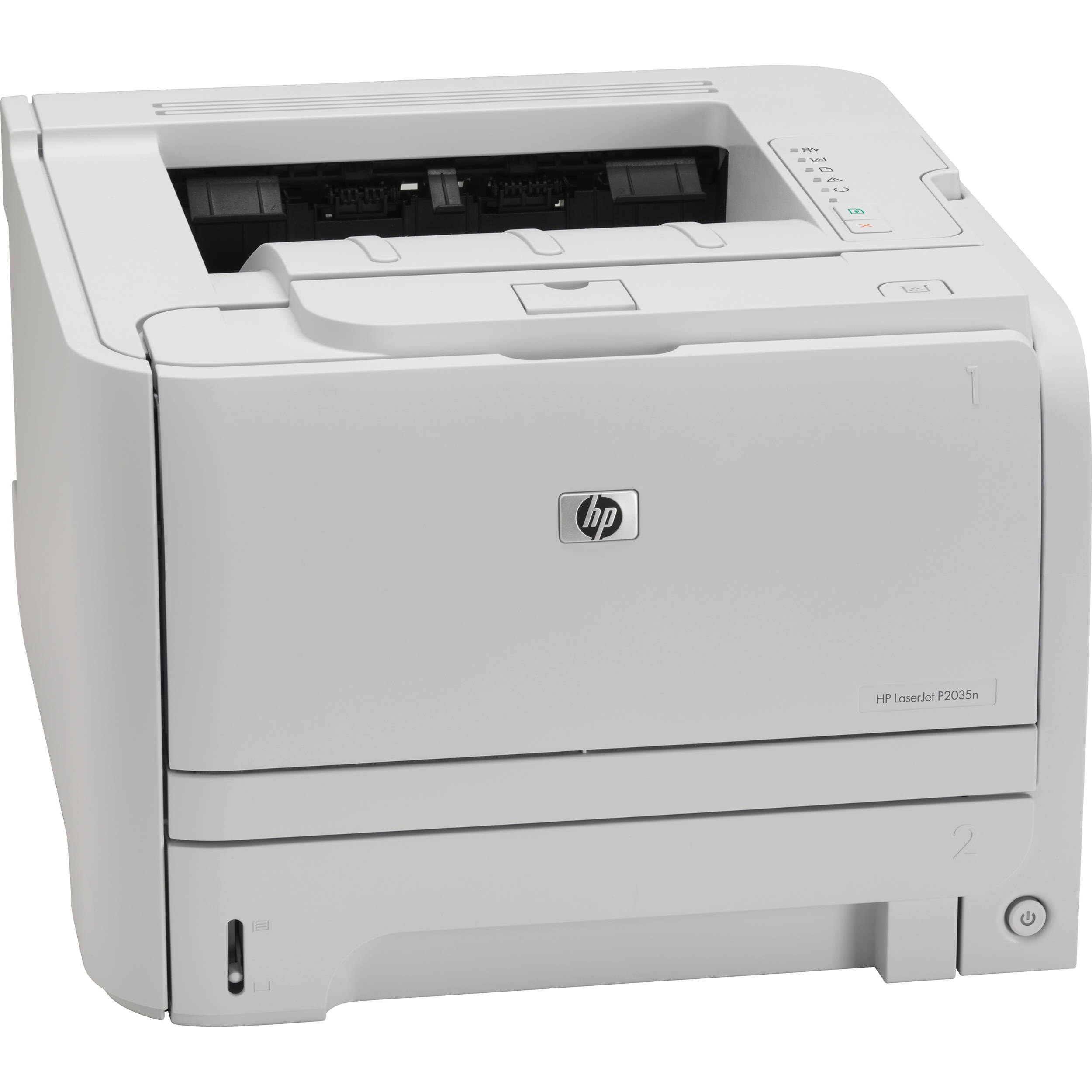
The LaserJet P2035N is the P2035 wired for the office — built-in Ethernet turns the mono workhorse into a shared small-team printer.
Same toner bay, more users: HP 05A/05X (CE505A standard, CE505X high-yield), compatible or genuine OEM. Shared printing is where the high-yield CE505X earns its keep. A shared P2035N chews through toner faster, so the range also includes a jumbo-yield compatible take on the standard cartridge — the CE505AJ — for teams that want the fewest possible cartridge changes.
Toner Cartridges for LaserJet P2035N
This printer works with the following toner cartridges:
- HP CE505A
- HP CE505X
More HP Printers
- LaserJet P2033
- LaserJet P2034
- LaserJet P2035
- LaserJet P2035DN
- LaserJet P2036
- LaserJet P2037
- LaserJet P2053
- LaserJet P2053D
- LaserJet P2053DN
- LaserJet P2054
- LaserJet P2054D
- LaserJet P2054DN
- LaserJet P2055
- LaserJet P2055D
- LaserJet P2055DN
- LaserJet P2055X
- LaserJet P2056
- LaserJet P2056DN
- LaserJet P2057
- LaserJet P2057D
Frequently Asked Questions
Is CE505A the correct cartridge for the LaserJet P2035N?
The LaserJet P2035N accepts CE505A (standard) and CE505X (high-yield) — match one of these codes and the cartridge will seat correctly.
Do I need special software to use the LaserJet P2035N?
The LaserJet P2035N needs its print driver at minimum; the full software bundle adds scanning and maintenance tools, which matter most if your LaserJet P2035N is a multifunction model.
Why do pages from the LaserJet P2035N have vertical lines?
Repeating vertical lines on the LaserJet P2035N's pages often come from the CE505A cartridge's drum or from debris on the LaserJet P2035N's rollers; try a fresh CE505A, and if the lines continue, inspect the paper path for stuck toner.