




LaserJet P2055DN
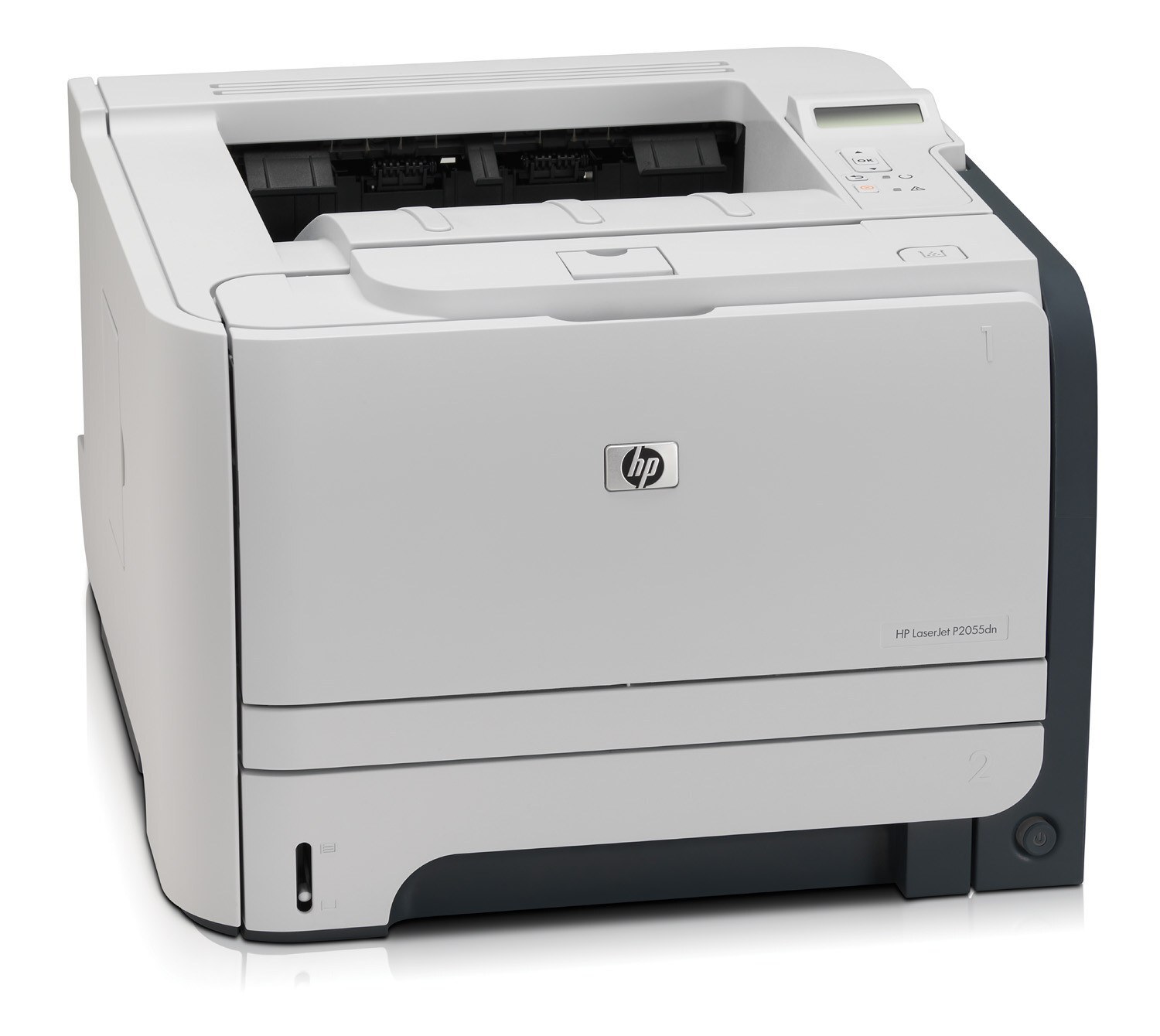
Duplex plus networking: the LaserJet P2055DN is the fully configured P2055 — automatic two-sided printing on a shared, Ethernet-connected mono workhorse.
Full configuration, familiar toner: HP 05A/05X cartridges (CE505A standard, CE505X high-yield), compatible or genuine OEM. The DN is the P2055 for the whole office. Shared P2055DN units with serious monthly volume can move past the HP 05X high-yield cartridge (CE505X) to the jumbo-yield compatible CE505AJ and refill less often.
Toner Cartridges for LaserJet P2055DN
This printer works with the following toner cartridges:
- HP CE505A
- HP CE505X
More HP Printers
- LaserJet P2033
- LaserJet P2034
- LaserJet P2035
- LaserJet P2035DN
- LaserJet P2035N
- LaserJet P2036
- LaserJet P2037
- LaserJet P2053
- LaserJet P2053D
- LaserJet P2053DN
- LaserJet P2054
- LaserJet P2054D
- LaserJet P2054DN
- LaserJet P2055
- LaserJet P2055D
- LaserJet P2055X
- LaserJet P2056
- LaserJet P2056DN
- LaserJet P2057
- LaserJet P2057D
Frequently Asked Questions
How do I know which cartridges fit my LaserJet P2055DN?
Look for CE505A (standard) and CE505X (high-yield) when shopping for the LaserJet P2055DN — those codes identify the cartridges this printer takes.
Should I use the HP Smart app with the LaserJet P2055DN?
The HP Smart app works with many models and can simplify setup and scanning for the LaserJet P2055DN, but the classic full-feature driver from HP's site remains the most complete option for the LaserJet P2055DN.
How can I improve print quality on the LaserJet P2055DN?
Start with the basics on the LaserJet P2055DN: confirm the CE505A is not low, set print quality to normal or best in the driver, use fresh dry paper, and run the LaserJet P2055DN's built-in cleaning page if output looks uneven.