




LaserJet P1002W
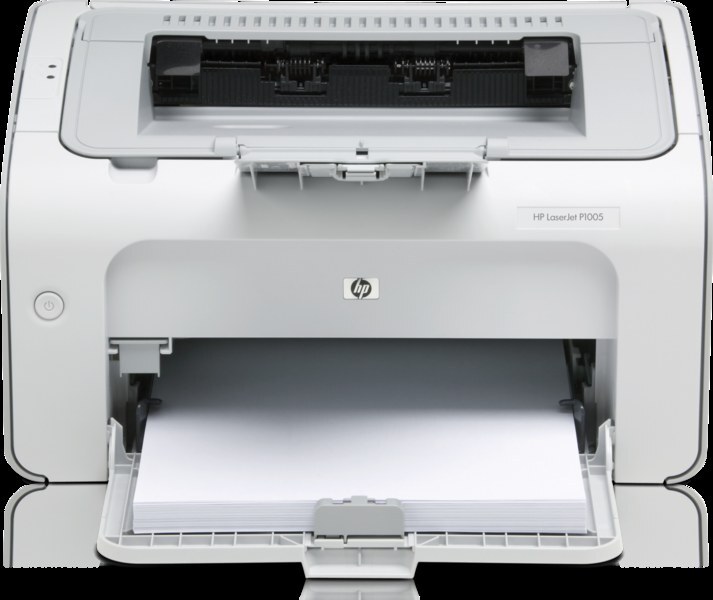
Wireless is the whole pitch of the LaserJet P1002W: the cable-free member of the P1000 series, printing mono pages from anywhere in the home office. Its cartridge story is the family standard — the CB435A, sold as the HP 35A — with the high-yield CB435X (HP 35X) standing by for desks that print more than a wireless printer usually sees.
A printer that can live on a credenza, a shelf or the far end of the room changes one small habit: the spare cartridge should live near the printer, not near the computer that sent the job. The P1002W also shares its cartridge with every wired sibling in the series, so a home office running two P1000 machines stocks exactly one code for both. Wireless placement, one-cartridge simplicity — the supply side of this printer is as uncluttered as its desk.
Toner Cartridges for LaserJet P1002W
- HP 35A (CB435A) — the standard black single, sized for everyday home-office printing.
- CB435X (HP 35X) — the high-yield build, for a W that prints like a wired office machine.
- CB435A MICR — the check-printing version with magnetic toner.
- CB435A 2 Pack — one cartridge printing, one waiting by the printer.
- CB435A 3 Pack and CB435A 5 Pack — deeper shelf stock of the same standard cartridge.
- CB435A Premium 5 Pack — the premium-grade build, five at a time.
- CB435A 10 Pack — the maximum pack, for households and offices that reorder rarely.
Which cartridge should you buy?
Most P1002W owners print lightly and intermittently, and for that pattern the standard CB435A single is the honest choice — especially as a 2 Pack, so the replacement is already in the room when the first runs out. Step up to the CB435X if your wireless printer has quietly become the household's main printer and cartridges feel short-lived; it is the same fit with more toner inside. The larger packs make sense for a home office that shares the printer between several people and prints every day. The premium five-pack suits buyers who prefer the top-grade build, and MICR is a special-purpose version for checks only. All compatible cartridges on this page come with a 1-year warranty and 1-year returns.
Chip, toner and everyday use
Because a wireless printer often sits away from your desk, deal with a cartridge message where the printer stands: open the cover, lift the CB435A out, and confirm the sealing tape came away completely before reseating it — a half-removed seal is the usual reason a fresh cartridge is not recognized. Rock the cartridge gently a few times before fitting to level the toner. Keep the spare in its sealed bag in the same cabinet or shelf as the printer, stored flat and out of direct sun, so the swap takes a minute when the moment comes.
Frequently Asked Questions
Which toner cartridges does the LaserJet P1002W use?
The standard cartridge is the CB435A, the HP 35A, and the high-yield CB435X fits it as well. Match the code on your old cartridge before ordering and the replacement will seat correctly.
Does the wireless model take the same cartridge as the wired P1002?
Yes. The whole P1000 series shares the 35A family, so a cartridge bought for the P1002W also fits the wired siblings in the list below. One code covers the series.
What should I do with the old cartridge after a swap?
Bag the empty CB435A so loose toner stays contained, then return it through a cartridge recycling program or a local recycler. Toner cartridges should not go into regular household trash.
Can I stretch a cartridge with draft settings?
Yes. Draft or toner-save quality for internal documents, and printing double-sided where the job allows, both slow the rate at which the cartridge empties. Reserve full quality for pages that leave the house.
More printers that use the same cartridges
Every printer in the 35A family below takes the same cartridges, starting with the family cartridge page and the wired twin: HP CB435A, LaserJet P1002, LaserJet P1003, LaserJet P1004, LaserJet P1005.
LaserJet P1006, LaserJet P1007, LaserJet P1008, LaserJet P1009.