




LaserJet M3035mfp
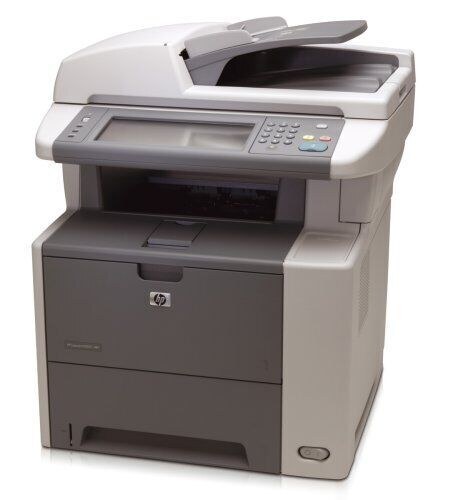
HP positioned the LaserJet M3035mfp as a workgroup mono multifunction for the mid-2000s office, balancing speed and features for teams that printed mostly in black and white.
The consumable is the HP 51A family: Q7551A standard-yield black, or the high-yield Q7551X.
Toner Cartridges for LaserJet M3035mfp
This printer works with the following toner cartridges:
- HP Q7551A
- HP Q7551X
More HP Printers
- LaserJet M3027
- LaserJet M3027MFP
- LaserJet M3027X
- LaserJet M3027XMFP
- LaserJet M3035
- LaserJet M3035XS
- LaserJet M3035XSMFP
- LaserJet P3005
- LaserJet P3005D
- LaserJet P3005DN
- LaserJet P3005N
- LaserJet P3005X
Frequently Asked Questions
What toner cartridge does the LaserJet M3035mfp use?
The LaserJet M3035mfp takes the Q7551A or the high-yield Q7551X toner cartridge. Always match the cartridge code to your exact model number before ordering.
How do I replace the toner cartridge in the LaserJet M3035mfp?
Open the LaserJet M3035mfp's cartridge door, pull the spent cartridge out by its handle, then slide the new Q7551A in until it clicks into place. Close the door and print a test page to confirm it is seated correctly.
Why is my LaserJet M3035mfp printing faded or streaky pages?
Faded or streaky output on the LaserJet M3035mfp usually means the Q7551A cartridge is running low or the toner has settled. Rock the cartridge gently side to side to redistribute toner, and replace it if print quality does not improve.