




LaserJet M3027
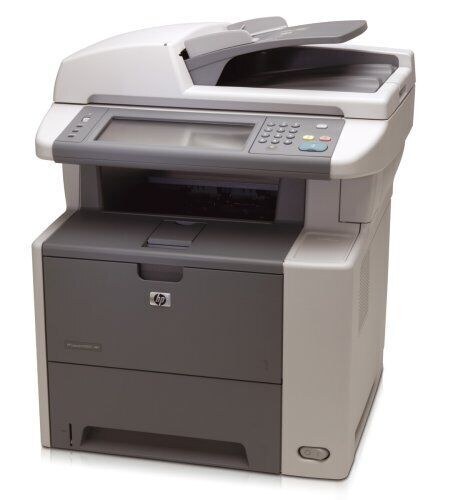
The HP LaserJet M3027 served as a departmental mono multifunction in the mid-2000s, combining printing, scanning, and copying in a single A4 machine for offices that lived on black-and-white documents.
It runs on the HP 51A cartridge — Q7551A standard yield, with a high-yield Q7551X option for departments that printed in volume.
Toner Cartridges for LaserJet M3027
This printer works with the following toner cartridges:
- HP Q7551A
- HP Q7551X
More HP Printers
- LaserJet M3027MFP
- LaserJet M3027X
- LaserJet M3027XMFP
- LaserJet M3035
- LaserJet M3035mfp
- LaserJet M3035XS
- LaserJet M3035XSMFP
- LaserJet P3005
- LaserJet P3005D
- LaserJet P3005DN
- LaserJet P3005N
- LaserJet P3005X
Frequently Asked Questions
What toner cartridge does the LaserJet M3027 use?
The LaserJet M3027 takes the Q7551A or the high-yield Q7551X toner cartridge. Always match the cartridge code to your exact model number before ordering.
Where do I download drivers for the LaserJet M3027?
Download the latest drivers for the LaserJet M3027 from HP's official support website by searching the exact model name. The full software package includes the utilities for checking toner levels and managing the printer.
Is the LaserJet M3027 a monochrome or color printer?
The LaserJet M3027 is a monochrome laser printer, so it prints in black only using the Q7551A cartridge. If you need color output, look at HP's color LaserJet models instead.