




LaserJet M130FW
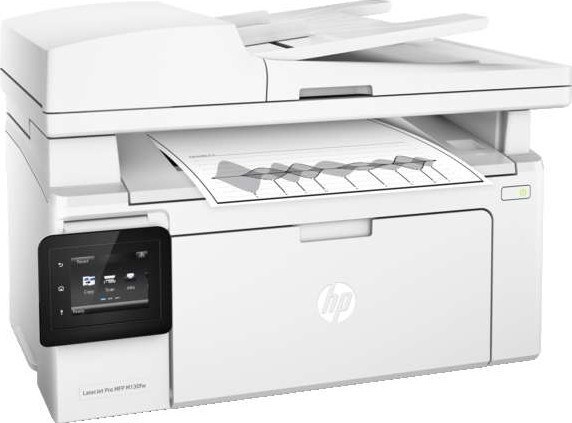
The LaserJet M130FW belongs to HP's mono lineup of the mid-2010s: a single-function printer engineered for everyday office document printing. Day in and day out, the LaserJet M130FW proves itself at everyday office document printing — the kind of reliability that made LaserJet a fixture in offices.
Like 7 other models in its family, the LaserJet M130FW takes the HP 17A cartridge line — look for the CF217A. Keep the LaserJet M130FW printing with genuine HP CF217A cartridges or our compatible HP 17A versions; either way, the LaserJet M130FW gets the toner it was designed for.
Toner Cartridges for LaserJet M130FW
This printer works with the following toner cartridges:
- HP CF217A
More HP Printers
- LaserJet M102w MFP
- LaserJet M130a MFP
- LaserJet M130FN
- LaserJet M130fn MFP
- LaserJet M130fw MFP
- LaserJet M130NW
- LaserJet Pro M102w
Frequently Asked Questions
What toner cartridges does the LaserJet M130FW use?
The LaserJet M130FW uses CF217A. Order by these exact codes — cartridges made for other HP families won't fit or won't be recognized.
How do I install a new toner cartridge in my LaserJet M130FW?
Open the cartridge door on the LaserJet M130FW and slide the old CF217A out by its handle — set it aside for recycling. Unpack the new CF217A, pull off its protective seal, and slide it straight in until it clicks. Close the door and print a test page from the LaserJet M130FW to confirm.
Where do I get drivers and firmware for the LaserJet M130FW?
Download them from HP's official support site — search for the LaserJet M130FW and choose your operating system. Current drivers fix printing, scanning, and connectivity problems, so keep them updated. Skip third-party driver sites, which often bundle unwanted software.