




LaserJet 2400DN
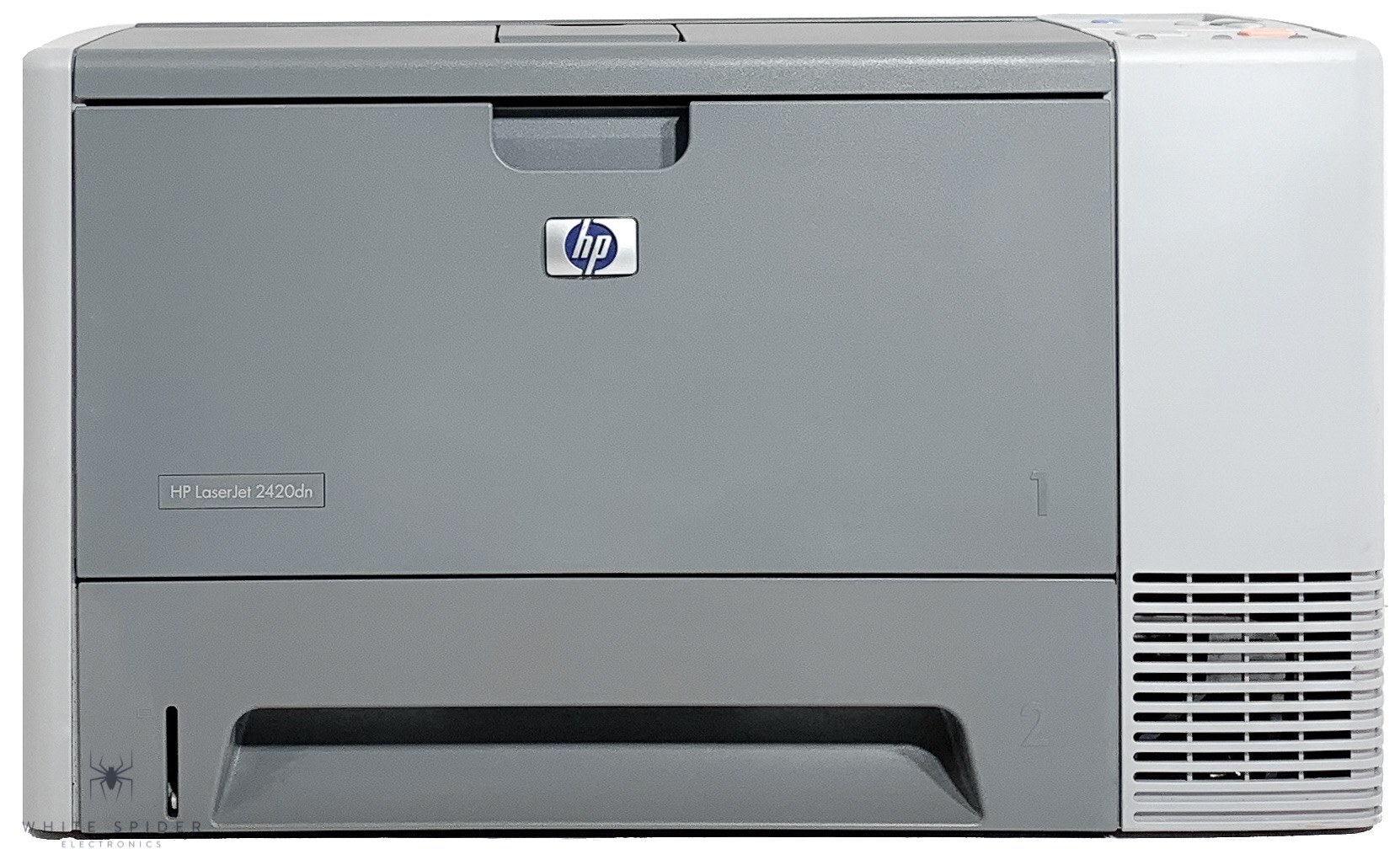
Duplexing plus networking made the LaserJet 2400DN the workgroup-ready configuration of HP's 2400 series. Mid-2000s offices shared this printer over the network while it quietly produced two-sided pages.
It takes HP 11A (Q6511A) cartridges, or the high-yield HP 11X (Q6511X) for longer runs between changes. We offer compatible and genuine OEM in both yields. Shared 2400DN units that empty an 11X too quickly can step up to the Q6511XX, a maximum-yield compatible cartridge that stretches the interval between changes even further.
Toner Cartridges for LaserJet 2400DN
This printer works with the following toner cartridges:
- HP Q6511A
- HP Q6511X
More HP Printers
- LaserJet 2400
- LaserJet 2400D
- LaserJet 2410
- LaserJet 2410XI
- LaserJet 2420
- LaserJet 2420D
- LaserJet 2420DN
- LaserJet 2420DTN
- LaserJet 2420N
- LaserJet 2420TN
- LaserJet 2430
- LaserJet 2430DTN
- LaserJet 2430N
- LaserJet 2430T
- LaserJet 2430TN
Frequently Asked Questions
Does the HP LaserJet 2400DN print on both sides of the paper automatically?
Yes — the HP LaserJet 2400DN includes automatic duplexing, so it can print both sides without you flipping pages manually. Select two-sided printing in the driver when you send a job to the HP LaserJet 2400DN.
Does the HP LaserJet 2400DN print in color?
No, the HP LaserJet 2400DN is black-and-white. The HP 11A cartridge it takes is a black toner cartridge, and the HP LaserJet 2400DN has no color printing capability.
Should I buy the Q6511A or the Q6511X for my HP LaserJet 2400DN?
Choose the Q6511X for the HP LaserJet 2400DN when toner changes feel constant; choose the Q6511A when the printer sits idle for stretches. Both are genuine fits for the HP LaserJet 2400DN, so there is no compatibility risk either way.