




LaserJet 2400
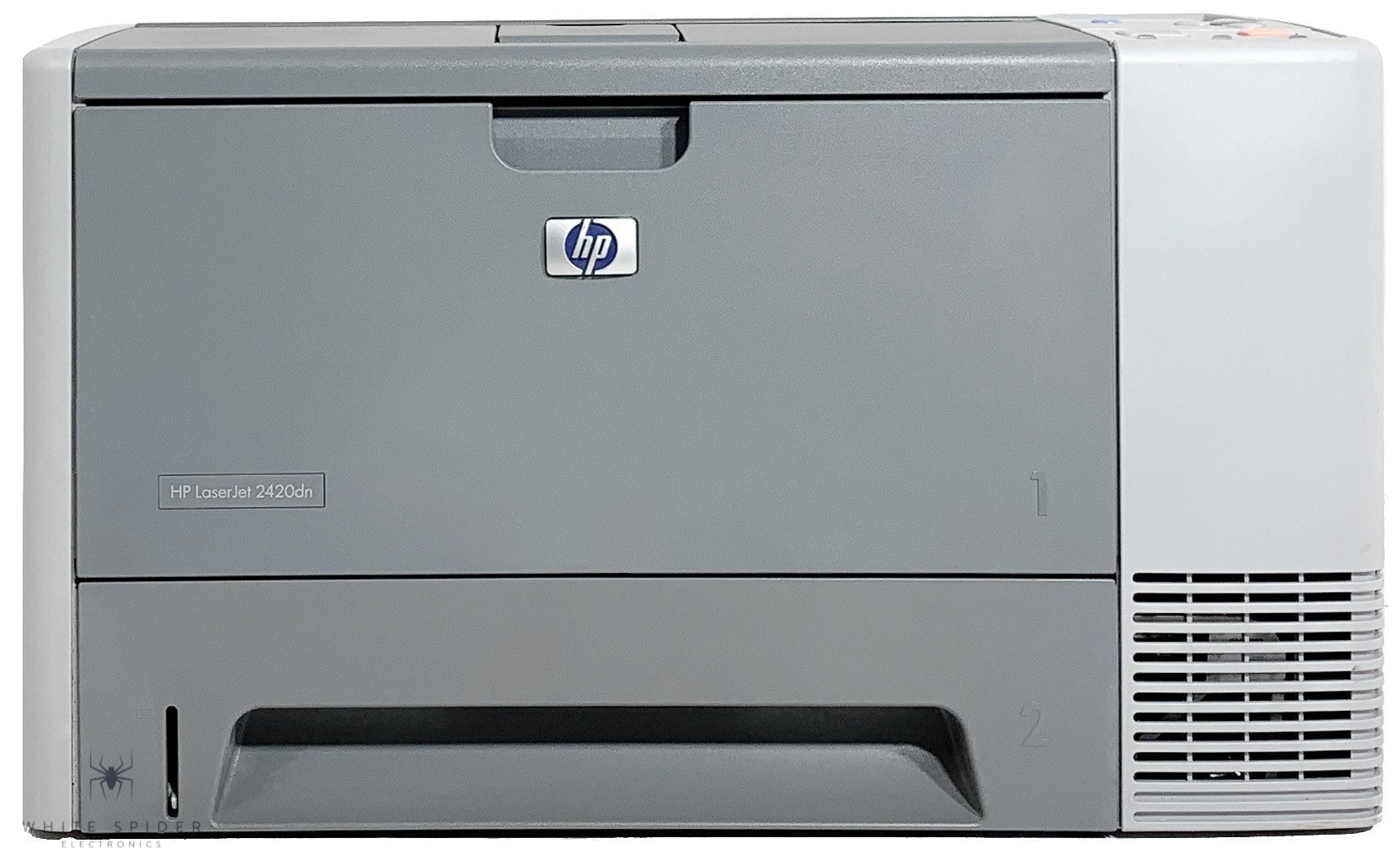
Introduced in 2004, the LaserJet 2400 set the pattern for HP’s mid-2000s workgroup line: an A4 monochrome laser with a compact footprint, built for small and midsize offices that print all day. Its standard cartridge is the Q6511A, the cartridge HP sells as the 11A. Busier desks step up to the high-yield Q6511X — the 11X — and the longest runs on this engine belong to the maximum-yield Q6511XX. Everything on the shelf below is a compatible replacement: singles, multipacks in several sizes, a premium build and MICR versions of both main yields.
The 2400 earned its place by balance rather than extremes: quick enough for a team, small enough for a crowded office, and steady enough to be forgotten about between cartridge changes. Machines like this tend to stay in service for years because nothing about them demands attention, which makes toner the one recurring decision. The right choice depends on the rhythm of the office — a two-person team and a twelve-person team own the same printer but live with very different cartridge intervals. This page lays out the full ladder, from a single standard cartridge to the maximum-yield build, so the reorder matches how the machine is actually used.
Toner Cartridges for LaserJet 2400
| Cartridge | Color | Page Yield |
|---|---|---|
| Q6511X (high yield, black) — single | Black | See product page |
| Q6511X (high yield, black) — 2 pack | Black | See product page |
| Q6511X (high yield, black) — 3 pack | Black | See product page |
| Q6511X (high yield, black) — 5 pack | Black | See product page |
| Q6511X (high yield, black) — MICR | Black | See product page |
| Q6511XX (maximum yield, black) — single | Black | See product page |
| Q6511A (standard, black) — single | Black | See product page |
| Q6511A (standard, black) — 2 pack | Black | See product page |
| Q6511A (standard, black) — 3 pack | Black | See product page |
| Q6511A (standard, black) — 5 pack | Black | See product page |
| Q6511A (standard, black) — 10 pack | Black | See product page |
| Q6511A (standard, black) — premium build, 5 pack | Black | See product page |
| Q6511A (standard, black) — MICR | Black | See product page |
| LaserJet 2400 (model listing, black) | Black | See product page |
Which cartridge should you buy?
Count how often the cartridge door opens. If the 2400 runs out every couple of months, the standard Q6511A in a single or small multipack is the economical habit, and the ten-pack exists for offices that stock a supply cupboard once and stop thinking about it. If swaps feel constant, move up a tier rather than buying the same cartridge more often: the high-yield Q6511X roughly halves the interruption rate, and the maximum-yield Q6511XX stretches it furthest of all. The premium five-pack suits buyers who want the premium build of the standard cartridge in quantity. MICR versions of both the 11A and the 11X are specialty items for check printing — buy them for that job, not for everyday pages.
Chip, toner and everyday use
Fitting a cartridge in the 2400 takes a minute: open the top cover, slide the old cartridge out, pull the seal from the new one and lower it in until it settles. The printer reads the cartridge chip on its own; if a message questions the cartridge right after a swap, reseating it firmly almost always clears the complaint. Yield figures are estimates worked out at five percent page coverage, so an office printing dense reports will see fewer pages than the box suggests — that is arithmetic, not a faulty cartridge. Store spares in their sealed bags, flat, away from windows, and rotate stock so the oldest cartridge goes in first.
Frequently Asked Questions
Which cartridge does the LaserJet 2400 use?
The standard cartridge is the Q6511A, HP’s 11A. The same printer also takes the high-yield Q6511X (the 11X) and the maximum-yield Q6511XX, all listed in the table above. A model-named compatible listing for the 2400 itself is on the shelf as well, for buyers who search by printer name rather than cartridge number.
Is there a cartridge that lasts longer than the 11X?
Yes. The Q6511XX is a maximum-yield compatible build that carries more toner than the high-yield Q6511X. It was made for exactly the offices that find the 11X running out too often. It fits the 2400 the same way and installs identically — only the interval between changes grows.
Can I print checks with the LaserJet 2400?
With the right cartridge, yes. MICR versions of both the Q6511A and the Q6511X are stocked on this page; their magnetic toner lets bank equipment read the coded line on printed checks. Ordinary black cartridges cannot do that job, so a 2400 that prints payroll or accounts-payable checks should keep a MICR cartridge for those runs.
The printer does not recognize the new cartridge. What should I check?
Open the cover and reseat the cartridge first — a cartridge resting slightly high is the most common cause. Then check that the sealing tape came out completely and that the chip contacts are clean and undamaged. If the message persists, power the printer off and back on with the cartridge in place so it reads the chip fresh.
More printers that use the same cartridges
One cartridge family covers the whole 2400 range, including LaserJet 2430TN, LaserJet 2430T, LaserJet 2430N, LaserJet 2430DTN, LaserJet 2430, LaserJet 2420TN, LaserJet 2420N, LaserJet 2420DTN, LaserJet 2420DN, LaserJet 2420D, LaserJet 2420, LaserJet 2410XI, LaserJet 2410, LaserJet 2400DN, LaserJet 2400D, LaserJet 2400, HP Q6511A.