




LaserJet 2420TN
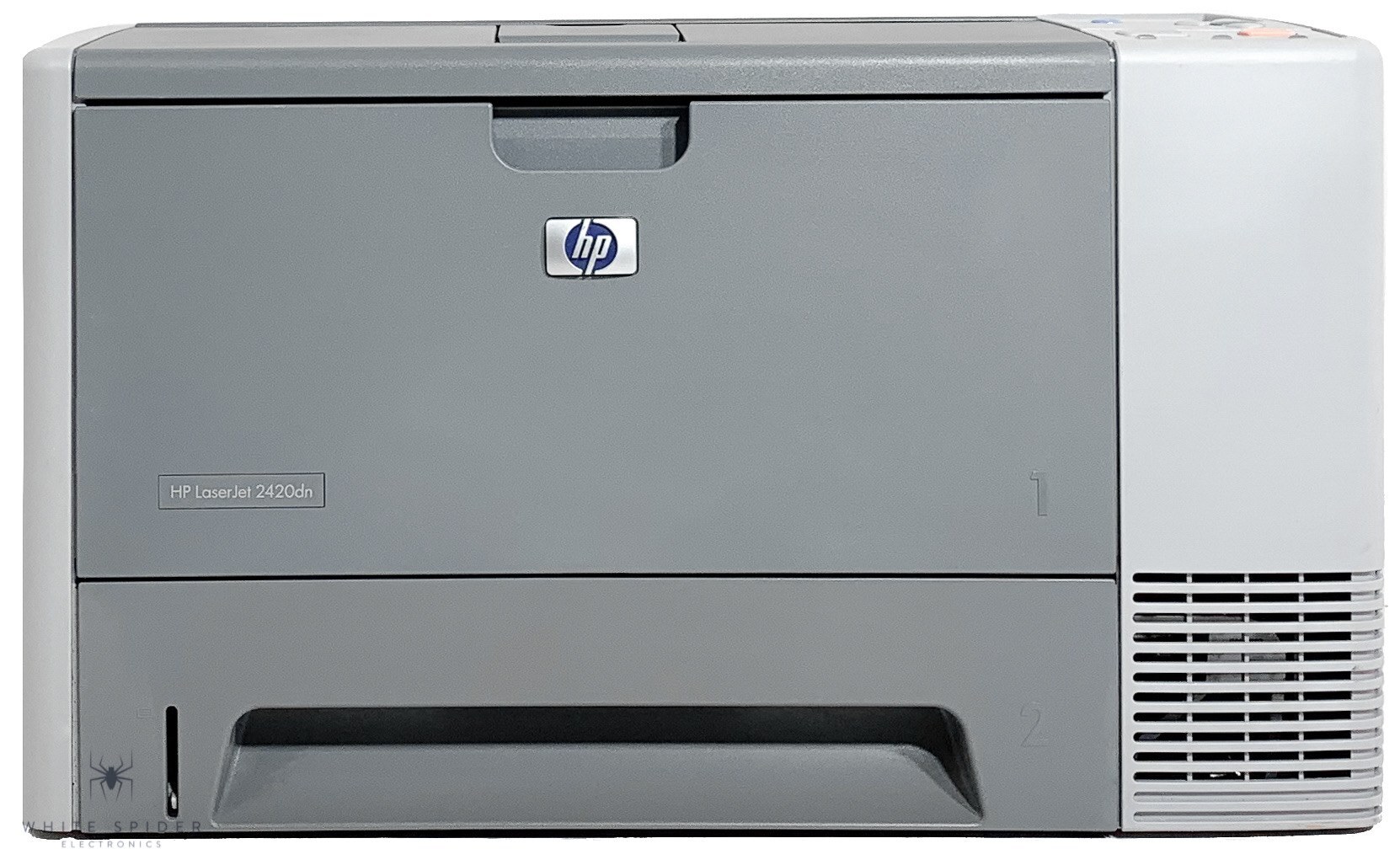
With an extra tray and networking, the LaserJet 2420TN was built for workgroups that hated reloading paper — HP's mid-2000s 2420 engine does the printing, and the added capacity keeps it fed. Its cartridge ladder has three rungs: the Q6511A, the high-yield Q6511X, and the maximum-yield Q6511XX for the busiest machines. The standard single in the family is sold as the HP 11A listing, and its high-yield counterpart as the HP 11X.
A workgroup printer earns its floor space by never being the bottleneck, and the 2420TN attacked both bottlenecks of its era: paper, with the extra tray, and attention, with a network connection that let the whole group share one machine. Toner is the third bottleneck, and this is where the three-rung ladder matters — a group that prints all day can climb to the maximum-yield cartridge and make cartridge changes rare events instead of weekly ones.
Toner Cartridges for LaserJet 2420TN
| Cartridge | Color | Page Yield |
|---|---|---|
| Q6511A (11A) | Black | See product page |
| Q6511A 2 Pack | Black | See product page |
| Q6511X (11X) | Black | See product page |
| Q6511X 2 Pack | Black | See product page |
| Q6511XX | Black | See product page |
| LaserJet 2420TN cartridge | Black | See product page |
Also stocked for this family: Q6511A MICR, Q6511X MICR, Q6511A Premium 5 Pack, Q6511A 3 Pack, Q6511A 5 Pack, Q6511A 10 Pack, Q6511X 3 Pack, Q6511X 5 Pack.
Which cartridge should you buy?
Climb only as high as your volume justifies. The standard Q6511A is the baseline for a lightly shared machine. The high-yield Q6511X is the workgroup sweet spot for most 2420TNs — it matches the extra tray's philosophy, longer runs between interventions of every kind. The Q6511XX maximum-yield build pairs with the busiest groups: fewer swaps, and the highest page count per cartridge in the family. MICR versions of the A and X exist for check printing, and the model-named single is there for buyers who prefer to order by printer name rather than cartridge code.
Chip, toner and everyday use
On a shared machine, supplies are a team sport: whoever sees the low warning should act on it, because the next person's deadline is the one that suffers. After seating a new cartridge, print any document — or the demo or configuration page from the control panel — and a clean, even page confirms the install. The printer handles its own queue over the network, so no print server babysitting is needed. Keep the spare where the whole group can find it; a maximum-yield cartridge in the cabinet is the cheapest insurance a workgroup can buy.
Frequently Asked Questions
Can I share the LaserJet 2420TN with other computers on the network?
You can. Connect it to your router by Ethernet, then add it as a network printer on each computer using its IP address. No print server is needed — the 2420TN handles the queue itself.
How do I print a test page after changing the toner?
Seat the new cartridge, then print any document, or pull the demo or configuration page from the control-panel menu. A clean, even page confirms the cartridge is installed correctly.
Can I use a compatible HP 11A cartridge in the 2420TN?
You can. A compatible 11A matches the OEM Q6511A specification, so the printer treats it like the original. Many owners run compatibles for everyday documents and keep their routine simple.
What is the Q6511XX cartridge for?
It is the maximum-yield compatible build in this family — the longest-running option for a 2420TN that prints heavily. Same slot as the Q6511A and Q6511X, more pages before the next change.
More printers that use the same cartridges
The 11A, 11X and 11XX cartridges also serve: HP Q6511A, LaserJet 2400, LaserJet 2400, LaserJet 2400D, LaserJet 2400DN, LaserJet 2410, LaserJet 2410XI, LaserJet 2420, LaserJet 2420D, LaserJet 2420DN, LaserJet 2420DTN, LaserJet 2420N, LaserJet 2430, LaserJet 2430DTN, LaserJet 2430N, LaserJet 2430T, LaserJet 2430TN.