




LaserJet 2430DTN
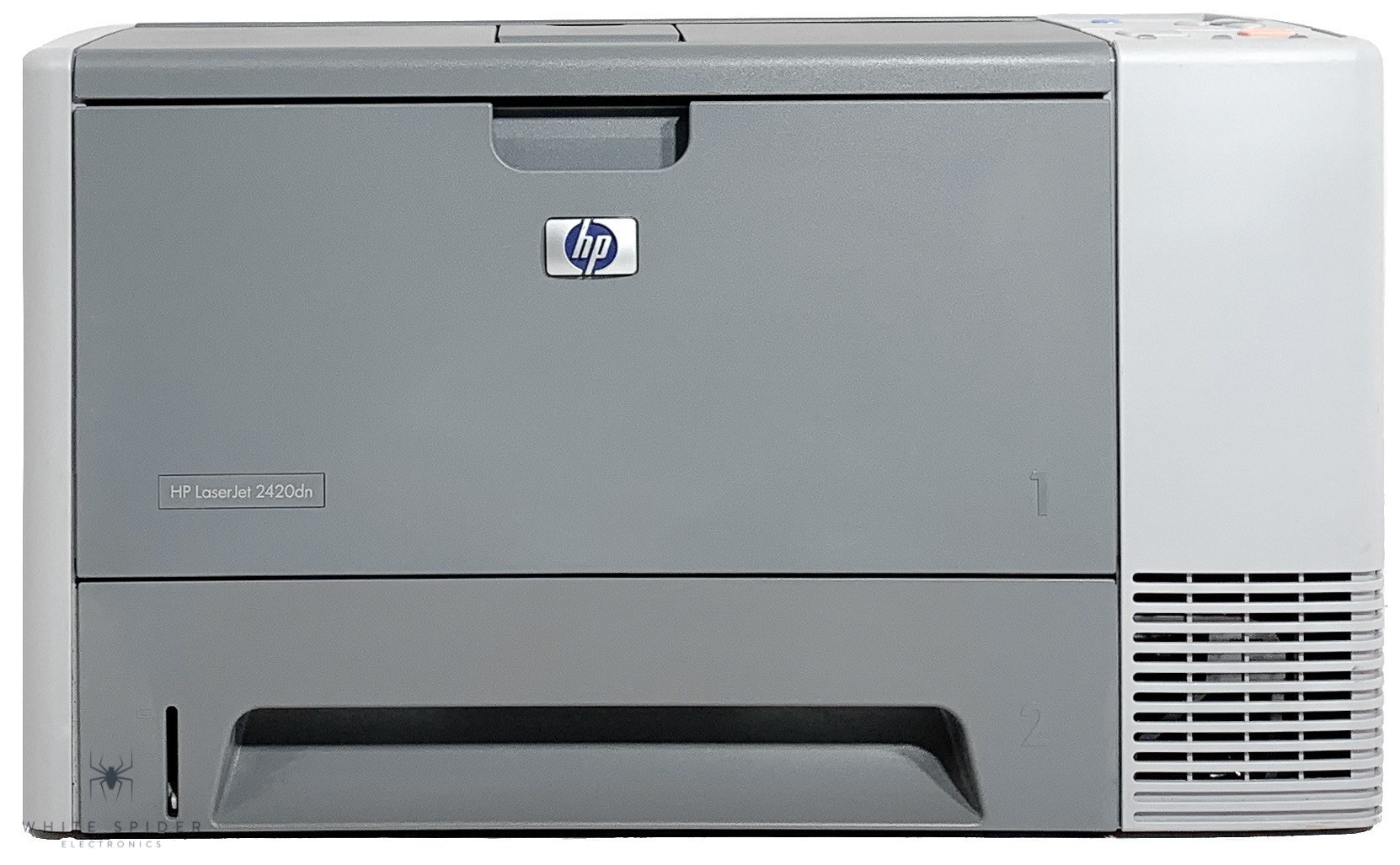
Duplexing, networking, and a second tray made the 2430DTN the flagship of HP's 2430 line. This was the mid-2000s answer for departments that wanted maximum capability from a desktop-sized workgroup printer.
The HP 11A (Q6511A) and high-yield HP 11X (Q6511X) both fit. We offer compatible and genuine OEM cartridges for the DTN.
Toner Cartridges for LaserJet 2430DTN
This printer works with the following toner cartridges:
- HP Q6511A
- HP Q6511X
More HP Printers
- LaserJet 2400
- LaserJet 2400D
- LaserJet 2400DN
- LaserJet 2410
- LaserJet 2410XI
- LaserJet 2420
- LaserJet 2420D
- LaserJet 2420DN
- LaserJet 2420DTN
- LaserJet 2420N
- LaserJet 2420TN
- LaserJet 2430
- LaserJet 2430N
- LaserJet 2430T
- LaserJet 2430TN
Frequently Asked Questions
Can I share the HP LaserJet 2430DTN with other computers on the network?
Yes — the HP LaserJet 2430DTN has built-in networking, so once it has an IP address, every computer on the same network can add it. Install the HP driver on each machine and point it at the HP LaserJet 2430DTN.
Is it still worth keeping an HP LaserJet 2430DTN running today?
Yes, as long as output quality holds. The HP LaserJet 2430DTN uses the widely available HP 11A cartridge family, so supplies are easy to find, and compatible Q6511A toner keeps running costs low.
Does the HP LaserJet 2430DTN print on both sides of the paper automatically?
It does. The HP LaserJet 2430DTN was configured with a duplexer, so double-sided output is a driver setting away. In your application's print dialog for the HP LaserJet 2430DTN, choose the two-sided option.