




Color LaserJet Enterprise M577Z
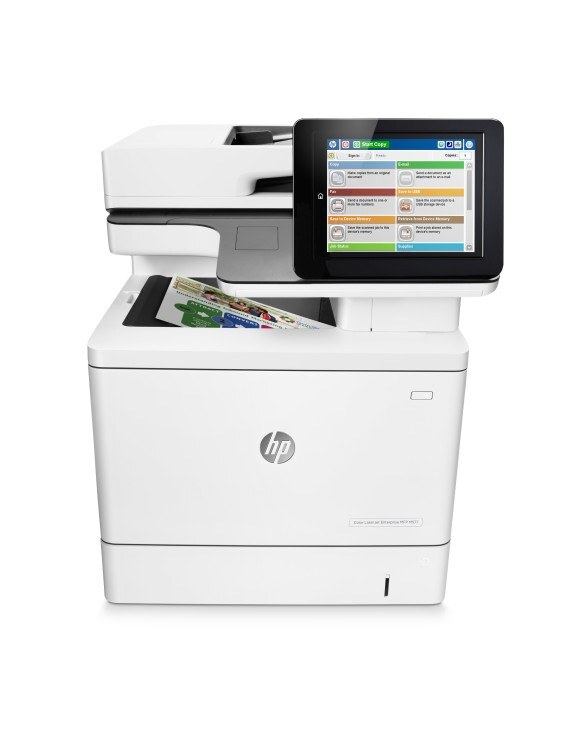
The top-configured HP Color LaserJet Enterprise M577Z packed the full Enterprise feature set into one color MFP. It suited departments wanting maximum capability with minimum fuss.
Toner is the HP 508A/508X family: CF360A black (CF360X high-yield) plus color CF361A/CF362A/CF363A. We carry compatible and genuine OEM cartridges for the M577Z.
Toner Cartridges for Color LaserJet Enterprise M577Z
This printer works with the following toner cartridges:
- HP CF360A
- HP CF360X
- HP CF361A
- HP CF362A
- HP CF363A
More HP Printers
Frequently Asked Questions
What are the correct toner cartridge numbers for the Color LaserJet Enterprise M577Z?
Yes — the Color LaserJet Enterprise M577Z works with compatible HP 508A/508X cartridges (CF360A, CF360X, CF361A, CF362A, CF363A) as well as genuine HP. Just confirm the cartridge code matches, since cartridges for other HP printers will not fit the Color LaserJet Enterprise M577Z.
Do I need any tools to change the toner in the Color LaserJet Enterprise M577Z?
Open the front cover of the Color LaserJet Enterprise M577Z, pull the empty cartridge out by its handle, slide the new one in until it clicks, and close the cover. The Color LaserJet Enterprise M577Z usually calibrates itself right after.
Why do documents from the Color LaserJet Enterprise M577Z look faded even with new toner?
If one color looks wrong on the Color LaserJet Enterprise M577Z, check that cartridge first — a near-empty or unseated cartridge is the usual cause. Reseat it, and if the problem persists, swap in a fresh one of that color.