




Color LaserJet CP6015N
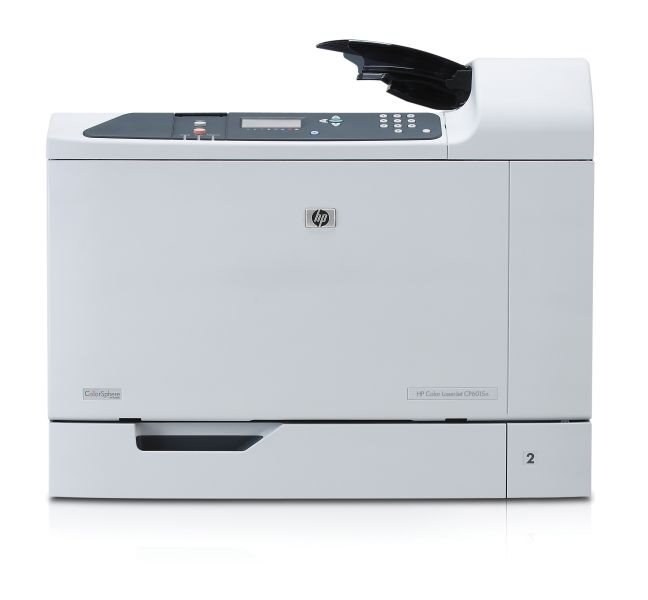
With the CP6015N, HP put its wide-format color engine on the office network, so departments share A3 printing instead of queueing at one desk. The supplies did not change with the network card: black is the 823A (CB380A), joined by 824A cyan (CB381A), CB382A yellow and CB383A magenta. All seven listings on this page are compatible cartridges for those four codes.
Sharing a wide-format printer spreads its workload across many hands — and its toner across many jobs. One department's poster run, another's board pack, a third's oversized charts: the CP6015N absorbs them all, and nobody's individual usage predicts the total. That is the argument for treating its toner as facilities stock rather than anyone's personal supply. When the machine belongs to everyone, the spare shelf needs an owner, a full set on it, and a reorder habit that triggers on installation day.
Toner Cartridges for Color LaserJet CP6015N
The four cartridges this printer takes:
Complete refreshes, for the day more than one cartridge is low:
Which cartridge should you buy?
Let the sharing pattern answer. A CP6015N serving several departments prints a mixed diet — some text, some heavy color — and the four cartridges tend to age unevenly, black usually first. The practical shelf for that pattern is one full four-color set as insurance plus singles bought against whichever cartridge actually empties; it avoids both stockouts and a cabinet full of one color. A machine that lives on scheduled color work can simply run set-to-set. Either way, replace cartridges one at a time as they finish rather than in matched groups. Page counts for each listing are on its product page, in the family's single yield class.
Chip, toner and everyday use
Each compatible cartridge is chipped for this family, so once fitted, the CP6015N recognizes it and reports its level to everyone on the network — no per-user setup, no driver tricks. Recognition happens in the printer, not on anyone's computer. When a cartridge is swapped, the person doing it should also be the person who notes the reorder; on shared machines, that small ritual is what stands between a stocked shelf and a Monday-morning outage. Store the big cartridges flat and sealed, fit them with the sealing tape fully removed, and expect level estimates to drift optimistic on heavy-coverage A3 work.
Frequently Asked Questions
Which toner fits the Color LaserJet CP6015N?
CB380A black (823A), and the 824A colors CB381A cyan, CB382A yellow and CB383A magenta. The networked model uses the identical cartridge family to the rest of the CP6015 range.
Can everyone on the network see when toner is low?
The printer reads each cartridge's chip and tracks the levels centrally, so the status the machine reports reflects all four cartridges — whoever checks sees the same picture.
Should our department buy sets or singles?
Most shared machines do best with both: a set held in reserve so a dead cartridge never stops the department, and singles for routine replacements. It keeps cash out of unneeded colors while removing the stockout risk.
Are the compatible cartridges guaranteed?
Yes — one-year warranty and one-year returns cover the compatible cartridges listed here, and they are manufactured to the original specifications for fit and print quality.
More printers that use the same cartridges
This printer's 823A black cartridge is shared with HP 823A-824A, Color LaserJet CP6015dn, Color LaserJet CP6015XH, Color LaserJet CP6015X, Color LaserJet CP6015DE, Color LaserJet CP6015, Color LaserJet CM6049F, Color LaserJet CM6040F MFP, Color LaserJet CM6040F, Color LaserJet CM6040 MFP, Color LaserJet CM6040, Color LaserJet CM6030FM, Color LaserJet CM6030F MFP, Color LaserJet CM6030F, Color LaserJet CM6030 MFP, Color LaserJet CM6030.