




Multifunction 1135N
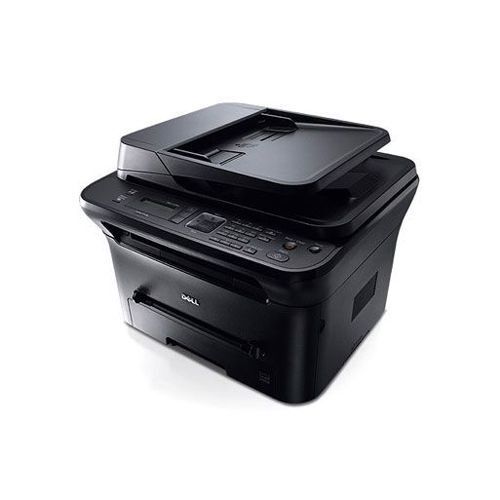
For small offices that want fax capability without a separate machine, the Dell 1135N multifunction delivers: a 4-in-1 mono laser with ADF, 320-page fax memory, and up to 22–23 ppm output. Color scanning adds versatility for digitizing documents, even on a monochrome printer.
The 1135N's single-cartridge toner system (330-9523/9524 family, up to 2,500 pages) keeps supply management to one SKU. Compatible and OEM cartridges below ship fast.
Toner Cartridges for Dell 1135N
This printer works with the following toner cartridges:
- Dell 330-9523
- Dell 330-9524
- Dell 2MMJP
- Dell 3J11D
- Dell 7H53W
- Dell 593-10962
Frequently Asked Questions
Which cartridges does the Dell 1135N use?
The 1135N uses 330-9523, 330-9524, 2MMJP, 3J11D, 7H53W, and 593-10962 supplies. Read the code on your current cartridge to order the exact one.
How do I connect the 1135N to share it on a network?
The N means built-in networking: connect the 1135N via Ethernet and add it on each computer. Scanning, copying, and network printing all share the same 330-9523/330-9524-series toner.
Copies on my 1135N come out darker than prints - normal?
Copy darkness on the 1135N is controlled by the copy density setting, independent of print quality, so adjust the copy exposure lighter. If regular prints are also dark or streaky, the 330-9523-series cartridge may be worn.