




Color Laser Laser 1135N
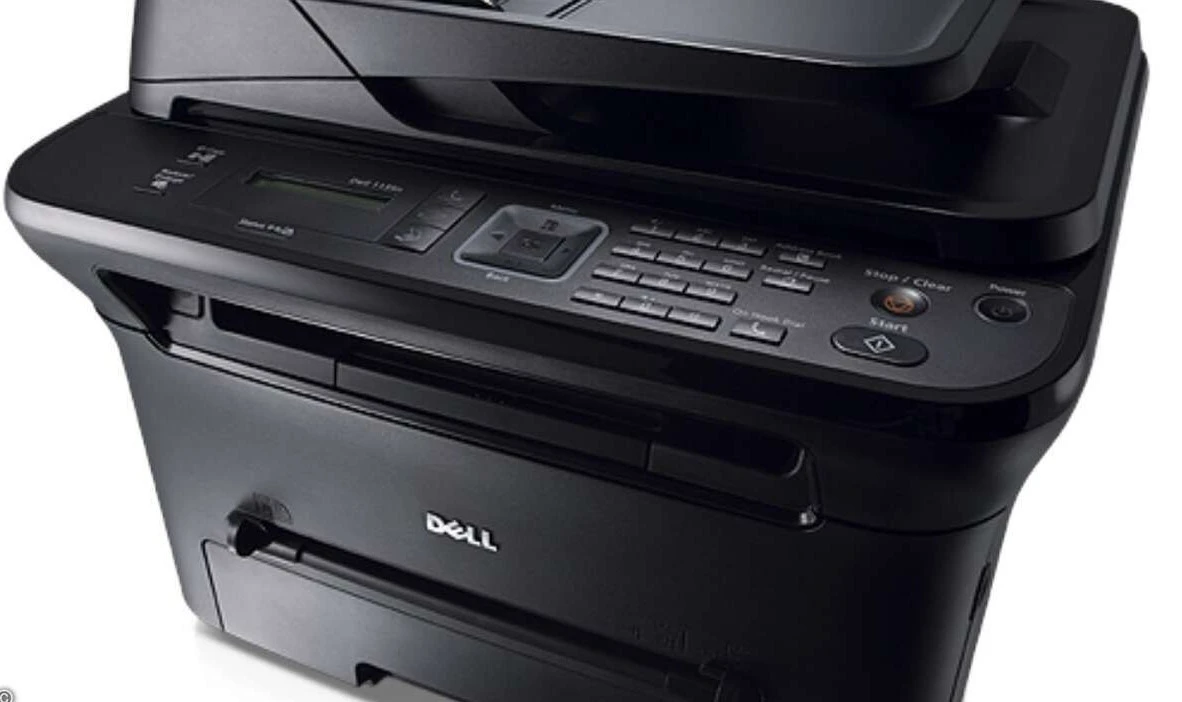
The Dell 1135N is the 4-in-1 flagship of the 1130 mono laser family: print, copy, scan, and fax at up to 23 ppm (letter) with an automatic document feeder for multi-page jobs. USB and Ethernet connectivity plus a 250-sheet cassette make it a complete small-office station in a compact chassis.
Four functions, one toner cartridge — the 330-9523/9524-series high-yield (2,500-page) cartridge is the natural fit for a machine doing this much work. Genuine and compatible cartridges for the 1135N are below.
Toner Cartridges for Dell 1135N
This printer works with the following toner cartridges:
- Dell 330-9523
- Dell 330-9524
- Dell 2MMJP
- Dell 3J11D
- Dell 7H53W
- Dell 593-10962
Frequently Asked Questions
What is the correct cartridge number for the Dell 1135N?
Compatible cartridges for the Dell 1135N include 7H53W and 330-9524. If your printer was bought as part of a bundle or in another region, double-check the code on the installed cartridge first.
How many computers can print to the Dell 1135N?
As many as your network holds: the Dell 1135N's built-in Ethernet lets it sit on the office network directly, so each computer prints to it without going through another PC.
Why is my Dell 1135N printing vertical streaks?
Vertical streaks on the Dell 1135N usually mean the toner is low or the drum is dirty. Remove the cartridge (7H53W range), gently rock it side to side to redistribute the toner, and reseat it — if the streaks stay after the cartridge is replaced, the imaging drum is the next suspect.