




Color Laser H825
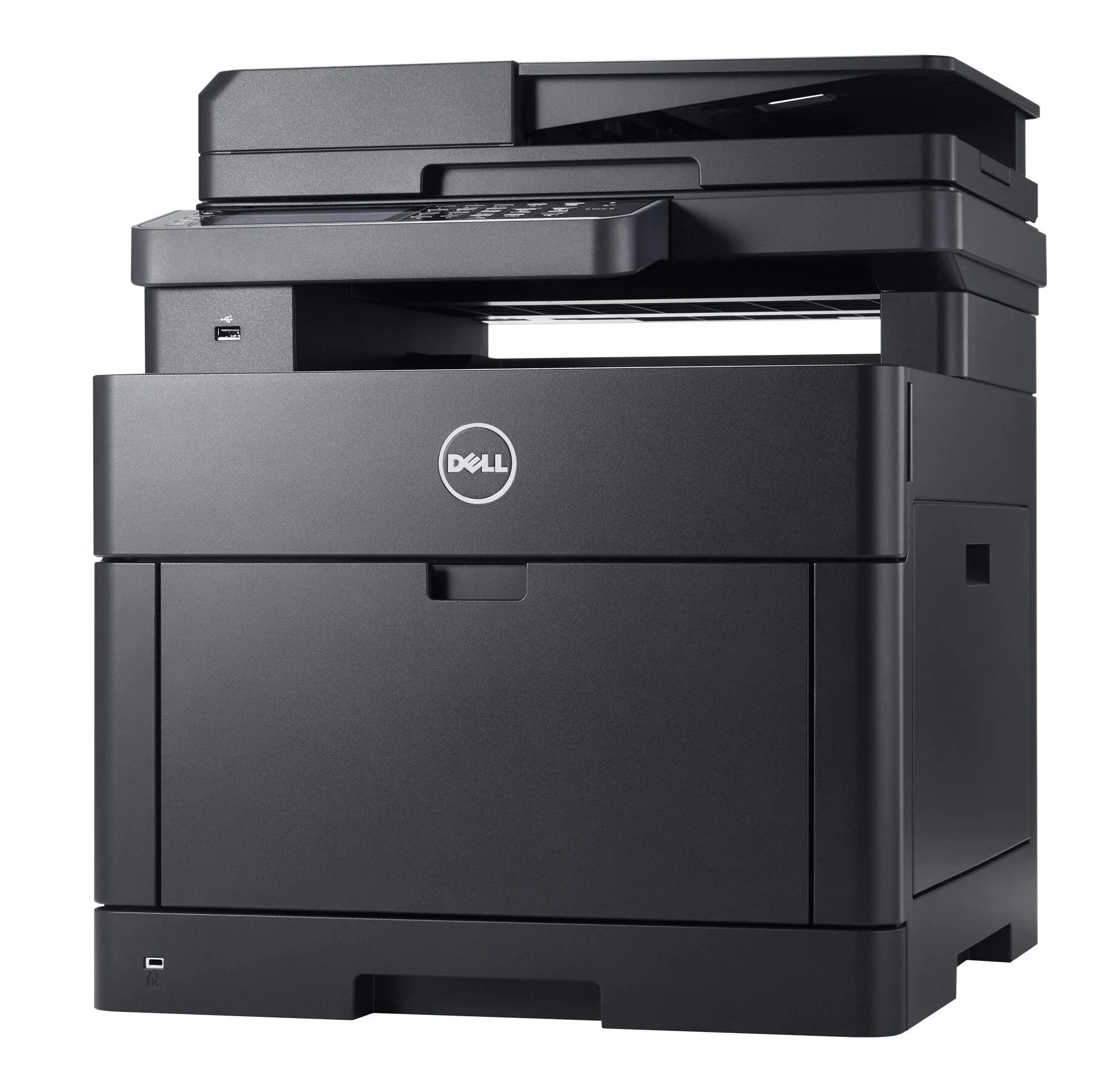
The Dell H825 steps the H-series color laser up a gear: up to 28–30 pages per minute in black and color for workgroups whose color volume outgrew entry-level speeds. As a focused single-function printer with networking and duplexing, it delivers throughput without paying for functions the workgroup doesn't use.
Higher speed means higher toner throughput, which makes the high-yield cartridge sizes the obvious choice — more pages per install, fewer interruptions. Compatible high-yield cartridges compound the saving, bringing fast color printing down to a very competitive cost per page.
Toner Cartridges for Dell H825
This printer works with the following toner cartridges:
- Dell N7DWF
- Dell P3HJK
- Dell 5PG7P
- Dell 3P7C4
- Dell NCH0D
- Dell WG4T0
- Dell 042T1
- Dell 2RF0R
- Dell 593-BBOW
- Dell 593-BBOX
- Dell 593-BBOY
- Dell 593-BBOZ
Frequently Asked Questions
What are the correct Dell cartridge part numbers for the H825?
Dell lists N7DWF, P3HJK, 5PG7P, 3P7C4, NCH0D, WG4T0, and more as the verified toner numbers for the H825. When in doubt, pull out the spent cartridge and compare its part number before ordering.
How can I make color toner last longer in the H825?
Switch the H825's driver to grayscale or draft quality for everyday documents — it routes everything through the black cartridge and sips the color cartridges (N7DWF, P3HJK, 5PG7P, 3P7C4, NCH0D, WG4T0, and more) only when you choose color. For internal prints the quality difference is barely noticeable.
What causes horizontal bands on my H825's prints?
Repeating marks at regular intervals on H825 output usually trace to a damaged drum or roller inside one of the toner cartridges (N7DWF, P3HJK, 5PG7P, 3P7C4, NCH0D, WG4T0, and more). The spacing of the marks hints at which roller — replace the cartridge for the affected color.