




Color Laser 3010
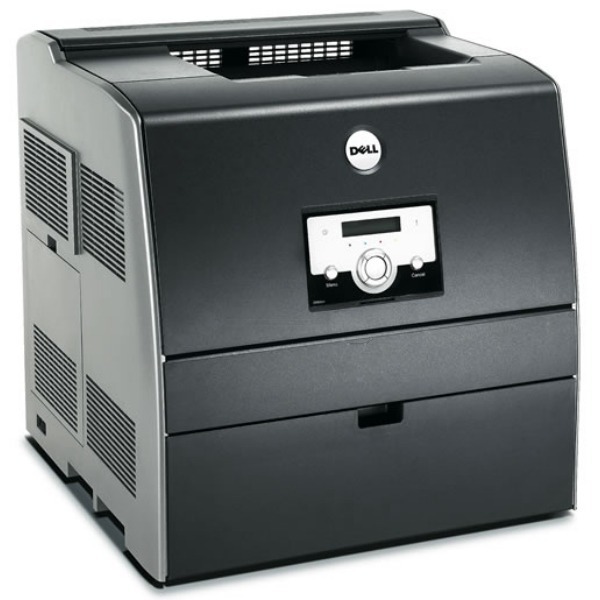
The Dell 3010 brings networked color laser printing to offices watching the budget: ColorTrack cost controls, a 25-page-per-minute mono engine, and the same dependable 3000-series mechanics that made these printers office fixtures. It is color printing with accountability built in.
Accountability should extend to the supply closet. The 3010's four toner cartridges are available as quality compatibles at a fraction of OEM prices — the natural complement to a printer whose whole pitch is controlled color costs.
Toner Cartridges for Dell 3010
This printer works with the following toner cartridges:
- Dell 310-5726
- Dell 310-5731
- Dell 310-5730
- Dell 310-5729
- Dell 341-3568
- Dell 341-3571
- Dell 341-3570
- Dell 341-3569
Frequently Asked Questions
My Dell 3010 needs new toner — which cartridges should I order?
The 3010 takes Dell toner cartridges 310-5726, 310-5731, 310-5730, 310-5729, 341-3568, 341-3571, 341-3570, 341-3569. Keep this list handy — ordering by Dell part number is the most reliable way to get a match.
New toner installed but the 3010 still shows the old level. Why?
If the 3010 reports an unsupported cartridge, confirm the part number matches the verified list (310-5726, 310-5731, 310-5730, 310-5729, 341-3568, 341-3571, 341-3570, 341-3569) — a wrong-number cartridge is the most common cause. Reseating and a power cycle clear the rest.
My Dell 3010 keeps jamming paper — what should I check?
After clearing a jam on the 3010, close every cover firmly and check that no torn corner is left inside — repeat jams almost always mean a scrap was missed. If jams continue with fresh paper, the pickup rollers may need cleaning.