





 See Compatible Printers
 Read more about our ink!
Epson
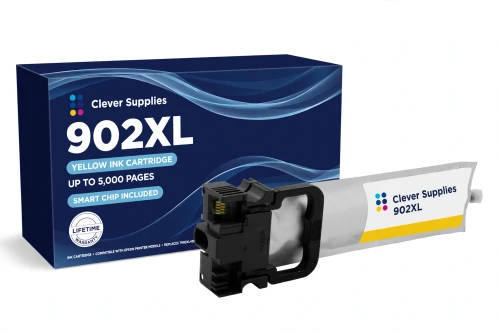
Compatible Epson 902XL T902XL420 Yellow Ink Cartridge
- Page Yield:
- Up to 5,000 pages (ISO/IEC 24711)
- Shipping:
- Calculated at Checkout

Amazon Price:

- Page Yield:
- Up to 5,000 pages (ISO/IEC 24711)
- Shipping:
- Calculated at Checkout
- Compatible Printers
- Specifications
- SKU:
- CS-EP-902-YXL
- Condition:
- New Compatible
- OEM Part #:
- T902XL420
- Color:
- Yellow
- Ink Type:
- Pigment
- Page Yield:
- Up to 5,000 pages (ISO/IEC 24711)
- Chip:
- New compatible chip
- Warranty:
- Lifetime Warranty
- Returns:
- 1-Year Free Returns
- Description
- Reviews
Yellow is the pack offices forget until the printer stops mid-run: color printing halts when any single color is empty, and yellow is often the one nobody was watching. Our compatible T902XL420 carries DURABrite Ultra pigment yellow ink rated up to 5,000 pages (ISO/IEC 24711), and DURABrite pigment is the formula whose dried output shrugs off highlighter passes and water splashes — the reason this platform suits document work.


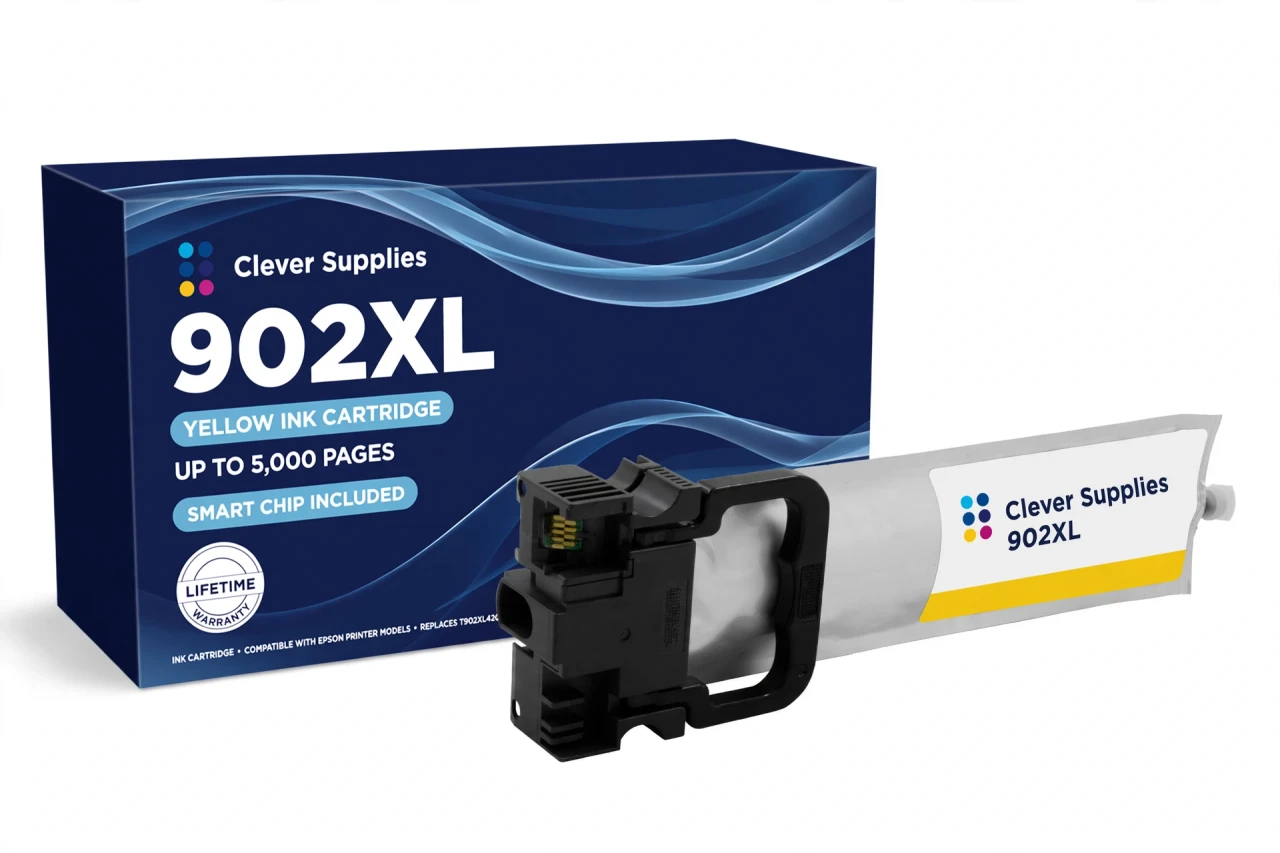
It is a RIPS ink pack for the tray-fed WorkForce Pro WF-C5210, WF-C5290, WF-C5710 and WF-C5790, with a new compatible chip reporting its level so the next empty-yellow surprise is visible in advance. The standing honesty note for chipped packs applies: this pack carries a new compatible chip. If your printer's firmware has been updated, recognition issues can occasionally occur — reseat and restart first if a warning appears. Its set-mates are T902XL120 black, T902XL220 cyan and T902XL320 magenta.
No other platform takes it: the WF-C4310/WF-C4810 use 924 cartridges, and the WF-C529R/WF-C579R use a different pack system. Covered by our lifetime warranty, with free returns for the first year.
Shop the Epson 902 family: T902XL120 Black Ink Cartridge · T902XL220 Cyan Ink Cartridge · T902XL320 Magenta Ink Cartridge · Set of 4 BCMY Ink Cartridge
Browse by series: WorkForce
Frequently Asked Questions
How many pages does the yellow XL pack yield?
Up to 5,000 pages (ISO/IEC 24711), the same rating as every other 902XL pack. Yellow consumption depends heavily on your documents — charts and highlighted drafts use more than plain text.
My printer stopped with only yellow empty. Is that normal?
Yes. These printers halt color printing when any one pack is expended, yellow included. Replacing just the yellow pack is the fix; the other packs keep their remaining ink.
Which models does T902XL420 fit?
WorkForce Pro WF-C5210, WF-C5290, WF-C5710 and WF-C5790 — four models, verified from Epson's own compatibility data for the 902 family.
Is the ink really pigment?
Yes — DURABrite Ultra pigment in all four positions of this family. Pigment yellow is what keeps highlighted and annotated pages legible instead of smeared.
What about the chip and firmware?
The pack carries a new compatible chip. This pack carries a new compatible chip. If your printer's firmware has been updated, recognition issues can occasionally occur. Keep the green chip untouched during installation, and reseat plus restart if a warning ever appears.
Does the printer show the yellow level with this pack?
Yes — level reporting runs through the pack's chip, so the printer's display and driver show the yellow position like any other. A level that reads wrong right after a firmware update is the known edge case; reseating usually settles it.
Is there an XXL yellow?
No. Epson's XXL rung in this family is black-only (T902XXL120). Yellow tops out at this XL pack — there is no higher yellow tier to wait for.
Can I stock a spare yellow pack?
Yes — keep it sealed, upright and at room temperature until needed. An unopened pack on the shelf is the cheapest insurance against a mid-run stop.
Will it work in a WF-C4810?
No. The WF-C4810 takes 924 cartridges — a conventional cartridge platform. The 902 family is RIPS packs for the WF-C5xxx line only.
Is this a genuine Epson product?
No — a Clever Supplies compatible, built to the T902XL420 specification and labeled compatible on the box and this page.
What does the warranty actually promise?
If the pack fails to perform — recognition failure after troubleshooting, leaking, poor output from new — it is replaced under the lifetime warranty. Returns are free in the first year.
Why is there no millilitre figure on this page?
Because Epson does not publish one for the 902 packs. We leave Volume blank rather than borrow an unverified number; the comparable, checkable figure is the 5,000-page ISO yield.
Why can yellow run out sooner than its 5,000-page rating suggests?
The rating for the T902XL420 is measured on the ISO/IEC 24711 test pattern, and real workgroup output is heavier than that pattern. Charts and highlighted drafts already spend yellow faster than plain text, and on a busy WF-C5710 or WF-C5790 the full-color jobs in between add to the draw, so the yellow position often leads this family's reorder list even though all four 902XL packs share the same 5,000-page figure. Judge your pace by your own install dates, not the test number.
How do I make sure the replacement I order is the right yellow pack?
Read the code off the pack you are removing and match it in full: it should read T902XL420, with the XL inside the code, not added as an afterthought. Yellow in this family tops out at the XL tier — there is no XXL yellow above it, since Epson's XXL rung here is black-only — so a listing promising a higher yellow tier is the wrong shelf. The complete code also keeps this RIPS pack separate from the conventional cartridges other WorkForce Pro lines use.
Related Items

Epson
Compatible Epson 902XL T902XL220 Cyan Ink Cartridge
Cyan is the color that quietly decides whether your charts, logos and letterheads look like your brand or a photocopy of it. Our compatible T902XL220 carries DURABrite Ultra pigment cyan ink rated up...


Epson
Compatible Epson 902XL T902XL120 Black Ink Cartridge
On a RIPS printer, black is the pack that does the heavy lifting — invoices, statements, shipping paperwork — and this is that pack in its high-capacity form. Our compatible T902XL120 holds DURABrite...

Epson
Compatible Epson 902XL T902XL320 Magenta Ink Cartridge
Magenta does the expressive work in office color — the red end of every chart, photo and branded document your WorkForce Pro prints. Our compatible T902XL320 carries DURABrite Ultra pigment magenta...

Epson
Compatible Epson 902XL Set of 4 BCMY Ink Cartridge
One box, the whole printer reset: this set holds all four 902XL RIPS ink packs — T902XL120 black, T902XL220 cyan, T902XL320 magenta and T902XL420 yellow — every one of them high-capacity DURABrite...