





 See Compatible Printers
 Read more about our ink!
Brother
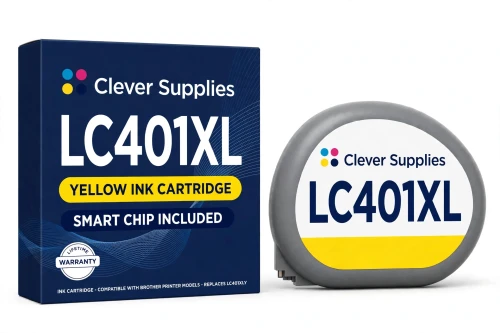
Compatible Brother LC401XL LC401XLY Yellow Ink Cartridge
- Page Yield:
- Up to 500 pages (ISO/IEC 24711)
- Shipping:
- Calculated at Checkout

Amazon Price:

- Page Yield:
- Up to 500 pages (ISO/IEC 24711)
- Shipping:
- Calculated at Checkout
- Compatible Printers
- Specifications
- SKU:
- CS-BR-401-YXL
- Condition:
- New Compatible
- OEM Part #:
- LC401XLY
- Color:
- Yellow
- Page Yield:
- Up to 500 pages (ISO/IEC 24711)
- Chip:
- New compatible chip (ink-level chip)
- Warranty:
- Lifetime Warranty
- Returns:
- 1-Year Free Returns
- Description
- Reviews
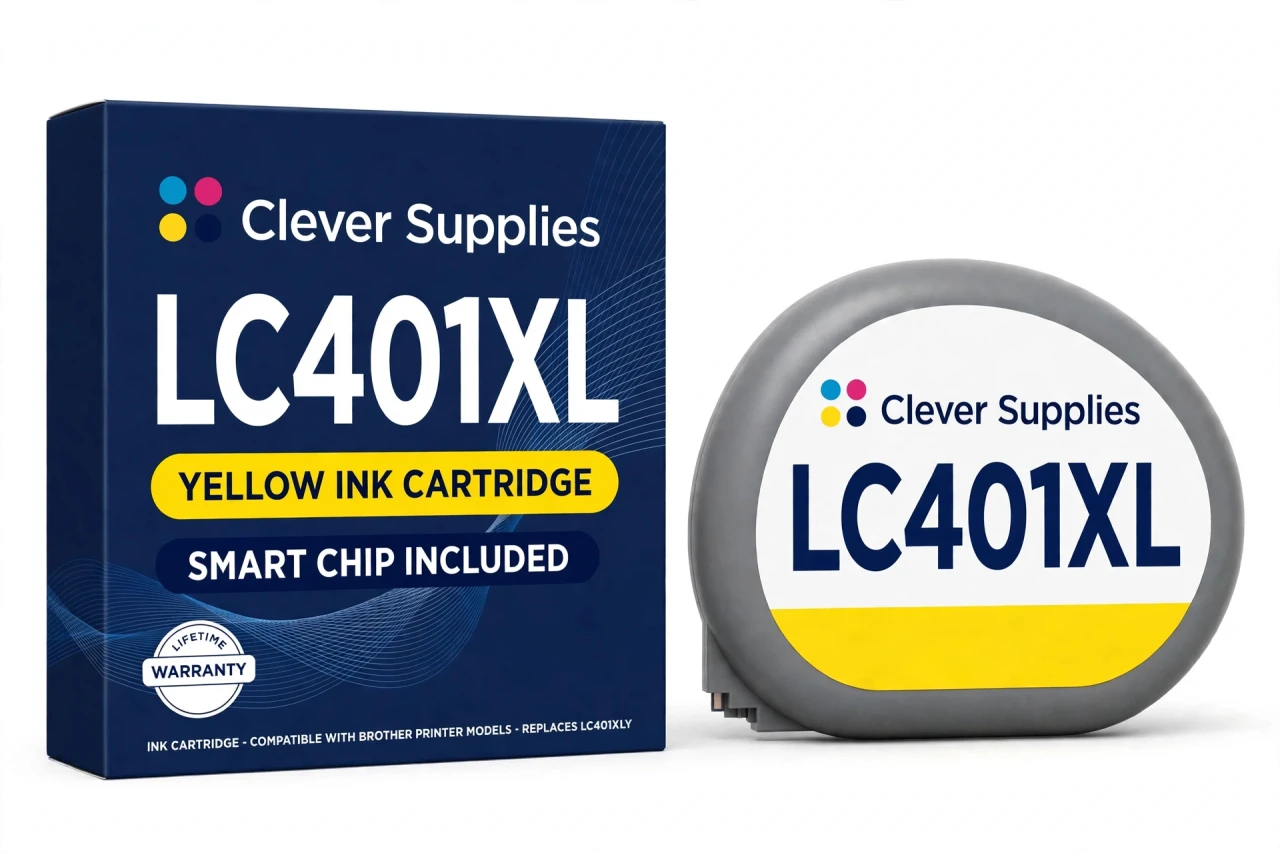
This is our compatible LC401XLY yellow cartridge — the XL High Yield tier of Brother's LC401 family, rated up to 500 pages in accordance with ISO/IEC 24711, two and a half times the standard tier's run. It serves the three printers on Brother's official LC401 list: MFC-J1010DW, MFC-J1012DW and MFC-J1170DW.


On a family whose standard cartridges are rated at 200 pages, the XL tier is where steady document printing stops being a cartridge-changing routine: same printers, same slots, a substantially bigger fill — and it mixes freely with standard LC401 cartridges in the other slots. It does not fit the LC402, LC404 or LC406 families; those are separate cartridge bodies.
The cartridge carries a new compatible chip that reports ink levels. Brother's official “Cannot Detect Ink Volume” support page names this whole LC40x generation — LC401, LC402, LC404 and LC406 models are listed on it — and warns that with non-genuine ink the machine may or may not detect the ink volume. No official Brother source we could find claims a firmware update blocks compatible cartridges in this generation, so we make no such claim here either; the detection warning above is the honest, complete picture. Covered by our lifetime warranty, with free returns for the first year.
Shop the Brother LC401XL family: LC401BK Black Ink Cartridge · LC401C Cyan Ink Cartridge · LC401M Magenta Ink Cartridge · LC401Y Yellow Ink Cartridge · Set of 4 BCMY Ink Cartridge · LC401XLBK Black Ink Cartridge · LC401XLC Cyan Ink Cartridge · LC401XLM Magenta Ink Cartridge · Set of 4 BCMY Ink Cartridge · Set of 9 BCMY Ink Cartridge · Set of 4 BCMY Ink Cartridge
Browse by series: MFC Multifunction Series
Frequently Asked Questions
Does this fit LC404 or LC406 printers?
No. LC404 and LC406 are separate LC40x families with different cartridge bodies; this LC401XL cartridge fits only the three LC401 printers named here.
What should I check before ordering?
Model first (MFC-J1010DW, MFC-J1012DW and MFC-J1170DW), then the code on your old cartridge: LC401 or LC401XL both confirm this family. Any other LC40x code — LC402, LC404, LC406 — is a different family.
How many pages does the LC401XLY yield?
Up to 500 pages — Brother's published rating for the LC401XL tier, in accordance with ISO/IEC 24711, and the same for all four colors in this tier. The standard LC401 tier is rated 200 pages.
Which printers does this cartridge fit?
The three models on Brother's official LC401 list: MFC-J1010DW, MFC-J1012DW and MFC-J1170DW. The XL tier fits exactly the same printers as the standard tier.
Will my printer recognize this compatible cartridge?
This cartridge carries a new compatible chip that reports ink levels to the printer. Brother's own support guidance for this generation — its “Cannot Detect” / “Cannot Detect Ink Volume” pages — states plainly that with non-genuine ink the machine may or may not detect the cartridge or its ink volume, and that Brother cannot guarantee optimum performance and reliability with ink of other specifications. We print that warning here instead of promising recognition we cannot guarantee: seat the cartridge firmly until it clicks, keep fingers off the chip contacts, and if a detection message appears, remove and reseat the cartridge and restart the printer.
Can I mix LC401XL and standard LC401 cartridges?
Yes — same printers, independent slots. A common pattern is an LC401XL black for document endurance with standard colors, stepping colors up as they empty.
Is the LC401XLY physically bigger than the standard cartridge?
It is the XL fill for the same slot family — Brother lists both tiers for the same three printers, so no adapter or modification is involved; it installs exactly like the standard cartridge.
What about firmware updates?
Brother's official LC40x detection warning is the complete official picture we could find; no official Brother source states that a firmware update blocks compatible LC401XL cartridges, and we make no such claim. The “Cannot Detect Ink Volume” guidance is quoted in the recognition FAQ above.
Is the MFC-J1800DW covered?
No. Some seller listings attach it to this family, but Brother's official LC401 page does not list it, so neither do we.
How do I install it?
Release the old cartridge with its lever, slide the new one in until it clicks, keep fingers off the chip contacts, and run a print quality check if the printer has been idle.
Is this a genuine Brother cartridge?
No — a Clever Supplies compatible cartridge built to the LC401XLY specification, with a new compatible chip, labeled compatible on the box and on this page.
What warranty and returns does it carry?
A lifetime warranty — a cartridge that fails to perform is replaced — and free returns within the first year.
Related Items

Brother
Compatible Brother LC401XL LC401XLC Cyan Ink Cartridge
This is our compatible LC401XLC cyan cartridge — the XL High Yield tier of Brother's LC401 family, rated up to 500 pages in accordance with ISO/IEC 24711, two and a half times the standard tier's run...


Brother
Compatible Brother LC401XL LC401XLBK Black Ink Cartridge
This is our compatible LC401XLBK black cartridge — the XL High Yield tier of Brother's LC401 family, rated up to 500 pages in accordance with ISO/IEC 24711, two and a half times the standard tier's...

Brother
Compatible Brother LC401XL LC401XLM Magenta Ink Cartridge
This is our compatible LC401XLM magenta cartridge — the XL High Yield tier of Brother's LC401 family, rated up to 500 pages in accordance with ISO/IEC 24711, two and a half times the standard tier's...

Brother
Compatible Brother LC401XL Set of 9 BCMY Ink Cartridge
This is the XL High Yield bulk refill for Brother's LC401 family: our compatible set of 9 with 3 black + 2 cyan + 2 magenta + 2 yellow (all xl), every cartridge rated up to 500 pages in accordance...