





 See Compatible Printers
 Read more about our ink!
Brother
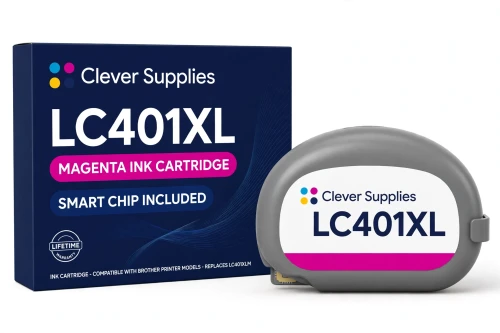
Compatible Brother LC401XL LC401XLM Magenta Ink Cartridge
- Page Yield:
- Up to 500 pages (ISO/IEC 24711)
- Shipping:
- Calculated at Checkout

Amazon Price:

- Page Yield:
- Up to 500 pages (ISO/IEC 24711)
- Shipping:
- Calculated at Checkout
- Compatible Printers
- Specifications
- SKU:
- CS-BR-401-MXL
- Condition:
- New Compatible
- OEM Part #:
- LC401XLM
- Color:
- Magenta
- Page Yield:
- Up to 500 pages (ISO/IEC 24711)
- Chip:
- New compatible chip (ink-level chip)
- Warranty:
- Lifetime Warranty
- Returns:
- 1-Year Free Returns
- Description
- Reviews
This is our compatible LC401XLM magenta cartridge — the XL High Yield tier of Brother's LC401 family, rated up to 500 pages in accordance with ISO/IEC 24711, two and a half times the standard tier's run. It serves the three printers on Brother's official LC401 list: MFC-J1010DW, MFC-J1012DW and MFC-J1170DW.


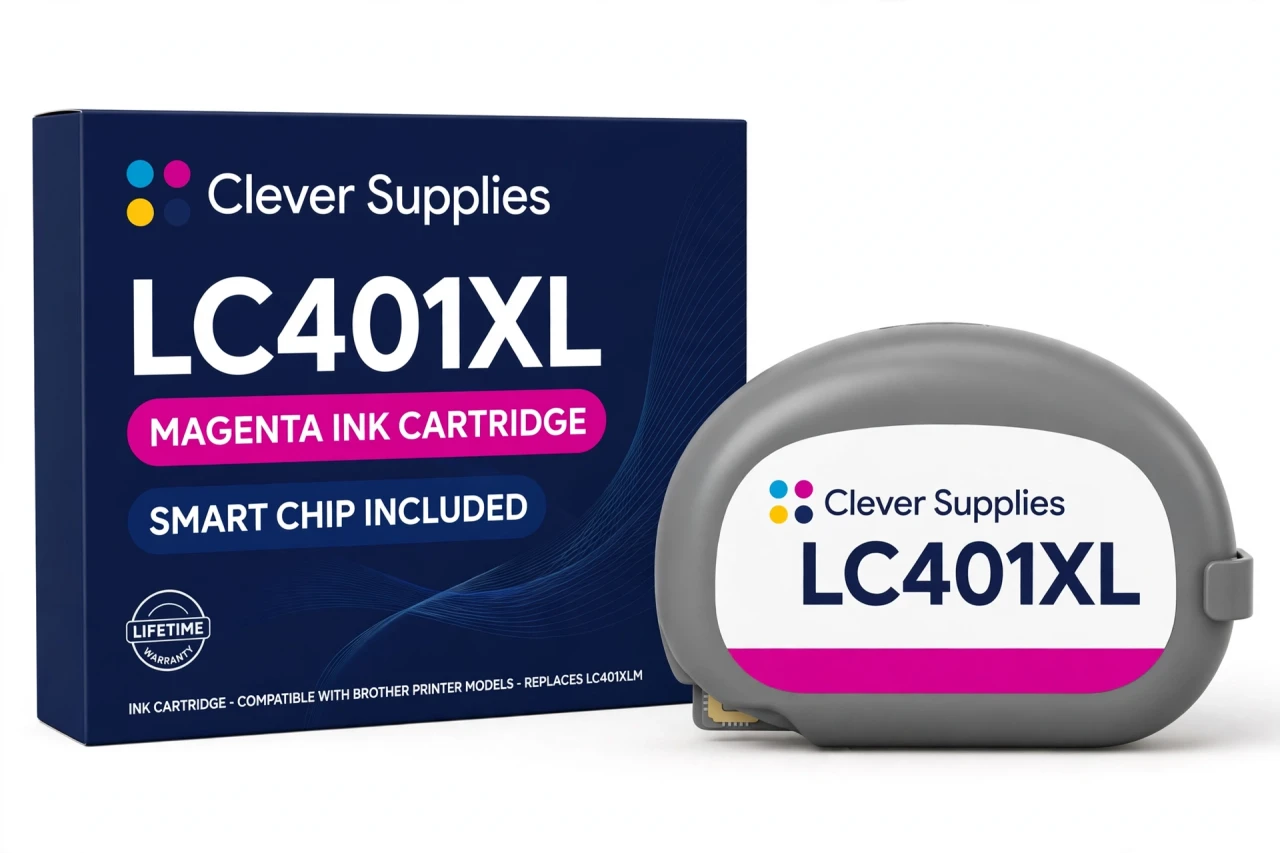
On a family whose standard cartridges are rated at 200 pages, the XL tier is where steady document printing stops being a cartridge-changing routine: same printers, same slots, a substantially bigger fill — and it mixes freely with standard LC401 cartridges in the other slots. It does not fit the LC402, LC404 or LC406 families; those are separate cartridge bodies.
The cartridge carries a new compatible chip that reports ink levels. Brother's official “Cannot Detect Ink Volume” support page names this whole LC40x generation — LC401, LC402, LC404 and LC406 models are listed on it — and warns that with non-genuine ink the machine may or may not detect the ink volume. No official Brother source we could find claims a firmware update blocks compatible cartridges in this generation, so we make no such claim here either; the detection warning above is the honest, complete picture. Covered by our lifetime warranty, with free returns for the first year.
Shop the Brother LC401XL family: LC401BK Black Ink Cartridge · LC401C Cyan Ink Cartridge · LC401M Magenta Ink Cartridge · LC401Y Yellow Ink Cartridge · Set of 4 BCMY Ink Cartridge · LC401XLBK Black Ink Cartridge · LC401XLC Cyan Ink Cartridge · LC401XLY Yellow Ink Cartridge · Set of 4 BCMY Ink Cartridge · Set of 9 BCMY Ink Cartridge · Set of 4 BCMY Ink Cartridge
Browse by series: MFC Multifunction Series
Frequently Asked Questions
What about firmware updates?
Brother's official LC40x detection warning is the complete official picture we could find; no official Brother source states that a firmware update blocks compatible LC401XL cartridges, and we make no such claim. The related “Cannot Detect Ink Volume” guidance is covered in the recognition answer below.
Will my printer recognize this compatible XL magenta?
Recognition runs through a new compatible chip that reports ink levels to the printer — and through Brother's stated limits. On its “Cannot Detect” and “Cannot Detect Ink Volume” support pages, Brother warns that with non-genuine ink the machine may or may not detect the cartridge or its ink volume, and that optimum performance and reliability cannot be guaranteed with ink of other specifications. We publish that warning rather than promise recognition we cannot guarantee. To give detection its best chance: seat the cartridge firmly until it clicks, keep fingers off the chip contacts, and if a detection message appears, remove and reseat the cartridge and restart the printer.
How many pages does the LC401XLM yield?
Brother's published figure for the LC401XL tier is up to 500 pages per ISO/IEC 24711, identical across all four colors in the tier; the standard LC401 tier, by contrast, is rated at 200 pages.
Which printers does this cartridge fit?
Brother's official LC401 list names MFC-J1010DW, MFC-J1012DW and MFC-J1170DW — and the XL tier fits exactly the same printers as the standard tier. For a side-by-side of every LC401 and LC401XL option in this family — standard and XL singles, both Sets of 4 and the XL Set of 9, priced per page on the 200- and 500-page ratings — see our Best Brother LC401 Ink Cartridges guide.
Is the LC401XLM physically bigger than the standard cartridge?
No. Although the fill is larger, the cartridge belongs to the same slot family; Brother lists both tiers for the same three printers, so it installs exactly like the standard cartridge, with no adapter or modification.
Can I mix LC401XL and standard LC401 cartridges?
Freely: the tiers share the same three printers and every slot works on its own. Plenty of owners keep an LC401XL black for document endurance alongside standard colors, then move colors up to XL one by one as they run out.
Is the MFC-J1800DW covered?
It is not covered. Certain seller listings attach the J1800DW to this family, yet Brother's official LC401 page leaves it out — and so do we.
Does this fit LC404 or LC406 printers?
No. LC404 and LC406 are separate LC40x families with different cartridge bodies; this LC401XL cartridge fits only the three LC401 printers named here.
How do I install it?
Press the lever to release the spent cartridge, slide this one in until it clicks, and keep your fingers away from the chip contacts. A print quality check is worthwhile if the printer has been idle.
Is this a genuine Brother cartridge?
It is not. This is a Clever Supplies compatible, manufactured to the LC401XLM specification with a new compatible chip, and labeled compatible on the box and on this page.
What warranty and returns does it carry?
Coverage is a lifetime warranty — a cartridge that fails to perform is replaced — with free returns during the first year.
What should I check before ordering?
Start with the model — MFC-J1010DW, MFC-J1012DW or MFC-J1170DW — then confirm the code on your old cartridge: LC401 or LC401XL both confirm this family, while any other LC40x code (LC402, LC404, LC406) means a different family.
Related Items

Brother
Compatible Brother LC401XL LC401XLC Cyan Ink Cartridge
This is our compatible LC401XLC cyan cartridge — the XL High Yield tier of Brother's LC401 family, rated up to 500 pages in accordance with ISO/IEC 24711, two and a half times the standard tier's run...


Brother
Compatible Brother LC401XL LC401XLY Yellow Ink Cartridge
This is our compatible LC401XLY yellow cartridge — the XL High Yield tier of Brother's LC401 family, rated up to 500 pages in accordance with ISO/IEC 24711, two and a half times the standard tier's...

Brother
Compatible Brother LC401XL LC401XLBK Black Ink Cartridge
This is our compatible LC401XLBK black cartridge — the XL High Yield tier of Brother's LC401 family, rated up to 500 pages in accordance with ISO/IEC 24711, two and a half times the standard tier's...

Brother
Compatible Brother LC401XL Set of 9 BCMY Ink Cartridge
This is the XL High Yield bulk refill for Brother's LC401 family: our compatible set of 9 with 3 black + 2 cyan + 2 magenta + 2 yellow (all xl), every cartridge rated up to 500 pages in accordance...