





 See Compatible Printers
 Read more about our ink!
Brother
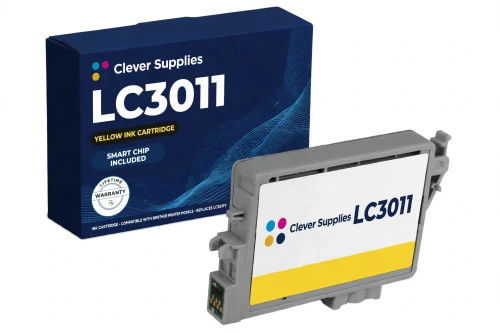
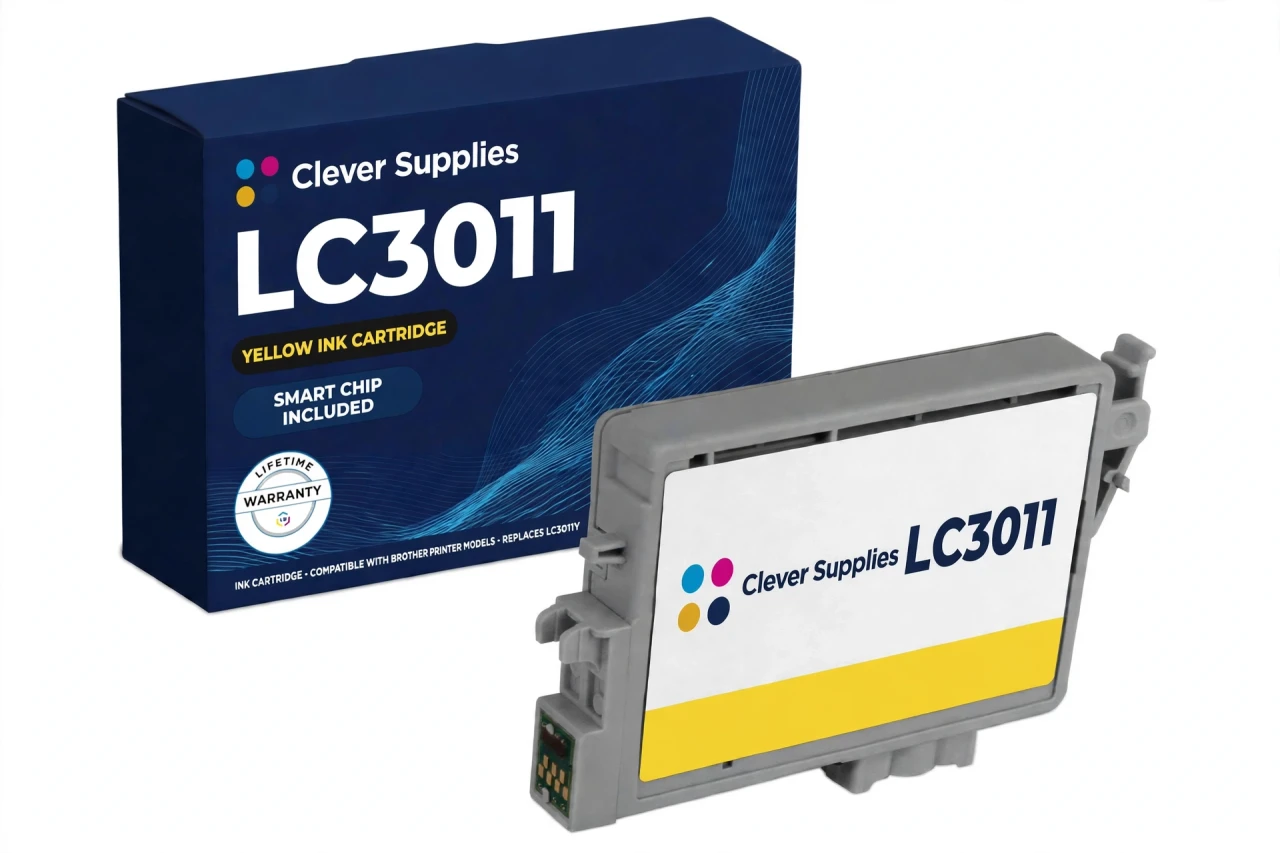
Compatible Brother LC3011 LC3011Y Yellow Ink Cartridge
- Page Yield:
- Up to 200 pages (ISO/IEC 24711)
- Shipping:
- Calculated at Checkout

Amazon Price:

- Page Yield:
- Up to 200 pages (ISO/IEC 24711)
- Shipping:
- Calculated at Checkout
- Compatible Printers
- Specifications
- SKU:
- CS-BR-3011-Y
- Condition:
- New Compatible
- OEM Part #:
- LC3011Y
- Color:
- Yellow
- Page Yield:
- Up to 200 pages (ISO/IEC 24711)
- Chip:
- New compatible chip
- Warranty:
- Lifetime Warranty
- Returns:
- 1-Year Free Returns
- Description
- Reviews
This is the Standard Yield yellow cartridge for the four Work Smart printers that share the LC3011/LC3013 slot — MFC-J491DW, MFC-J497DW, MFC-J690DW, MFC-J895DW. The cartridge is our compatible LC3011Y, rated up to 200 pages to ISO/IEC 24711, and it fits exactly the same four models as its sibling tier: in this group the tier changes only the fill and the yield, never the printer list. That is the fact to hold on to when a listing implies otherwise.


A standard yield cartridge earns its keep in a small home or home-office printer that prints in bursts rather than in bulk. You change it less often than a Standard cartridge when you step up to High, and you never pay for a larger machine to get there — the same MFC-J491DW, MFC-J497DW, MFC-J690DW and MFC-J895DW take both tiers, so the upgrade is a cartridge decision, not a printer decision. The sibling codes in this family are LC3011BK, LC3011C, LC3011M, LC3011Y, LC3013BK, LC3013C, LC3013M, LC3013Y; each color has its own slot and its own rating, and none of them is interchangeable with LC3017, LC3019 or LC3033.
The cartridge carries a new compatible chip, with the small green chip on top that Brother's own support pages ask about when a cartridge is not detected. One honest expectation belongs on this page: with a compatible cartridge the printer may show “Cannot Detect Ink Volume” — Brother's support text says the machine keeps working with that message, and only a new genuine cartridge clears it, so the ink-level gauge may not read. That is a display behavior, not a print failure, and it is why we state it before you buy. Covered by our lifetime warranty, with free returns for the first year.
Shop the Brother LC3011 family: LC3011BK Black Ink Cartridge · LC3011C Cyan Ink Cartridge · LC3011M Magenta Ink Cartridge · LC3013BK Black Ink Cartridge · LC3013C Cyan Ink Cartridge · LC3013M Magenta Ink Cartridge · LC3013Y Yellow Ink Cartridge · Set of 4 BCMY Ink Cartridge · Set of 9 BCMY Ink Cartridge
Browse by series: MFC MULTIFUNCTION SERIES
Frequently Asked Questions
Is this a genuine Brother cartridge?
No — it is a Clever Supplies compatible cartridge built to the LC3011Y specification, with a new compatible chip, labeled compatible on the box and on this page. It is not manufactured by Brother.
How should I handle and store this cartridge?
Hold it by the housing, keep fingers off the small green chip on top, and install it promptly once opened. Store sealed cartridges upright, away from heat and direct sunlight; do not open a cartridge until its slot is ready.
When is the Standard Yield tier the right choice?
A Standard cartridge is the lower-cost fill for light, occasional printing; if you print steadily, the High tier of the same code runs twice as long in the same printer.
What warranty and returns does it carry?
A lifetime warranty — a cartridge that fails to perform is replaced — and free returns within the first year.
Why do some listings call this LC3013XL or XXL?
Those are seller wordings, not Brother's code. Brother's official code is plain LC3011Y; the “XL” suffix does not appear on Brother's product pages for this family, and we do not use it.
Can I buy just the yellow cartridge, or must I buy a set?
Just this cartridge. Sets exist only in the High tier (LC3013 Set of 4 and Set of 9); the Standard tier in this range is sold as singles only, so a single yellow cartridge is the normal way to replace one color.
What is the page yield of the LC3011Y yellow cartridge?
Up to 200 pages, Brother's published approximate rating to ISO/IEC 24711. That is the per-cartridge figure for the Standard Yield tier; it is not a combined figure for a set or for all four colors.
Which printers does the LC3011Y fit?
The same four Work Smart models as the whole LC3011/LC3013 group: MFC-J491DW, MFC-J497DW, MFC-J690DW, MFC-J895DW. The tier does not change the model list — see the tier question below for what does change.
Do LC3011 and LC3013 fit the same printers?
Yes — the two tiers share the exact same four-model list, MFC-J491DW, MFC-J497DW, MFC-J690DW, MFC-J895DW. The only difference between a Standard and a High cartridge in the same color is fill and yield (200 pages against 400). The two tiers can even be mixed in one printer, color by color.
Is this a Standard or a High Yield cartridge?
This is the Standard Yield tier: LC3011Y is rated up to 200 pages (ISO/IEC 24711). We use Brother's product-page tier names — Standard for LC3011 and High for LC3013 — not the different wording that appears on one Brother support page, which calls the same cartridges High and Super High.
Will my printer recognize this cartridge?
This cartridge carries a new compatible chip. If your printer's firmware has been updated, recognition issues can occasionally occur — reseat the cartridge firmly, check the small green chip contact is clean and untouched by fingers, and restart the printer. Brother's general position (March 2025) is that firmware updates do not block third-party ink.
What does “Cannot Detect Ink Volume” mean?
It is Brother's own documented behavior for a generic or third-party cartridge: the printer may be unable to determine the ink volume and shows this message. Brother's support text says the machine keeps working with that message, and the message is only cleared by a new genuine cartridge. So with this compatible cartridge the ink-level display may not work — the cartridge still prints its rated yield; judge replacement by print quality and by how much you have printed, not by the gauge.
Related Items

Brother
Compatible Brother LC3011 LC3011C Cyan Ink Cartridge
This is the Standard Yield cyan cartridge for the four Work Smart printers that share the LC3011/LC3013 slot — MFC-J491DW, MFC-J497DW,


Brother
Compatible Brother LC3011 LC3011M Magenta Ink Cartridge
This is the Standard Yield magenta cartridge for the four Work Smart printers that share the LC3011/LC3013 slot — MFC-J491DW, MFC-J497DW,

Brother
Compatible Brother LC3011 LC3011BK Black Ink Cartridge
This is the Standard Yield black cartridge for the four Work Smart printers that share the LC3011/LC3013 slot — MFC-J491DW, MFC-J497DW, <

Brother
Compatible Brother LC201 LC201Y Yellow Ink Cartridge
Standard-yield yellow for the six WorkSmart printers: our compatible LC201Y, rated up to 260 pages under ISO/IEC 24711 — the entry tier of this platform, in its own individual slot. It fits the six...