




Brother-LC103
The LC103 is the high-yield tier at the center of Brother's Innobella family for seventeen MFC-J and DCP-J printers — and the one tier every one of those seventeen accepts. The four cartridges are LC103BK black, LC103C cyan, LC103M magenta and LC103Y yellow, and unusually for a family with three tiers, all four carry the same rating: up to 600 pages each under ISO/IEC 24711. Each color is a separate, individually chipped cartridge that is replaced on its own.
Three tiers share one cartridge case here, and LC103 is the middle of them. Below it, the standard LC101 tier (300 pages) is where the nine smaller models in the family start, and every one of them can step up to LC103. Above it, the eight larger models can also accept the super-high tier — LC105 colors and an LC107 black — while the three ledger models among those eight take an LC109BK super-high black that is sold as a genuine original. There is no LC105 black: super-high colors are LC105, and super-high blacks are LC107 or LC109. LC103 is the only tier with all seventeen names on its list.
The LC103 Shelf: Singles, Set of 4 and Set of 9
| Cartridge | Color | Page Yield |
|---|---|---|
| LC103BK — Compatible Ink Cartridge, Single | Black | Up to 600 pages |
| LC103C — Compatible Ink Cartridge, Single | Cyan | Up to 600 pages |
| LC103M — Compatible Ink Cartridge, Single | Magenta | Up to 600 pages |
| LC103Y — Compatible Ink Cartridge, Single | Yellow | Up to 600 pages |
| LC103 — Compatible Ink Cartridge, Set of 4 | Black, Cyan, Magenta, Yellow | See product page |
| LC103 — Compatible Ink Cartridge, Set of 9 | Black, Cyan, Magenta, Yellow | See product page |
Which LC103 should you buy?
For most of the seventeen printers, the decision is about rhythm rather than fit, because LC103 fits them all. Replace colors individually as they empty — the black usually leads — and the singles keep that simple. The Set of 4 is the full refresh: one of each cartridge for the day the whole row runs low together. The Set of 9 suits the printers that work every week, with three blacks and two of each color in the box. Owners of the eight larger models can compare the super-high LC105 and LC107 options on their own pages; everyone else can order LC103 without a second thought. Each cartridge here is a Clever Supplies compatible, and the lifetime warranty stands behind every one of them.
Chip, ink and everyday use
When an LC103 printer refuses to see a cartridge, the cause is almost always the chip rather than the ink. Grip the cartridge by its housing, keep the small green contacts clean and untouched, and press it firmly into its own slot until it seats. If a firmware update interrupts recognition, reseat the cartridge and restart the printer before you replace anything — that sequence clears most false empty readings. Keep spare cartridges sealed until their slot runs low, and remember that every rating here follows Brother's ISO/IEC 24711 test method, so heavy photo coverage will always land below the headline number.
Frequently Asked Questions
Is LC103 just an LC101 with more ink in it?
Essentially, yes — the tiers share one cartridge case, and LC103 doubles the LC101 rating from 300 to 600 pages. The nine smaller models in this family were sold with LC101 as their standard tier and accept LC103 in the same slots; the eight larger models start at LC103.
My MFC-J6520DW also accepts LC105 and LC107. Do I still need LC103?
Need is the wrong word — LC103 fits your printer, and so do the super-high options. The eight larger models choose by volume: LC103 at 600 pages a cartridge, or the LC105 colors and LC107 black above it. The nine smaller models cannot use the super-high tier at all.
Is there an LC105 black cartridge?
No. In the super-high tier the colors are LC105 and the black is LC107BK — except on the three ledger models, which take an LC109BK black sold as a genuine original. If you are shopping for a super-high black, match LC107 or LC109 to your model group, not LC105.
The printer says a new cartridge is empty. What should I try first?
Reseat it. Pull the cartridge out, check that the chip contacts are clean, press it back until it clicks, and restart the printer — especially if the message appeared right after a firmware update. Recognition faults on this platform are contact faults far more often than ink faults.
Printers that use LC103 ink
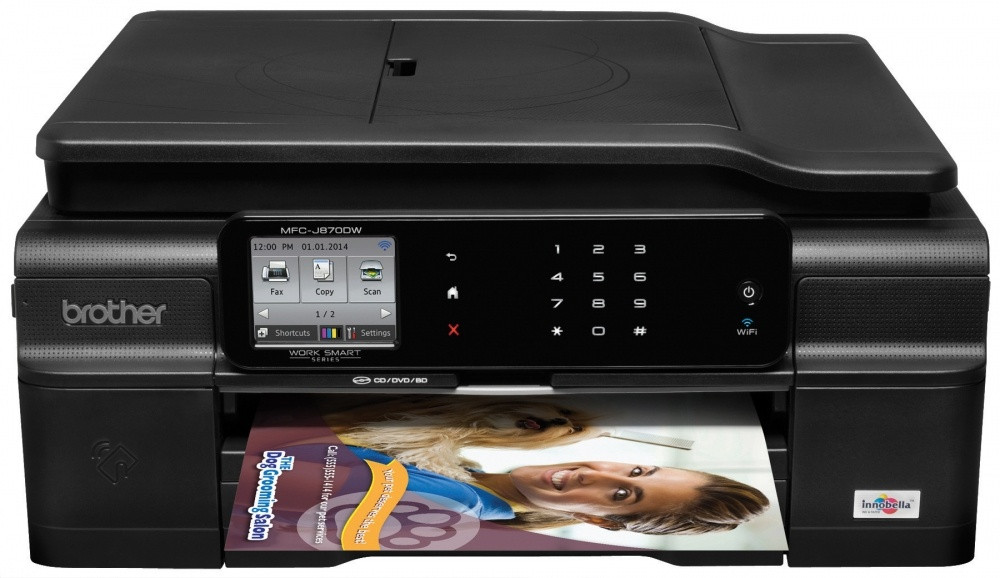
All seventeen models in the family take the LC103 cartridges above: MFC-J245, MFC-J285DW, MFC-J450DW, MFC-J470DW, MFC-J475DW, MFC-J650DW, MFC-J870DW, MFC-J875DW, MFC-J4310DW, MFC-J4410DW, MFC-J4510DW, MFC-J4610DW, MFC-J4710DW, MFC-J6520DW, MFC-J6720DW, MFC-J6920DW, DCP-J152W.