




What Toner Does the Brother MFC-L6800DW Use?
Posted by Clever Supplies on Nov 15th 2026
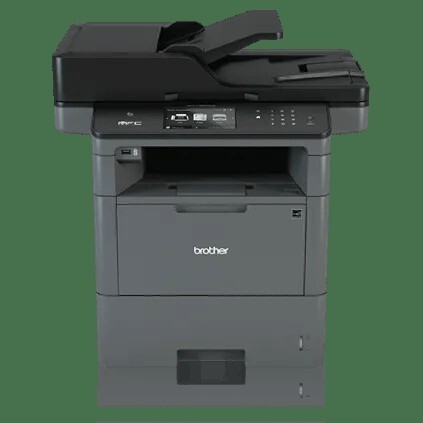
Quick answer: The Brother MFC-L6800DW uses TN820 (about 3,000 pages), TN850 (about 8,000 pages) or TN880 (about 12,000 pages) black toner, with the separate DR820 drum unit (about 30,000 pages). It shipped with the 8,000-page cartridge in the box. Ours: TN880, TN850, TN820, DR820.
An enterprise scanner that also prints — and what that means for toner
Look at the MFC-L6800DW's spec sheet in the order Brother presents it and the priorities are obvious: an 80-sheet auto document feeder that scans two-sided pages in a single pass at up to 100 images per minute, advanced security features for managed fleets, a 4.85" color touchscreen, and then — almost as an afterthought — printing and copying at up to 48 pages per minute through a 520-sheet tray that can grow to 1,610 sheets.
Machines like this get bought by the scanning department and inherited by whoever orders toner. So inherit this, too: the MFC-L6800DW accepts the full three-tier toner range of its generation, tops out at the 12,000-page TN880, and images everything through the family's long-serving DR820 drum. It also arrived from Brother with an 8,000-page TN850-class cartridge already in the box, which is why so many owners' first reorder is a surprise upgrade decision rather than a like-for-like swap.
The three tiers, priced
| Cartridge | Rated yield | Our compatible price | Cost per page |
|---|---|---|---|
| TN820 standard yield | ~3,000 pages | $29.07 | ≈1.0¢ |
| TN850 high yield | ~8,000 pages | $29.07 | ≈0.36¢ |
| TN880 super high yield | ~12,000 pages | $29.07 | ≈0.24¢ |
| DR820 drum unit | ~30,000 pages | $30.04 | ≈0.10¢ |
Our prices, taken from the product pages on November 2, 2026.
All three toners are the same price on our shelf, so the tier decision is purely about changeover frequency and per-page cost — and on both counts the TN880 wins for any machine printing at fleet pace: 0.24¢ of toner per page, about 0.34¢ with the drum included. The one scenario that flatters the TN850 is a low-print, high-scan duty cycle, where even an 8,000-page cartridge takes a year or more to empty and freshness matters more than yield. Note what scanning does to the equation: nothing. The feeder can chew through a banker's box of contracts without touching a gram of toner or a turn of the drum.
The set worth knowing about
Our TN880 + DR820 set puts the 12,000-page cartridge and a fresh drum in one $43.03 box. Separately they come to $59.11, so the bundle saves $16.08 — real money, but only when both parts are genuinely due. A DR820 spans roughly two and a half TN880s, which means most reorders on this machine should be a bare toner; the set is the right call when the drum message is already showing or the page counter says it's close, and then it's the cheapest way to reset the whole imaging path in one visit to the supply closet. If the drum is young, take the honest route and order the TN880 alone.
Swapping toner
1. Leave the machine powered, open the front cover, and allow a brief cool-down after a long run. 2. Draw the drum-and-toner assembly out by its handle. 3. Press the green lock lever; the toner lifts out of the drum frame. 4. Shake the new cartridge gently from side to side, remove its protective cover, and seat it in the frame until it clicks. 5. Run the green tab along the corona wire several times and return it to its home position. 6. Slide the assembly back in and close the cover.
If "Replace Toner" lingers after a by-the-book install, the counter needs the manual reset described in our TN820/TN850/TN880 reset guide.
Frequently asked questions
The box cartridge was 8,000 pages. Should my first reorder be the same? It can be, but the machine isn't limited to it. Stepping up to the TN880 stretches the interval to about 12,000 pages and cuts cost per page from 0.36¢ to 0.24¢ at the same $29.07 shelf price — the standard recommendation for this model.
Can this printer use the TN890 ultra high-yield cartridge? No. The 20,000-page TN890 is exclusive to the MFC-L6900DW and HL-L6400DW/DWT. The MFC-L6800DW's ceiling is the TN880.
Our scanning volume is enormous. Does that shorten drum life? No. The DR820's roughly 30,000-page rating counts printed and copied pages only. Scan-only work — even at 100 images a minute, all day — leaves both drum and toner untouched.
How do I tell whether fading output is toner or drum? Check the touchscreen's supplies gauge first. Toner low with fading usually means an empty cartridge; fading or repeating streaks with healthy toner points at the drum, especially past its 30,000-page rating.
Other printers that use TN820, TN850, TN880 and DR820
Fleet buyers take note — the same shelf serves all of these in our catalog:
- HL-L5200DW
- HL-L5200DWT
- HL-L6200DW
- HL-L6200DWT
- HL-L6300DW
- DCP-L5500DN
- DCP-L5600DN
- DCP-L5650DN
- MFC-L5700DW
- MFC-L5800DW
- MFC-L5850DW
- MFC-L5900DW
- MFC-L6700DW
- MFC-L6900DW (takes all three toners plus the TN890; drum is the DR890 there)
Mixed fleets, mind the split: the smaller machines on that list stop at the TN850, while the MFC-L6700DW and this model unlock the TN880.
Our MFC-L6800DW toner page gathers every fitting cartridge, drum and set for reordering.
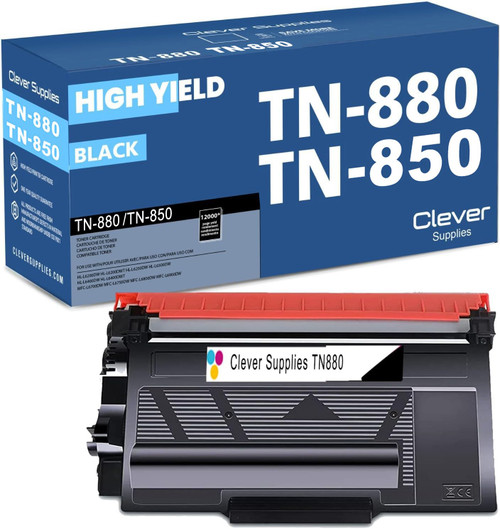 brother tn880 toner cartridge black
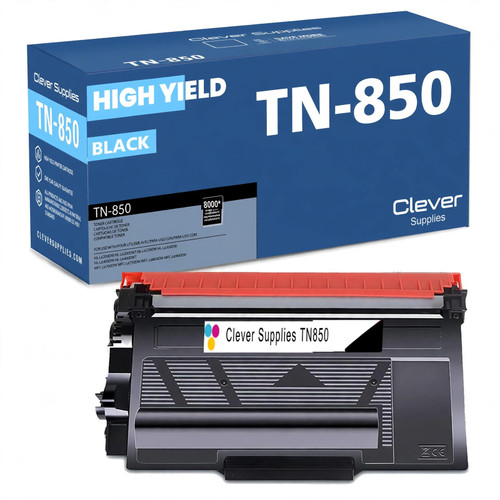 brother tn850 laser toner cartridge compatible high yield bl
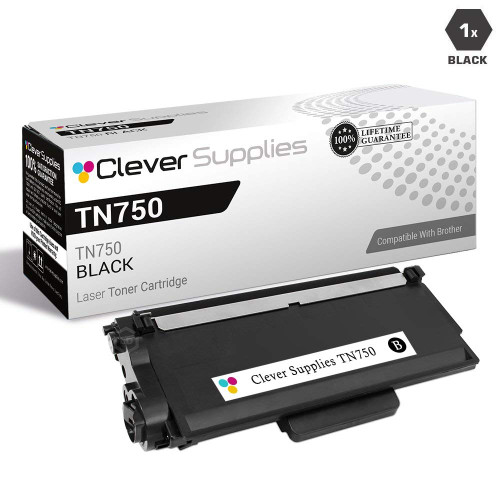 brother tn820 laser toner cartridge compatible black
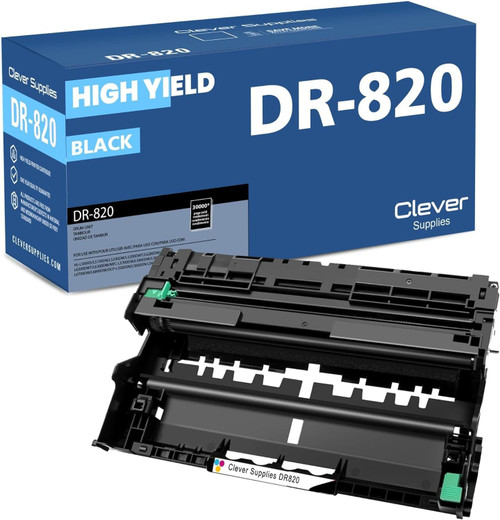 brother dr820 drum unit high yield black
Key takeaways
- The top cartridge here is rated at 12,000 pages — fewer swaps, lower cost per page.
- Lowest cost per page in this family: ~0.24¢ with the highest-yield cartridge.
- Buying the toner + drum set instead of the parts separately saves $16.08.