




What Toner Does the Brother MFC-L6700DW Use?
Posted by Clever Supplies on Nov 14th 2026
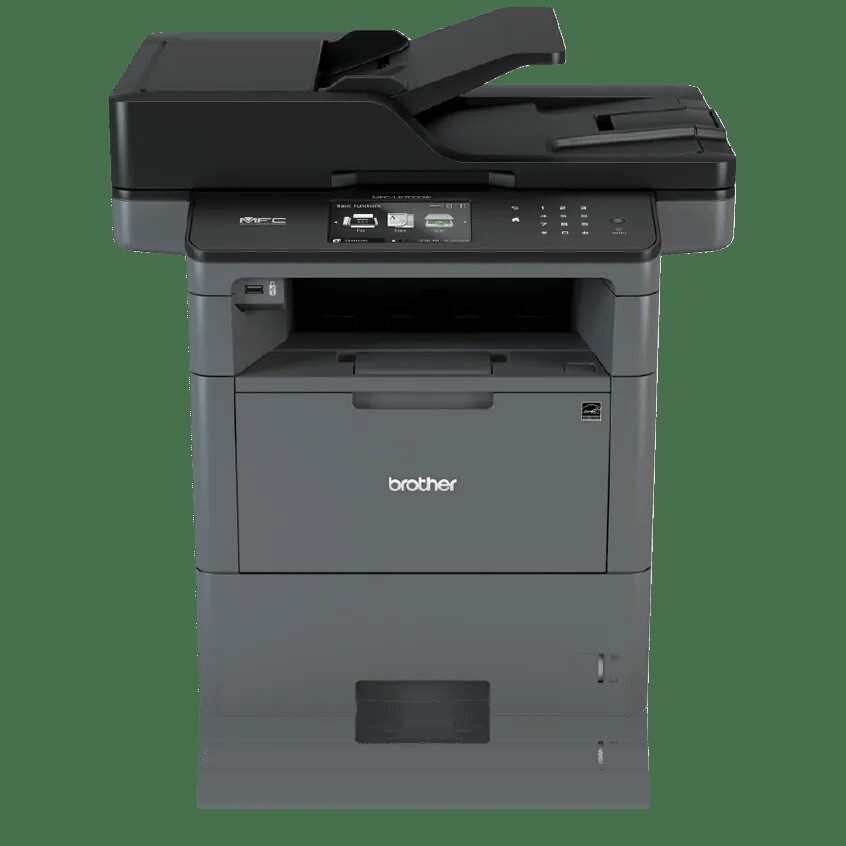
Quick answer: The Brother MFC-L6700DW uses TN820 standard-yield black toner (about 3,000 pages), TN850 high-yield black toner (about 8,000 pages) or the TN880 super high-yield black toner (about 12,000 pages) — plus a separate DR820 drum unit rated around 30,000 pages. This is the first model in its family where the 12,000-page cartridge fits. Links: TN880, TN850, TN820, DR820 drum.
Where the 12,000-page cartridge unlocks
The MFC-L6700DW is the volume step-up in Brother's mono line: 48 pages per minute instead of 42, a 520-sheet main tray instead of 250, and — the part this page exists for — access to the TN880 super high-yield cartridge. Brother built this machine for workgroups that measure toner in cartridges per quarter rather than per year, and the supply range reflects it: three sizes of toner, all imaging through the family's shared DR820 drum.
The rest of the hardware backs the brief. A 70-sheet duplex auto document feeder scans both sides in one pass (up to 56 ipm in monochrome), the touchscreen grows to 4.85" with the usual 48 shortcut slots, Gigabit Ethernet joins the Wi-Fi, and optional trays take total capacity to 1,610 sheets.
Running costs across all three tiers
| Cartridge | Rated yield | Our compatible price | Cost per page |
|---|---|---|---|
| TN820 standard yield | ~3,000 pages | $29.07 | ≈1.0¢ |
| TN850 high yield | ~8,000 pages | $29.07 | ≈0.36¢ |
| TN880 super high yield | ~12,000 pages | $29.07 | ≈0.24¢ |
| DR820 drum unit | ~30,000 pages | $30.04 | ≈0.10¢ |
Prices from our product pages, checked November 2, 2026.
Read that table again: on our shelf, all three toner tiers cost the same $29.07. The only variable is how many pages each one prints, which makes the TN880 the rational default for this machine — a quarter of a cent per page for toner, roughly a third of a cent all-in with the drum. The TN820 survives in the range for light-duty corners and the TN850 as a middle step, but in an MFC-L6700DW doing the job it was bought for, both are false economy measured in pennies and in changeovers.
The toner-and-drum set: when it pays
Because this model takes the TN880, it can also use our TN880 + DR820 toner and drum set — one 12,000-page cartridge and one drum in a single box for $43.03. Bought separately, the same two parts total $59.11 ($29.07 + $30.04), so the set saves $16.08.
The honest framing: that saving only exists if you actually need both parts. Drum math says one DR820 covers about two and a half TN880 cartridges, so most orders should be toner alone. The set earns its money at the moment the drum counter is also nearing its end — the "Replace Drum" season — when pairing the two turns a looming second order (and second shipping threshold) into one box on the shelf before either part gives out mid-job.
Changing the cartridge
1. Keep the printer on, open the front cover, and let the internals cool briefly after heavy use. 2. Pull the drum-and-toner assembly out by its handle. 3. Press the green lock lever and lift the old toner free of the drum frame. 4. Unpack the new cartridge, rock it side to side five or six times, and remove the protective cover. 5. Click it into the drum, slide the green tab along the corona wire several times, and park the tab back at its mark. 6. Reinstall the assembly, close the cover, and let the machine calibrate.
A "Replace Toner" warning that survives a proper install is usually the page counter, not the cartridge — our TN820/TN850/TN880 reset guide covers the manual reset for this generation.
Frequently asked questions
How many TN880 cartridges will one drum survive? About two and a half at rated yields — 30,000 drum pages against 12,000-page cartridges. In practice, expect to replace the drum during your third TN880.
We upgraded from an MFC-L5900DW. Can we use our leftover TN850s? Yes. The TN850 and TN820 both fit the MFC-L6700DW; they're simply smaller drinks from the same shelf. Burn through them, then switch to the TN880 for the better per-page rate.
Our output has faint vertical streaks but toner is new. What gives? That's the classic DR820 end-of-life signature, or a corona wire that needs its cleaning tab run back and forth. Try the tab first; if streaks persist past 30,000 pages, the drum is due.
Is the 520-sheet tray really standard? It is — more than a full ream in the main tray, plus a 50-sheet multi-purpose tray, before any of the optional expansion trays enter the picture.
Other printers that use TN820, TN850, TN880 and DR820
The MFC-L6700DW shares its whole supply shelf with:
- HL-L5200DW
- HL-L5200DWT
- HL-L6200DW
- HL-L6200DWT
- HL-L6300DW
- DCP-L5500DN
- DCP-L5600DN
- DCP-L5650DN
- MFC-L5700DW
- MFC-L5800DW
- MFC-L5850DW
- MFC-L5900DW
- MFC-L6800DW
- MFC-L6900DW (all three toners fit; its drum is the DR890, and it adds a fourth toner, the TN890)
Keep in mind the four 42 ppm MFCs and the smaller HL/DCP models on that list stop at the TN850 — the TN880 only enters the range from the HL-L6200DW and MFC-L6700DW upward.
Order from our MFC-L6700DW toner page to see every cartridge, drum and set that fits this machine.
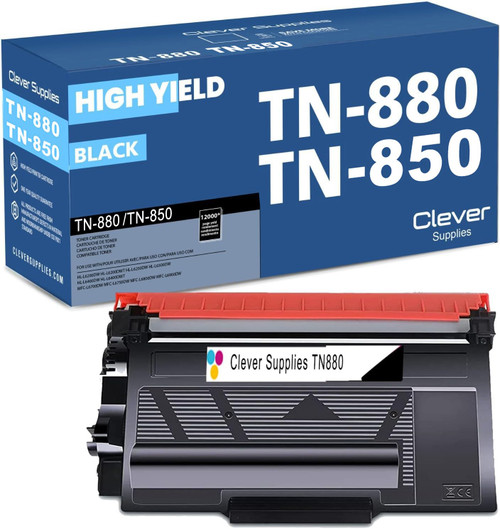 brother tn880 toner cartridge black
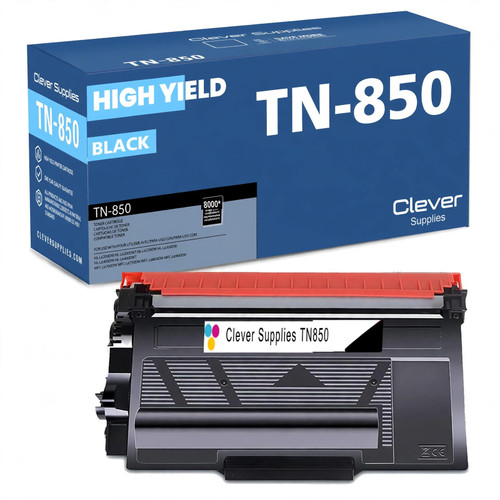 brother tn850 laser toner cartridge compatible high yield bl
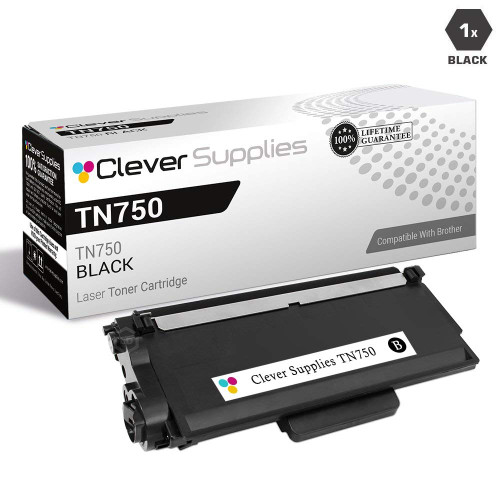 brother tn820 laser toner cartridge compatible black
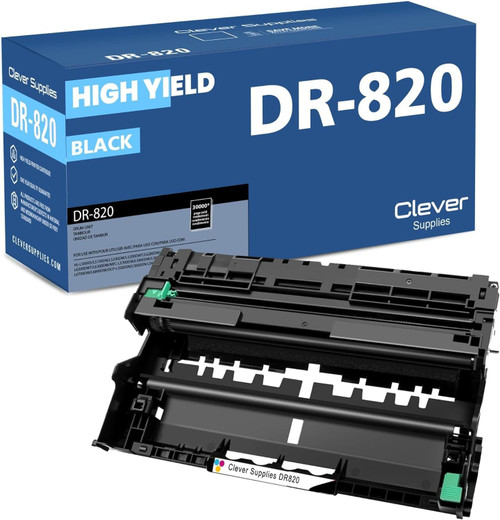 brother dr820 drum unit high yield black
Key takeaways
- The top cartridge here is rated at 12,000 pages — fewer swaps, lower cost per page.
- Lowest cost per page in this family: ~0.24¢ with the highest-yield cartridge.
- Toner and drum are separate parts on this printer — replace only the one the printer asks for.