




What Toner Does the Brother HL-L6300DW Use?
Posted by Clever Supplies on Nov 9th 2026
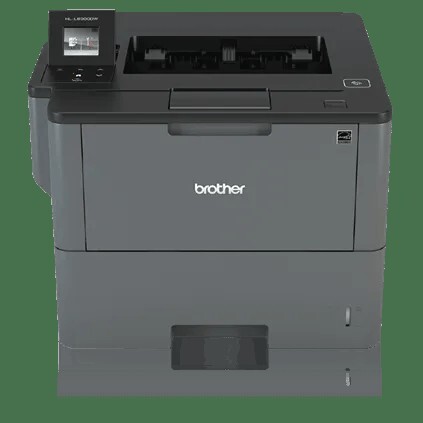
Quick answer: The Brother HL-L6300DW uses TN820 (about 3,000 pages), TN850 (about 8,000 pages) or TN880 (about 12,000 pages) black toner, all riding in a DR820 drum unit rated at roughly 30,000 pages. Unusually for the range, it also leaves the factory with the 8,000-page TN850 already installed — so your first toner purchase comes much later than most buyers expect, and when it does, the TN880 is the tier this flagship was built for.
The Flagship of the Family
Everything about the HL-L6300DW is scaled for departments rather than desks. Print speed reaches up to 48 pages per minute; the main tray holds 520 sheets with a 50-sheet multi-purpose tray beside it, and optional trays expand input to 1,610 sheets; Brother sets the maximum monthly duty cycle at 125,000 pages, the highest in this group. Two details separate it from the HL-L6200DW below it: a 1.8-inch color touchscreen replaces the one-line display, and an integrated NFC card reader lets staff release jobs with a security badge — part of Brother's Triple Layer Security approach for printers that handle HR, legal or finance paperwork. Wi-Fi, Gigabit Ethernet and USB cover the connections.
High duty cycles change the supplies conversation. Toner stops being an occasional purchase and becomes a line item, which is exactly why Brother clears this model for its biggest cartridge.
Yield and Cost, Tier by Tier
| Cartridge | Rated yield | Our compatible price | Cost per page |
|---|---|---|---|
| TN820 | ~3,000 pages | $29.07 | ~0.97¢ |
| TN850 | ~8,000 pages | $29.07 | ~0.36¢ |
| TN880 | ~12,000 pages | $29.07 | ~0.24¢ |
| DR820 drum | ~30,000 pages | $30.04 | ~0.10¢ |
Prices checked November 2, 2026; yields follow Brother's ISO/IEC 19752 ratings. Notice the shape of the pricing: our compatible TN820 and TN850 are the same $29.07, and the TN880 — with four times the standard cartridge's yield — costs $29.07. Per page, the TN880 works out near a quarter of a cent, the drum adds about a tenth of a cent, and everything else is paper and electricity. On a machine that can be asked for thousands of pages a week, the standard tier exists mostly as the answer to a trivia question.
Because the in-box cartridge is already a TN850, a new HL-L6300DW typically prints its first ~8,000 pages before any supply decision arises. When it does, stepping straight to the TN880 halves the change frequency again.
One Box for the Big Service Day
Drums and toner age on related clocks here: the DR820's ~30,000-page rating (one page per job; up to ~50,000 for longer jobs) spans roughly two and a half TN880 cartridges. Our TN880 toner with DR820 drum set pairs the two for $43.03 — $16.08 less than the $59.11 they cost as separate orders — so the day the printer asks for both, a single box resets the whole imaging path. For a department printer, that also means one purchase order and one delivery to track.
The counter-case still applies: on a printer whose drum counter sits at, say, 9,000 pages, the drum in a set would wait years for its moment. Match the bundle to the drum's age, not to habit.
Changing the Cartridge
Keep the power on, open the front cover and slide out the drum-and-toner assembly. Press the green lock lever to release the spent cartridge, rock the fresh one gently side to side to even out the toner, remove its protective cover, and push it home until it clicks. Slide the green tab along the drum to clean the corona wire, reseat the assembly and close the cover. If "Replace Toner" refuses to clear, the printer almost certainly wants the counter reset described in our TN820, TN850 and TN880 troubleshooting guide — on this model the touchscreen walks you into the menu the guide describes.
Questions HL-L6300DW Owners Ask
Which cartridge is inside my new printer? A TN850 rated at about 8,000 pages — Brother ships this flagship with its high-yield cartridge rather than a small starter, so the first replacement is a long way off.
What does the NFC reader have to do with toner? Nothing directly; it handles badge-based secure print release. Its relevance here is what it tells you about the machine's intended home — shared, security-conscious departments with high volume, which is TN880 territory.
Is the TN820 ever the right buy for this printer? Only as an emergency stopgap. At the same price as the TN850 and a quarter of the TN880's yield, it loses on both cost per page and change frequency.
How does the touchscreen help with supplies? It shows toner status and menu-driven reset and counter functions without a computer, which makes the reset procedure in our troubleshooting guide easier to follow at the machine.
Can it really take 125,000 pages in a month? That is Brother's maximum duty cycle — a durability ceiling for peak months, not a recommended steady workload. Even a fraction of it, though, makes the TN880's 12,000-page rhythm the sensible default.
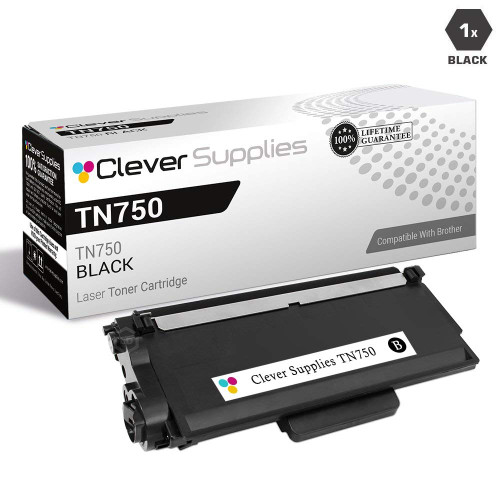 brother tn820 laser toner cartridge compatible black
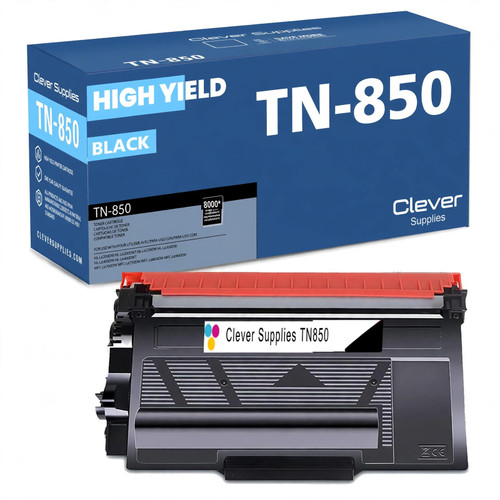 brother tn850 laser toner cartridge compatible high yield bl
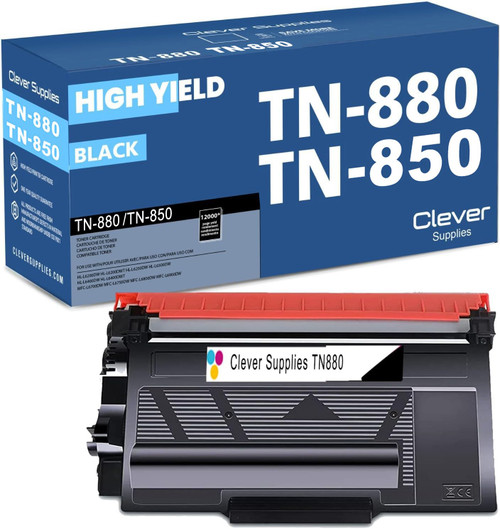 brother tn880 toner cartridge black
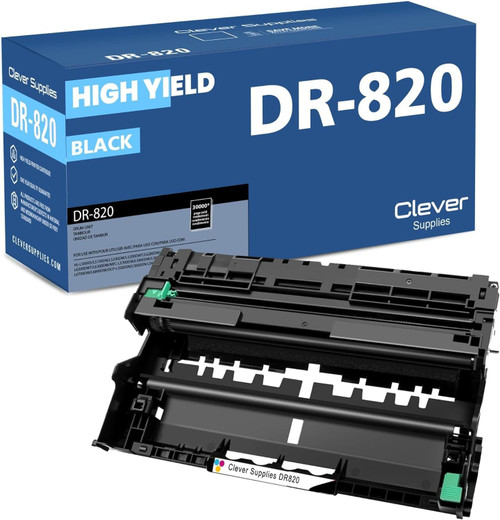 brother dr820 drum unit high yield black
Key takeaways
- The top cartridge here is rated at 12,000 pages — fewer swaps, lower cost per page.
- Lowest cost per page in this family: ~0.24¢ with the highest-yield cartridge.
- Toner and drum are separate parts on this printer — replace only the one the printer asks for.
Other Printers That Use TN850, TN880 and DR820
Fourteen more catalog models share this family's TN850 and DR820. Two of them — the HL-L6200DW and its dual-tray version, the HL-L6200DWT — also accept the TN880. The 42 ppm pair, the HL-L5200DW and HL-L5200DWT, top out at the TN850, as do the DCP trio — DCP-L5500DN, DCP-L5600DN and DCP-L5650DN — and the all-in-one line: MFC-L5700DW, MFC-L5800DW, MFC-L5850DW, MFC-L5900DW, MFC-L6700DW, MFC-L6800DW and MFC-L6900DW. Fleets mixing these models can standardize on one drum and one mid-tier cartridge, reserving TN880s for the three printers that take them.
Ready to restock? Start from our HL-L6300DW toner page, which lists every cartridge, drum and set that fits this printer.