




Brother built a small, tidy ink platform around the LC401: four compact all-in-one printers, four colors, and two yield tiers that share the same slots. Brother's own support pages call the cartridges INKvestment Tank ink, and the buying question is a simple one — standard cartridges rated up to 200 pages, or XL at up to 500, priced so the bigger cartridge prints the cheaper page almost every time. This page works through the arithmetic tier by tier, names all four printers the ink fits, and states the chip story at exactly the level the products themselves claim it.
Every LC401 buying decision is a tier decision. The standard cartridges cost less at the register — $8.99 a color, $10.49 for black — and the XL cartridges cost less everywhere after that, printing a page for 3.00¢ against the standard black's 5.25¢. Bought as a set, the XL four-pack at $50.94 blends down to 2.55¢ a page and clears the $49 free-shipping line on its own; the standard four-pack at $29.94 is the honest budget refill for a printer that only wakes up now and then. All eleven offers on this page are compatible cartridges — this store lists no genuine LC401 — and every cartridge, singles and sets alike, carries a new compatible chip that reports ink levels.
Four printers drink from this platform — the whole roster, no padding
Most ink platforms sprawl across dozens of models and leave room for argument about the edges. This one fits on an index card. Brother's current LC401 cartridge pages name the same three machines in the same sentence, every time: the MFC-J1010DW, the MFC-J1170DW, and the MFC-J1800DW Print & Cut. A fourth model belongs on the list on Brother's own paperwork: the MFC-J1012DW, a retail-channel twin of the J1010DW whose Brother specification sheet lists all eight LC401 and LC401XL cartridges as its supplies at the same 200- and 500-page figures. Four printers, then — and the full shelf for all of them sits in the Brother LC401 category.
Two of the four deserve a word each. The MFC-J1800DW is Brother's Print & Cut machine — an all-in-one with a built-in cutter for trimming prints and photos down to size — and it is a current model that takes this ink as surely as the other three; Brother's cartridge pages say so in plain text. The J1012DW is the opposite case: a real LC401 printer that Brother documents in its spec sheets and shared support files rather than on a product page of its own, which is why it quietly drops off compatibility lists written from the cartridge pages alone. If your machine is one of the larger INKvestment models instead — the MFC-J995DW, say — this is the wrong page entirely: that printer drinks LC3033 and LC3035 ink, a different family with different cartridges.
One correction this guide makes openly, because owners of the fourth printer deserve to hear it: the product descriptions elsewhere in this store were written against an older version of Brother's LC401 page. They name three printers and tell MFC-J1800DW owners their machine does not belong. Brother's page has since changed — it names the J1800DW today — and where the store's older text and Brother's current text disagree, this guide follows Brother. The roster above is Brother's roster as published now, plus the spec-sheet model.
The shelf, led by its sets: eleven offers in the order they earn their place
Sets lead because sets are where this family's arithmetic lives. A set prices its four cartridges below the same four singles bought one by one, and the XL set adds the tier advantage on top of the pack advantage. Under the sets sit the singles — XL first, because a single XL still prints the cheapest page of any cartridge sold alone — and the standard singles close the page as the low-ticket tier. Every saving quoted is measured against the identical cartridges in the identical tier, bought singly at the prices standing beside them.
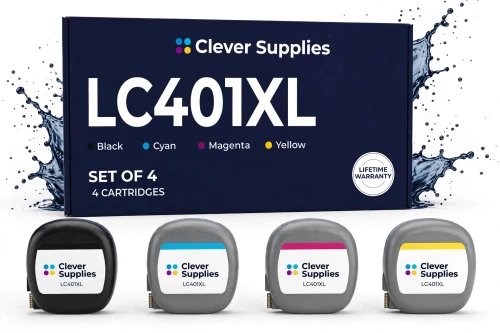
For context, assembling the same XL set from Brother's own shelf — the genuine XL black at $38.29 and the genuine XL color three-pack at $59.29 — totals $97.58. This set covers the same four slots, at the same published 500-page rating per cartridge, for a little over half of that. When all four cartridges are running low together, or the printer works steadily enough that they soon will be, this is the box the rest of the page is measured against.
Shop the XL Set of 4 →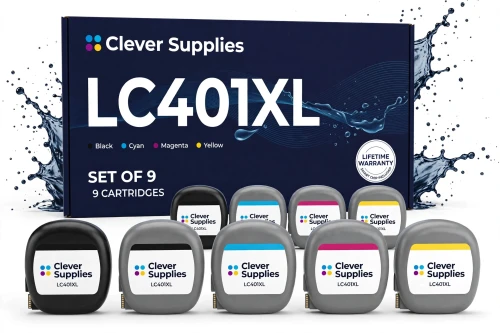
Most households drain black two or three times faster than any color, and this box is packed to match that habit rather than to a tidy symmetry. One honest condition before it goes in the cart: Brother's support answers give these cartridges a shelf life of three years from production, so nine cartridges are a sensible buy for a printer in regular work and a slow one for a printer that sleeps between school terms.
Shop the XL Set of 9 →THE STANDARD SET, AND THE XL SINGLES FOR ONE SLOT AT A TIME
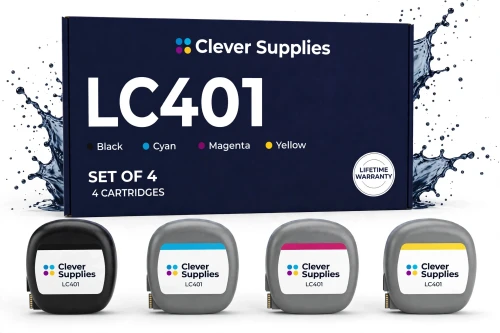
$7.49 a cartridge and 3.74¢ a page blended — a full refill for under thirty dollars. It stops $19.06 short of the free-shipping line when it travels alone, so give it company in the cart.
Shop the Standard Set →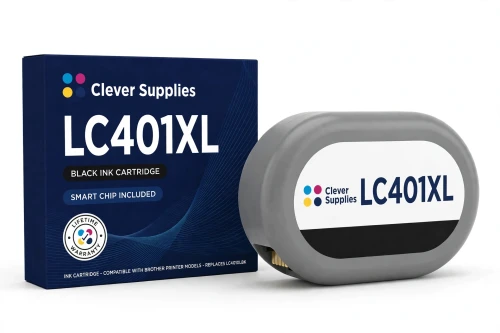
The hardest-working slot in most of these printers gets the tier that suits it. One XL black carries a document-heavy household through months of printing between changes.
Shop XL Black →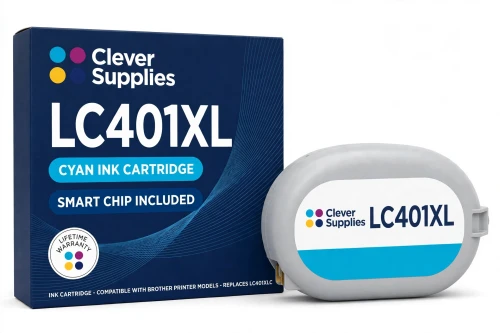
Cyan is usually the first color to empty on photo and schoolwork printing. Topping up just this slot at the XL tier keeps the per-page figure down without buying colors you still hold.
Shop XL Cyan →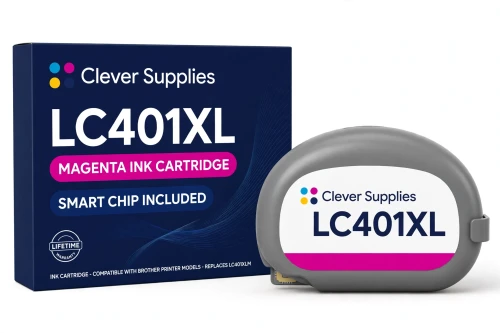
The single-slot refill for the magenta channel, at the same flat XL price as every other color in the tier — Brother charges one price for all three XL colors, and so does this shelf.
Shop XL Magenta →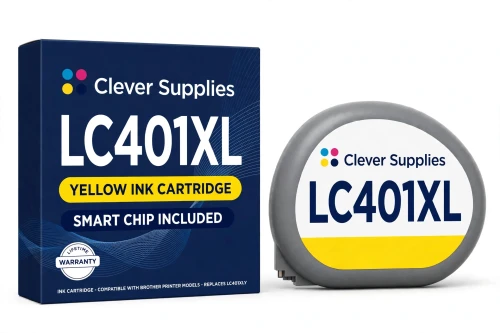
Yellow fades quietly and takes print quality with it — skin tones go muddy before anyone names the cause. A fresh XL yellow restores the balance at the tier's standard price.
Shop XL Yellow →STANDARD SINGLES — THE LOW-TICKET TIER, PRICED PER COLOR
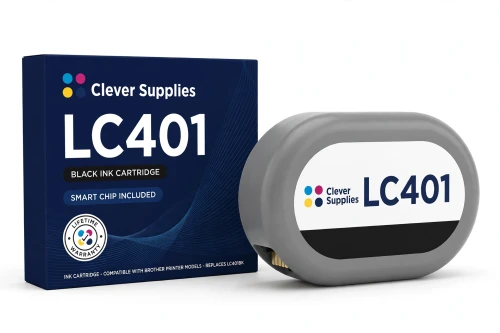
The priciest standard single, as it is on Brother's own shelf too — black carries the document load. Sensible for a printer that produces a few pages a week and no more.
Shop Standard Black →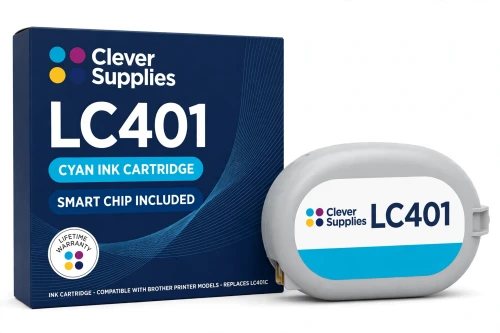
Under nine dollars to bring one color back. For a household that prints the occasional photo or form, the standard cyan does its job without paying for pages nobody will print.
Shop Standard Cyan →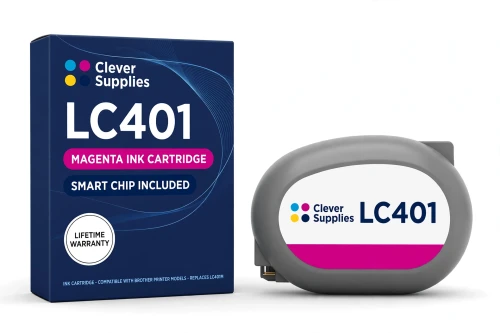
The magenta channel at the family's floor price. One cartridge, one slot, and color printing restored for the price of a sandwich — with the tier decision left for busier seasons.
Shop Standard Magenta →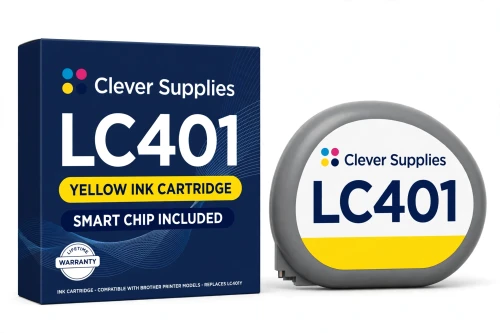
A single standard yellow for the printer that ran one channel dry mid-project. The cheapest way back to full color today; the XL conversation can wait for the next refill.
Shop Standard Yellow →Two tiers on one table: price, yield, and the cost of a printed page
Brother publishes one yield figure per tier, and it is the same figure for black and for every color: up to 200 pages from a standard cartridge, up to 500 from an XL, each stated as an approximate page yield in accordance with ISO/IEC 24711 (letter/A4). Yields belong to individual cartridges, so this table prices pages cartridge by cartridge and never adds the four colors into a single invented total.
| Offer | Price | Yield per cartridge | Cost per page | Against its own singles |
|---|---|---|---|---|
| XL Set of 4 — this page's pick | $50.94 | Up to 500 pages | 2.55¢ blended | SAVE $9.02 · ships free alone |
| XL Set of 9 | $103.82 | Up to 500 pages | 2.31¢ blended | SAVE $31.09 · ships free alone |
| XL single, any color | $14.99 | Up to 500 pages | 3.00¢ | The one-slot top-up |
| Standard Set of 4 | $29.94 | Up to 200 pages | 3.74¢ blended | SAVE $7.52 |
| Standard single, colors | $8.99 | Up to 200 pages | 4.50¢ | The floor price of the family |
| Standard single, black | $10.49 | Up to 200 pages | 5.25¢ | The dearest page on the page |
Read the XL step closely, because it is gentler than tier steps usually are. Moving up costs $4.50 more on black and $6.00 more on each color, and in exchange the cartridge prints two and a half times as many pages: black falls from 5.25¢ a page to 3.00¢, a drop of more than two-fifths, and the colors fall by a third, from 4.50¢ to the same 3.00¢. There is no trap anywhere in the ladder — no pack priced above its own singles, no tier that punishes you for choosing it — which is more than every shelf in this series can claim.
When the standard cartridge is the right answer anyway
Per-page arithmetic crowns the XL tier, and this page will not pretend otherwise. But a page you never print has no cost worth optimizing, and that is where the standard tier earns its shelf space. A printer that wakes up for a boarding pass, a return label and the odd school form will take the better part of a year to empty a 200-page cartridge; paying $6.00 more per color to bank pages that sit in the machine helps nobody. Ink also ages on its own schedule — Brother's support answers put the shelf life of these cartridges at three years from production — so a modest cartridge in a quiet home office is not a compromise. It is the correctly sized tool.
The XL tier takes over the moment printing becomes a habit rather than an event: homework every week, a home business, a household where photos actually get printed instead of staying on phones. There the pattern flips — cartridges empty on schedule, the per-page gap compounds with every refill, and the sets pull further ahead of the singles with each order. Volume, not loyalty to a tier, is the whole decision; and the platform is forgiving about changing your mind mid-stream, because the two tiers are not rival systems. Brother's printer pages present the standard and XL cartridges side by side as each machine's supplies, and every slot accepts either — an XL black can stand next to standard colors today, and the colors can step up one at a time as they empty.
One note belongs to owners of the fourth printer. The MFC-J1800DW's cutter makes it the family member most likely to print in bursts — a run of trimmed photos, a batch of labels — and bursty printing drains single colors unevenly. Its owners tend to live in the singles rows, topping up whichever channel the last project emptied, and the XL singles at a flat $14.99 in every color are priced for exactly that habit.
The chip: a real claim on this family, stated at the size the products make it
Ink is not toner, and on this family the chip question has a documented answer rather than a cautious silence. Every one of the eleven listings carries the same specification, in a dedicated field and in its description alike: each cartridge — every single, and every cartridge inside both sets — carries a new compatible chip, an ink-level chip, that reports ink levels to the printer. That is the claim, it is the products' own, and this guide repeats it in exactly those terms: a new compatible chip on every cartridge, reporting the ink level as you print.
The honest limit travels with the claim, because Brother publishes it. Brother's support pages for this ink generation carry the titles “Cannot Detect” and “Cannot Detect Ink Volume,” and they warn that with non-genuine ink in the machine, the printer may fail to detect a cartridge or to read how much ink remains in it. So no recognition guarantee is made on this page, and none should be read into the chip claim. What the listings offer instead is the working routine for the day a detection message appears: push the cartridge home until it clicks, keep fingers off the chip contacts while handling it, and if the message persists, take the cartridge out, seat it again and restart the printer.
One further point of record, stated as narrowly as it was found: the store's research of this generation found no official Brother statement claiming that firmware updates block compatible cartridges. So: the chip reports levels, detection carries Brother's published caveat, and future firmware is forecast by nobody on this page.
The terms standing behind these eleven offers
Five checks before LC401 ink goes into the cart
Questions these four printers' owners actually ask
Yes — the tiers mix freely, slot by slot. Brother's pages for these printers present the LC401 and LC401XL as the machines' standard and high-yield supplies in the same breath, and no slot is reserved for one tier or the other. The common arrangement is an XL black doing the document work beside standard colors, with each color stepping up to XL as it empties, if it ever makes sense to.
It is. Brother's current LC401 cartridge pages name the MFC-J1800DW Print & Cut alongside the MFC-J1010DW and MFC-J1170DW, in the same sentence, on every single-cartridge page in the family. The denials trace to an older version of Brother's page that did not list the machine — this store's own product descriptions were written against that older text and still repeat it. Brother's current page is the authority, and this guide follows it: J1800DW owners buy from this page with the same standing as the other three models.
That total is one this page declines to print, because it would not mean anything. A page yield belongs to a cartridge in a slot: each XL cartridge in the box is rated at up to 500 pages, so the three blacks carry up to 500 pages of black printing apiece in turn, and each color likewise. Adding the colors together into one headline figure — a habit this store's own listings explicitly refuse — would describe a print job that uses all nine cartridges at once, which no page of printing does.
Start with the seat, not the cartridge's obituary. Take it out, keep your fingers off the chip contacts, and push it back in until it clicks; if the message survives that, restart the printer. Know, too, that the phrase is Brother's own: its support pages for this ink generation are titled “Cannot Detect” and “Cannot Detect Ink Volume” precisely because a machine running non-genuine ink may fail to detect a cartridge or its remaining volume. The chip on these cartridges is a new compatible chip that reports ink levels — that is the claim, and no recognition guarantee stands behind it beyond that routine.
Because it lives in Brother's paperwork rather than on its storefront. The J1012DW is a retail-channel variant of the J1010DW with no product page on Brother's site, and it does not appear in the roster sentence on the cartridge pages. But Brother's own specification sheet for the model lists all eight LC401 and LC401XL cartridges as its supplies at the same 200- and 500-page figures, and Brother's support site files one specifications document for the J1010DW, J1012DW and J1170DW together. It is a fully documented LC401 printer — just documented in the drawer most list-writers never open.
Brother does not say. No ink volume in milliliters appears anywhere on Brother's LC401 or LC401XL product pages, for either tier — the published measure for this family is the page yield, up to 200 pages standard and up to 500 XL under ISO/IEC 24711. Any milliliter figure quoted for these cartridges, by anyone, is an estimate dressed as a specification, and this page will not repeat one.