




SCX-4826FN MFP
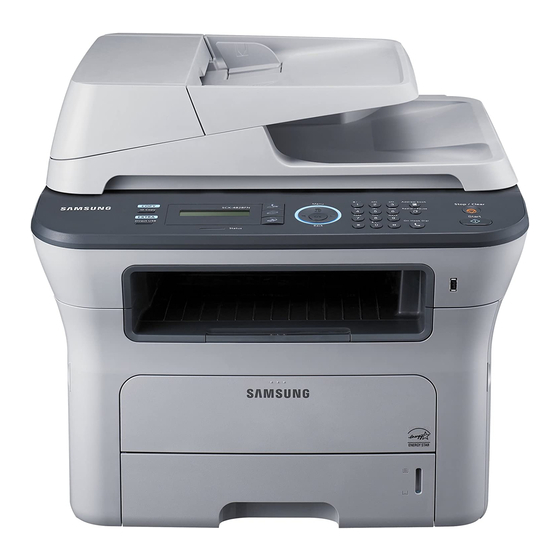
This listing covers the Samsung SCX-4826FN under its alternate store name: the same fax-and-network multifunction as the standard SCX-4826FN.
Cartridge compatibility is identical: MLT-D209S or MLT-D209L toner, in compatible or genuine OEM form.
Toner Cartridges for SCX-4826FN MFP
This printer works with the following toner cartridges:
- Samsung MLT-D209S
- Samsung MLT-D209L
More Samsung Printers
Frequently Asked Questions
Are all MLT-D209S-series cartridges interchangeable in the SCX-4826FN MFP?
The SCX-4826FN MFP takes the MLT-D209S, MLT-D209L toner cartridge family — match that code exactly when ordering. Samsung reuses cartridge families across many models, so the code is the reliable identifier, not the printer's name. Check the code printed on your old cartridge to confirm.
Should I keep a log of pages printed after the warning on the SCX-4826FN MFP?
The SCX-4826FN MFP's 'replace toner' message is triggered by a page-count estimate or chip reading, not by an actual measurement of remaining powder. If pages still look crisp, you can usually keep printing — just have a fresh MLT-D209S ready. Quality, not the message, is the real signal.
Is it fine to stock up on MLT-D209S cartridges when they are on sale for the SCX-4826FN MFP?
Store a spare MLT-D209S in its sealed bag and original box, in a cool, dry place away from direct sunlight — a closet shelf is ideal for the SCX-4826FN MFP's backup toner. Keep it positioned as it would sit in the printer, and avoid garages or attics where temperatures swing wildly. Heat and humidity are the two biggest enemies of stored toner.