




B432dn
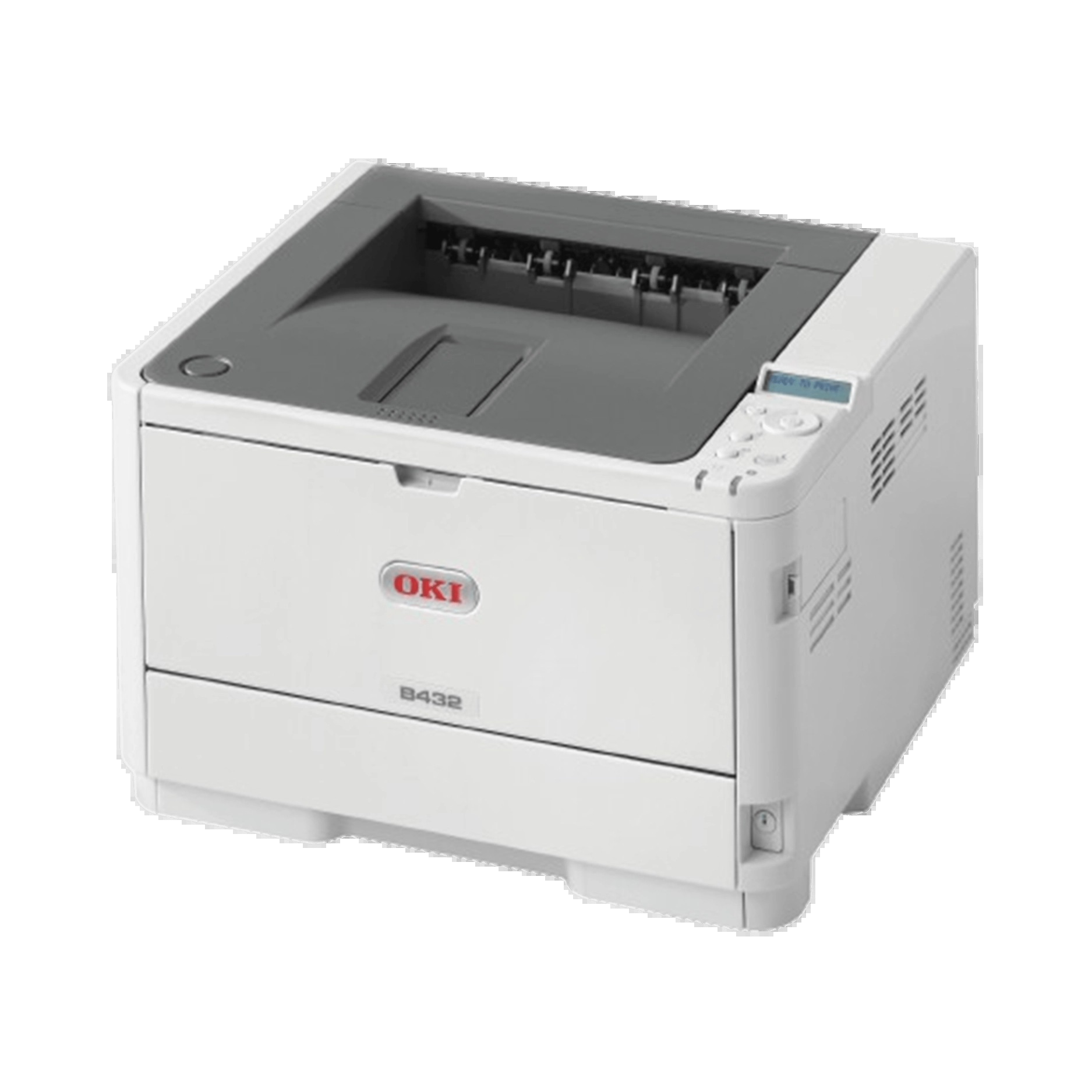
Built for small and midsize offices with steady black-and-white volume, the Okidata B432dn is a duplexing, network-ready monochrome laser that gives its owners three yield choices from one cartridge family: the 45807101 standard cartridge, the 45807105 high-capacity cartridge, and the 45807110 extra-high-capacity cartridge. The listings gathered on this page are the high-capacity 45807105, offered as a single cartridge and in multi-packs of two, three, five and ten.
Steady volume is the B432dn's brief. It sits on the network where a whole office sends it work all day, and its front-loading cartridge bay is made for the quick, tool-free swap that kind of duty demands. Offices that run this model tend to standardize on the high-capacity cartridge simply because it halves the number of times anyone has to stop and change toner.
Toner Cartridges for B432dn
| Cartridge | Color | Page Yield |
| 45807105 | Black | See product page |
| 45807105 — 2-pack | Black | See product page |
| 45807105 — 3-pack | Black | See product page |
| 45807105 — 5-pack | Black | See product page |
| 45807105 — 10-pack | Black | See product page |
Which cartridge should you buy?
Think in terms of how often you want to think about toner at all. The standard 45807101 suits a B432dn that prints lightly or intermittently. The high-capacity 45807105 listed here is the middle path most offices take: a longer run between changes without committing to the largest cartridge. If the printer's monthly volume keeps climbing, the extra-high-capacity 45807110 is the step up, and all three fit the same machine, so you can change tiers whenever your volume changes. Within this page, choosing between the single and the multi-packs is a stocking decision: a five- or ten-pack keeps the supply closet ahead of a printer that several people depend on.
Chip, toner and everyday use
The B432dn reads the chip on each new cartridge automatically; if the supply screen still shows the old level after a swap, open and close the front cover so the printer re-reads it. Pull the sealing tape fully out of a new cartridge before installing it, and carry the cartridge level so toner does not settle to one end. Fading across the whole page is the classic sign the supply is nearly spent — a gentle shake buys a little more time, but it is a signal to order, not a fix. Keep the printer's vents clear and a spare cartridge within reach, and toner stops being an interruption.
Frequently Asked Questions
What cartridge fits the B432dn?
The B432dn takes three: 45807101, 45807105 and 45807110. The cartridges sold on this page are the high-capacity 45807105, as a single and in multi-packs.
Is two-sided printing built into the B432dn?
Yes — automatic duplex is built in, so two-sided printing is just a setting in the print dialog. On multi-page documents it nearly halves paper use.
Prints from my B432dn are coming out faded. Is the toner empty?
Probably close to it. Fading is the classic low-toner symptom on this model: check the supply status, then remove the cartridge and shake it gently side to side to redistribute what is left. If pages stay pale, install a fresh cartridge.
Can I switch from the standard cartridge to the extra-high one later?
Yes. The three capacities share one fit, so whichever cartridge you install next is the tier you are on. Many offices start standard and move up once they see their real monthly volume.
More printers that use the same cartridges
These Okidata models run on the same black toner family: