




MB562w
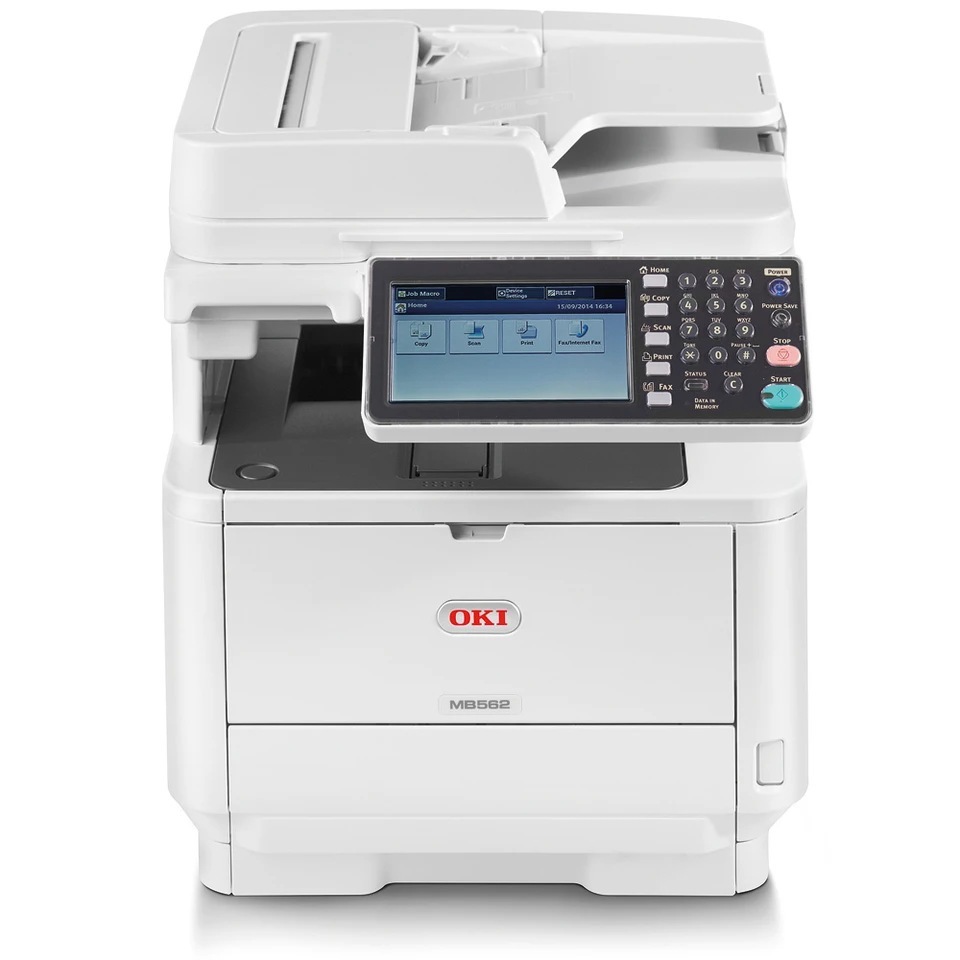
Wireless is the whole point of the Okidata MB562w: a monochrome multifunction that prints, copies, scans and faxes without needing a cable run to wherever it happens to sit. Its black toner comes in the same three sizes as its MB492 sibling — 45807101 at about 3,000 pages, 45807105 at about 7,000 pages and 45807110 at about 12,000 pages — and the listings gathered on this page are the 7,000-page cartridge and its multi-packs. Match the size to the workload and the machine can sit anywhere in the office without its supply routine changing.
Freedom of placement cuts both ways. A printer tucked into a spare corner or a home office tends to be checked less often than one sitting beside its owner, so its toner runs out by surprise more easily. Owners of this model usually do best by stepping one size up from what they think they need: the extra capacity costs little, ages slowly in a sealed cartridge, and quietly removes the forgotten-printer problem from the week.
Toner Cartridges for MB562w
| Cartridge | Color | Page Yield |
|---|---|---|
| 45807101 | Black | About 3,000 pages |
| 45807105 | Black | About 7,000 pages |
| 45807110 | Black | About 12,000 pages |
The 7,000-page cartridge is also sold here in multi-packs for offices that reorder rarely: 2 Black pack, 3 Black pack, 5 Black pack and 10 Black pack.
Which cartridge should you buy?
Think about distance. If the MB562w sits in another room, down the hall or in a home office you visit twice a week, choose capacity over thrift: the 12,000-page cartridge can carry a steady workload for a very long stretch between visits, and the 7,000-page size is a strong middle ground. A genuinely light user printing a handful of pages a week is the one case where the standard 3,000-page cartridge makes sense, since an oversized cartridge in a near-idle machine may outlast the job it was bought for. The multi-packs suit anyone who has standardized on this toner family across more than one machine.
Chip, toner and everyday use
Swapping a cartridge on this model is a front-access job that takes under a minute: open the cover, slide the spent unit out, remove the seal from its replacement and push the new one home until the printer acknowledges it. The chip on the cartridge reports the level to the panel, so a correctly seated cartridge shows as full immediately. Rated yields are measured at roughly five percent page coverage, the industry yardstick for ordinary text pages; a month of dense reports or graphics-heavy handouts will land below the headline figure, which is normal and not a defect. Store spares flat, sealed and away from heat so the toner inside stays free-flowing.
Frequently Asked Questions
Does the MB562w take the same cartridges as the MB492?
Yes, the two machines share their entire toner ladder: the same standard, mid-size and extra-high-capacity black cartridges fit both. An office running one of each can stock a single shelf of spares and stop worrying about which box belongs to which printer.
My MB562w keeps losing its Wi-Fi connection mid-print. Am I wasting toner?
Quite possibly, yes. When a job drops halfway through, most people resend the whole document, and the pages already printed come out of the tray twice — toner and paper both spent for nothing. For long documents, a USB cable or a stronger wireless position pays for itself quickly; fixing the dropouts saves more toner in a month than any economy setting on the driver.
Which size fits a wireless home-office setup?
Steady home-office printing points to the largest cartridge, the 12,000-page option, because reordering and swapping are the chores a solo worker feels most. Someone printing only occasionally can stay with the standard size and lose nothing by it. The deciding factor is how painful an empty printer is on your busiest day.
More printers that use the same cartridges
Cable-free placement aside, this machine belongs to a wider family of OKI models drinking from the same cartridge shelf. The full set of relatives is listed here: