




MB451
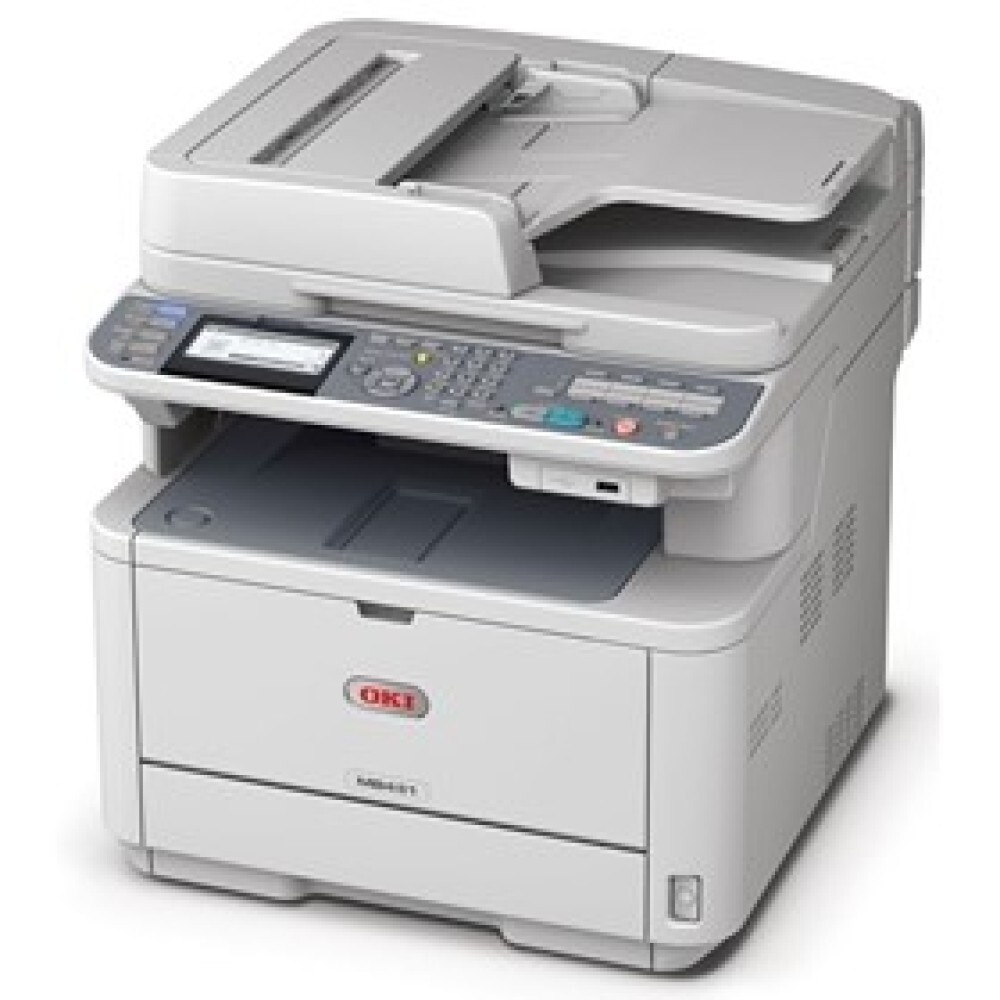
The Okidata MB451 is a monochrome multifunction printer aimed at small and midsize offices that need fast black-and-white output plus scan, copy and fax in one unit. It keeps its consumables as simple as its output: a single black cartridge, the 44992405, which it shares with the MB441. One cartridge number covers every page this workgroup MFP prints, copies, scans to print, or receives by fax.
That single-cartridge design is the MB451's quiet virtue. There are no colors to balance, no set to buy in formation — just one black cartridge to keep an eye on and a spare to keep in the drawer. For a small office running its daily paperwork through one machine, compatible cartridges keep the cost of that routine down, and the whole supplies policy fits in one sentence: watch the level, keep one spare, replace when it empties.
Toner Cartridges for MB451
| Cartridge | Color | Page Yield |
|---|---|---|
| 44992405 | Black | See product page |
| 44992405 (MB451 listing) | Black | See product page |
Multipacks for heavier users: the 44992405 3 Pack, the 44992405 5 Pack, and the same cartridge bundled under the model name as the MB451 5 Pack.
Which cartridge should you buy?
There is only one cartridge for this printer, so the decision is purely pack size — and the tiebreaker is how your office uses the fax and copier, not just the printer driver. Every page the MB451 copies or prints from an incoming fax draws from the same 44992405, so offices that lean on those functions empty it noticeably faster than print-only users expect. A single cartridge suits a light desk. If the machine is the office's only MFP, the 3 Pack or 5 Pack is the wiser shelf stock: the replacement is already in the building the day the old one fades, and the per-cartridge cost improves with the bundle.
Chip, toner and everyday use
Streaky output on this model sends many owners straight to a new cartridge, but check the level first: if the cartridge still holds toner, the streaks are more likely the drum's doing. Toner and drum are separate parts in this machine, and replacing only the one at fault is the whole point of the design. If the cartridge is genuinely low, a gentle rock from side to side redistributes what remains and often restores clean pages for a while. Store the spare sealed and flat, and remember the printer reads the cartridge's chip on install — seat it fully so the level it reports is the truth.
Frequently Asked Questions
Which cartridge does the MB451 use?
The 44992405 black toner cartridge — one single cartridge for this monochrome MFP. No other cartridge number is listed for this model, and the MB451-named listing on this page is the same part.
My MB451 prints are streaky. Should I replace the 44992405?
Only if it is actually low. Check the remaining level first; a cartridge with plenty of toner left points the finger at the drum instead. The two are separate parts, so diagnose before you spend — replacing toner will not fix a drum's streaks.
Does the MB451 use toner when it receives faxes?
Only when it prints them. Faxes held in memory or forwarded digitally consume no toner at all. If your machine is set to auto-print every incoming fax, that setting — not the faxing itself — is what steadily drains the cartridge.
Is this the same cartridge the MB441 uses?
Yes. The MB451 and the MB441 take the same 44992405, so one spare on the shelf covers either machine — handy in offices that run both.
More printers that use the same cartridges
The same single black cartridge serves these related models: