




MS-610DN
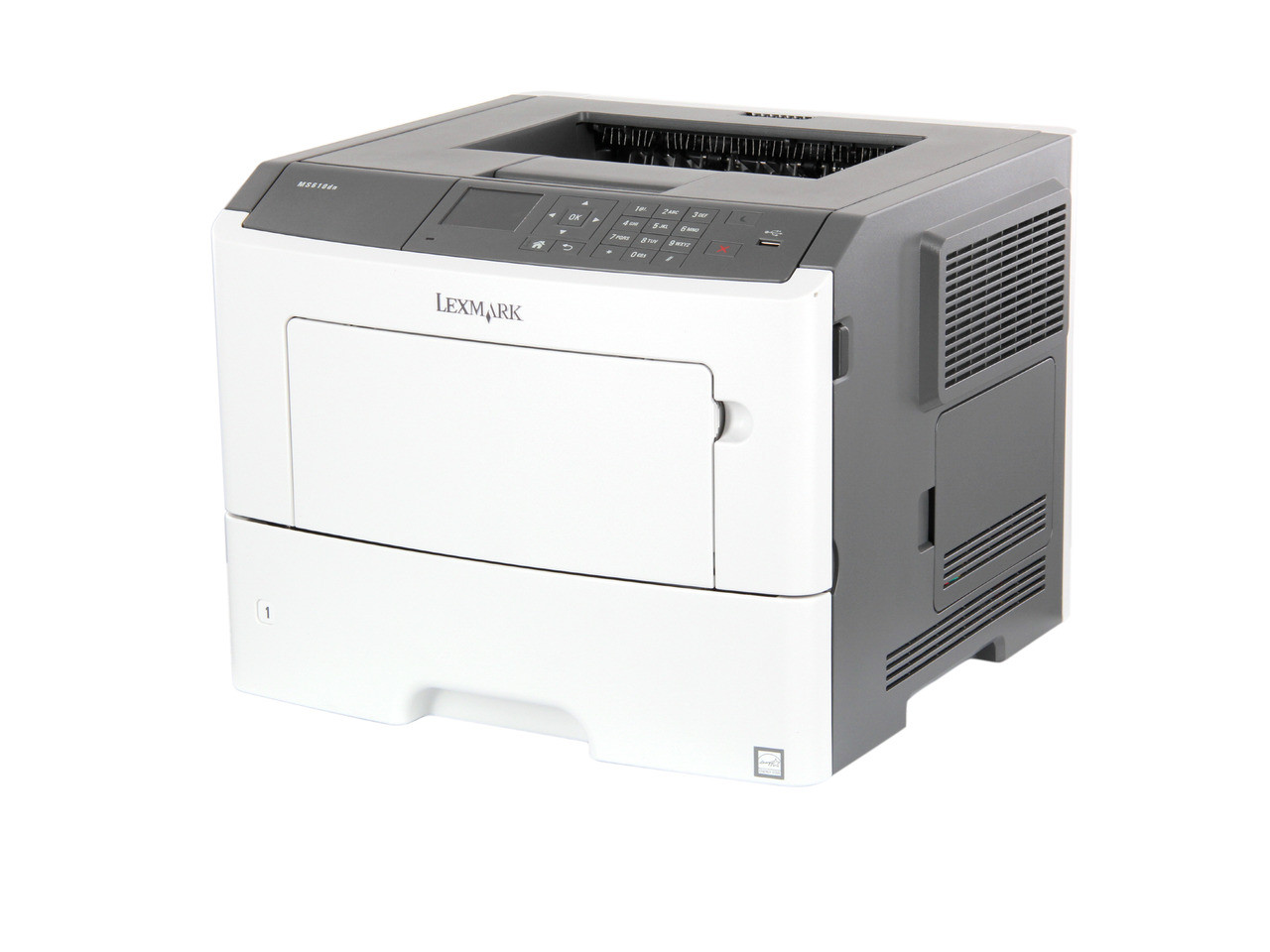
The Lexmark MS-610DN is a shared monochrome laser, and shared printers obey one rule above all: they may not sit empty. Its cartridge is the black 50F0UA0, sold here as a single, a 2-pack or a 4-pack, and shared well beyond this model — the same cartridge runs through the MS310, MS410, MS510 and MS610 machines listed at the foot of this page.
When a workgroup printer stops, the real cost is not the cartridge — it is the people standing around it, the invoices that miss the mail and the meeting pack that never gets printed. The defense is boring and effective: a spare already in the building. Family sharing strengthens that defense, because the spare bought for this MS-610DN also fits the sibling models below, so it is never wasted money even if this machine is replaced by another MS model next budget cycle.
Toner Cartridges for MS-610DN
| Toner | Color | Rated Yield |
|---|---|---|
| MS510DN — 50F0UA0 black toner, 2-pack | Black | See product page |
| MS510DN — 50F0UA0 black toner, single | Black | See product page |
| MS510DN — 50F0UA0 black toner, 4-pack | Black | See product page |
Which cartridge should you buy?
For a shared machine, treat the 2-pack as the minimum sensible buy: one cartridge working, one waiting, and reorders happen on your schedule instead of the printer’s. Offices where several family models draw from the same cabinet usually step up to the 4-pack and stop thinking about toner for months at a stretch. A single cartridge still has its place — a lightly used printer, or a first order to satisfy yourself on compatible quality — but on a true workgroup machine it leaves no margin for the day the warning light arrives early.
Chip, toner and everyday use
The swap itself takes under a minute, and knowing where the spare lives matters more than technique. The MS-610DN reads the cartridge chip as soon as the new unit is seated, so push it home firmly and let the printer come back to ready on its own. The first few pages after a change can look a shade light while toner settles into the developer — run a short stack before judging quality. And when the low-toner warning appears, that is the moment to confirm the spare is actually on the shelf, not the moment to start shopping.
Frequently Asked Questions
Which cartridge does the Lexmark MS-610DN take?
The black 50F0UA0. It is the machine’s only supply, and this page sells it as a single cartridge, a 2-pack and a 4-pack.
The listing says MS510DN. Is that really the right cartridge for the MS-610DN?
It is. The 50F0UA0 is a family cartridge, and its listings carry the MS510DN name. The same unit fits your MS-610DN exactly — the family list below shows every model it serves.
How do I know when to swap the cartridge?
The printer tracks toner from the cartridge chip and warns you as the level runs low. Print quality is the second signal: when pages fade evenly across the sheet, the cartridge is near the end and a gentle rock side to side can even it out for a short while.
What if I need to return a cartridge?
These compatibles are covered by a 1-year warranty and 1-year returns, so an unused pack bought for a machine that leaves service — or a cartridge that fails early — is not your problem to absorb.
More printers that use the same cartridges
Start with the MS510DN, the model this cartridge is sold under, then the rest of the MS610 group, the dashed-name variants, and the smaller MS310 and MS410 models:
MS510DN, MS610DE, MS610DN, MS610DTE, MS610DTN, MS-610DE, MS-510DN, MS-610DTE, MS-610DTN, MS310D, MS310DN, MS315dn, MS410D, MS410DN, MS415dn