




MagiColor 4690
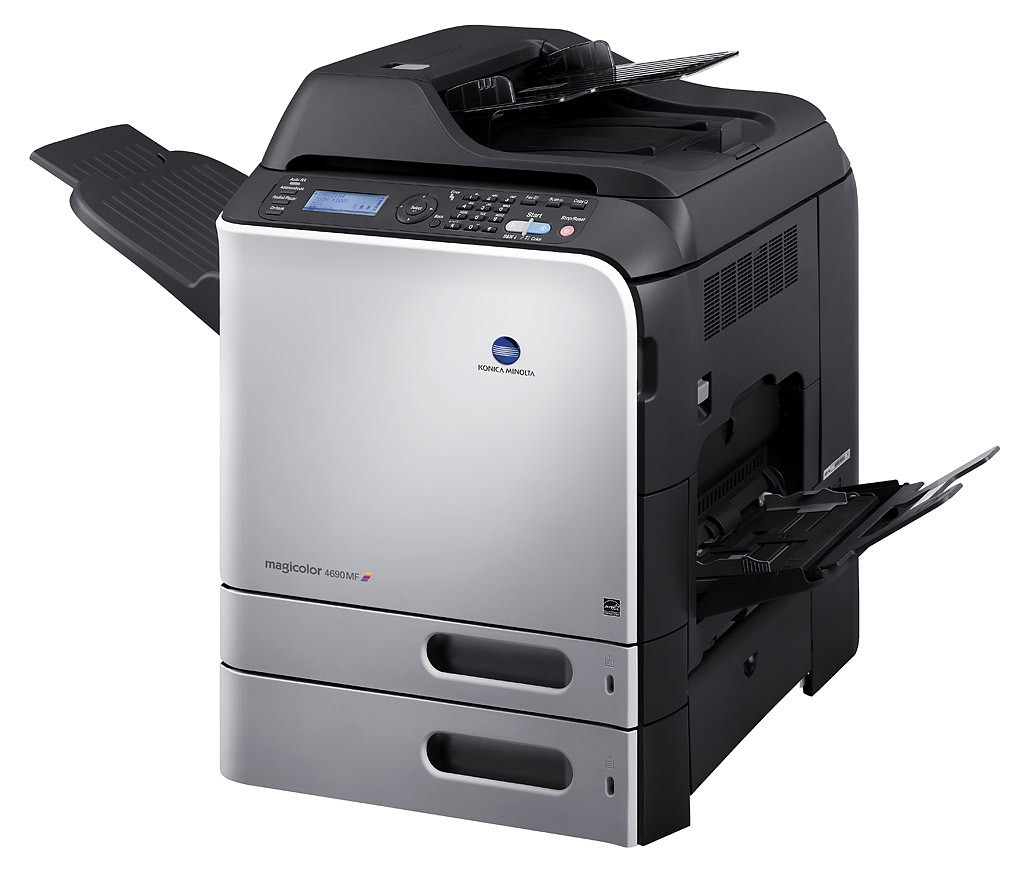
The MagiColor 4690 is the step-up model in Konica Minolta's A0DK workgroup color line, placed between the 4650 and the 4695 for offices whose color volume outgrew the smaller machine. Moving up costs you nothing in supply knowledge: it drinks from the same A0DK pool as its siblings, pairing A0DK131 black with A0DK231 yellow, A0DK331 magenta and A0DK431 cyan at the standard tier (about 4,000 pages), or A0DK132 black with A0DK232 yellow, A0DK332 magenta and A0DK432 cyan at the high-capacity tier (about 8,000 pages). The compatible listing on this page is the long-life yellow.
Most 4690s were bought as relief printers — the machine an office adds when the older color laser has become a bottleneck everyone queues behind. That history shapes its toner habits: it inherits a mixed diet of everyday documents and the overflow color work the smaller printer could not finish on time. Because the cartridge family never changed across the 4650-to-4695 ladder, a 4690 slots into an existing supply cabinet without a single new code to learn or stock.
Toner Cartridges for MagiColor 4690
| Cartridge | Color | Page Yield |
|---|---|---|
| A0DK232 — High Yield | Yellow | Approx. 8,000 pages |
Completing the family picture for this model: A0DK131 and A0DK132 in black, A0DK231 in standard yellow, A0DK331 and A0DK332 in magenta, and A0DK431 and A0DK432 in cyan.
Which cartridge should you buy?
Decide by how the 4690 is actually used, slot by slot. If it is absorbing the office's overflow color work, the high-capacity codes ending in 2 are the natural fit — around 8,000 pages per cartridge means fewer interruptions and a lower cost for each page than the roughly 4,000-page standards. Offices that print color in occasional bursts can run standard cartridges in the colors and reserve the high-capacity spend for black, the slot every document touches. There is no rule that all four must match tiers; each cartridge is replaced independently as its own supply runs down.
Chip, toner and everyday use
A chip on every A0DK cartridge lets the 4690 report levels per color, so let the panel — not the calendar — schedule your orders. A cartridge that has sat in a spare drawer should be rocked gently end to end before installation to even out the toner inside. Keep spares sealed against humidity, and treat a spill inside the printer as a dry-cloth cleanup job only; a vacuum can scatter toner further. Yield figures are quoted at 5% coverage, which is why a cartridge that prints presentations all day will not reach the number a letter-printing cartridge achieves.
Frequently Asked Questions
Will the A0DK stock from our older MagiColor 4650 work in the 4690?
Yes, completely. The 4690 accepts the same standard and high-capacity A0DK codes as the 4650 series — that shared family is deliberate, so consolidating printers never strands the toner you already own.
The first pages look crisp, then output fades as the job continues. What does that mean?
That pattern usually marks a cartridge at the very end of its life: it can coat a few pages, then toner feed cannot keep up with demand. Identify which color fades and replace that single A0DK cartridge rather than disturbing the other three.
How long can I leave the 4690 switched off with toner installed?
Months are fine. Before printing again, remove each cartridge and rock it side to side so settled toner redistributes, then print a test page. Persistent fading in one color after that points to that cartridge, not the machine.
What coverage do I get if a compatible cartridge fails?
Our compatible cartridges for the 4690 carry a 1-year warranty with 1-year returns, covering defects such as a chip the printer will not accept or a cartridge that streaks from new.
More printers that use the same cartridges
The same A0DK cartridges also feed these models in the line: MagiColor 4650, MagiColor 4650DN, MagiColor 4650EN, MagiColor 4690MF, MagiColor 4695, MagiColor 4695MF.