




MagiColor 4650EN
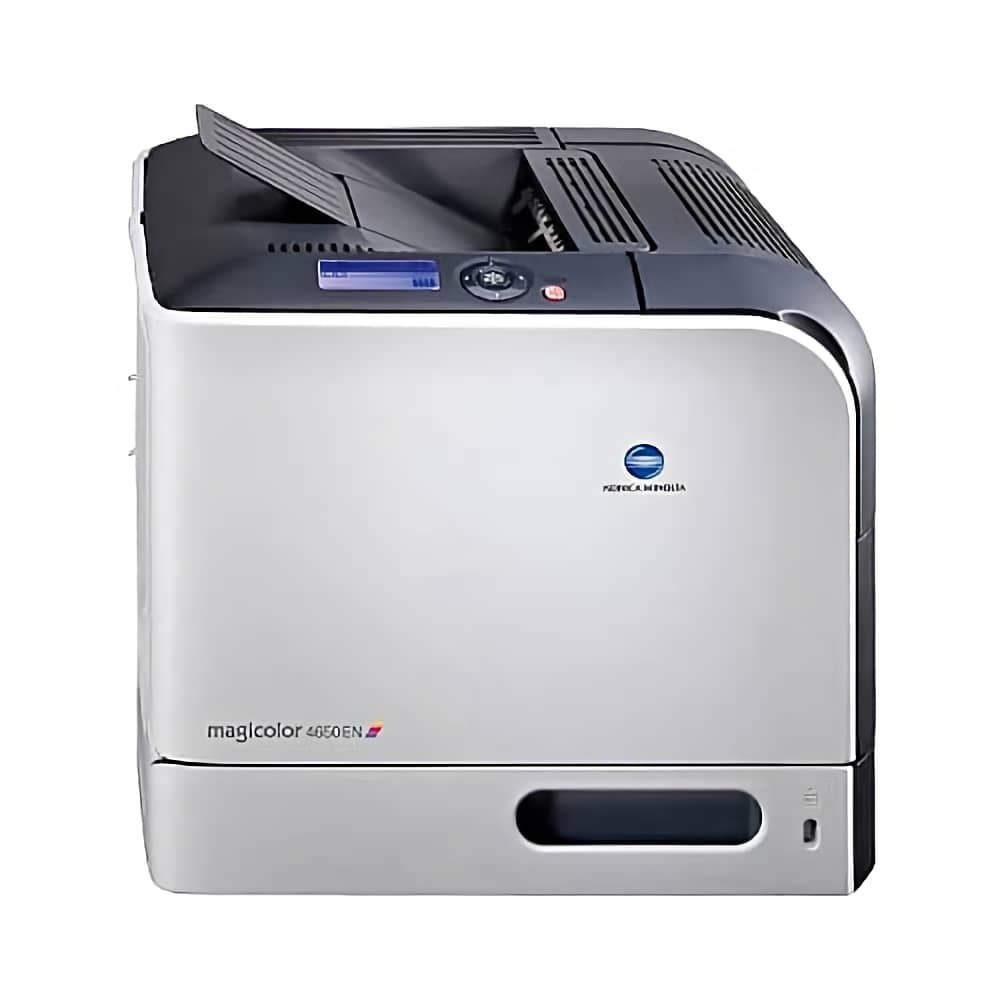
The EN badge on the MagiColor 4650EN marks the enhanced network configuration of the 4650 — an Ethernet-native workgroup color laser meant to live on the office LAN. Under the badge it is the same A0DK platform: standard cartridges A0DK131, A0DK231, A0DK331 and A0DK431 at roughly 4,000 pages, or high-capacity A0DK132, A0DK232, A0DK332 and A0DK432 at roughly 8,000, running black, yellow, magenta and cyan in that sequence in both tiers. This page carries the high-yield yellow from that family.
Networked printers have a way of becoming invisible until they stop. The 4650EN may sit in a branch office, a back room or another floor, printing steadily for people who never walk past it. That distance is exactly what its network design answers: levels can be read from a browser rather than at the panel, and a modest stock kept on site turns a toner warning into a two-minute task for whoever is nearest, instead of a courier problem for whoever is not.
Toner Cartridges for MagiColor 4650EN
| Cartridge | Color | Page Yield |
|---|---|---|
| A0DK232 | Yellow | High yield, approx. 8,000 pages |
The stocked cartridge above is the high-capacity yellow. Its family companions, useful when reading the machine's level page: standard black A0DK131, yellow A0DK231, magenta A0DK331, cyan A0DK431; high-capacity black A0DK132, magenta A0DK332 and cyan A0DK432.
Which cartridge should you buy?
Most 4650EN units print predominantly black documents with color in a supporting role, and the sensible budget follows that split: put the high-capacity A0DK132 in the black slot, where the work is, and let the colors ride on standard capacity, which at low coverage lasts a very long time. The exception is a site producing color handouts or signage regularly — there the high-capacity colors, including the A0DK232 yellow stocked here, earn their price. Either way, all four cartridges must be installed for the printer to run, so an empty color stops the machine even on a black-only day.
Chip, toner and everyday use
The built-in web page is this model's most useful supply tool: it reports each cartridge's level to anyone on the network, so a remote check takes seconds and needs no visit. Pair that with a labeled spare of the fast-moving black at the printer's location. When a swap happens, the person on site should match the code on the old cartridge exactly — the tier difference between A0DK231 and A0DK232 is invisible from the cartridge shape. Store the on-site stock sealed, flat and away from heat sources; a cartridge that waits months in a hot room will not deliver its rated life.
Frequently Asked Questions
We print mostly black on the 4650EN — do the color cartridges matter?
They must be present and non-empty for the printer to operate, but at low color coverage the standard A0DK231, A0DK331 and A0DK431 will last a long while. Spend the serious money on the high-capacity black, which does the real work on a document-heavy machine.
How do we manage toner for a 4650EN at a branch across town?
Read the levels through the printer's built-in web page over the network, keep a small spare stock at the branch, and have someone on site install the exact code shown as low — A0DK232 for high-capacity yellow, for example. Remote readings plus local spares remove nearly all toner surprises.
What is the difference between A0DK131 and A0DK132?
Both are black cartridges for the same slot. A0DK131 is the standard-capacity version at about 4,000 pages; A0DK132 is the high-capacity version at about 8,000. Fit and function are identical — the only difference is how much toner is inside, and therefore how often you will be changing it.
More printers that use the same cartridges
The A0DK cartridges also fit these MagiColor models:
MagiColor 4650, MagiColor 4650DN, MagiColor 4690, MagiColor 4690MF, MagiColor 4695, MagiColor 4695MF