




LaserJet Pro M428fdn
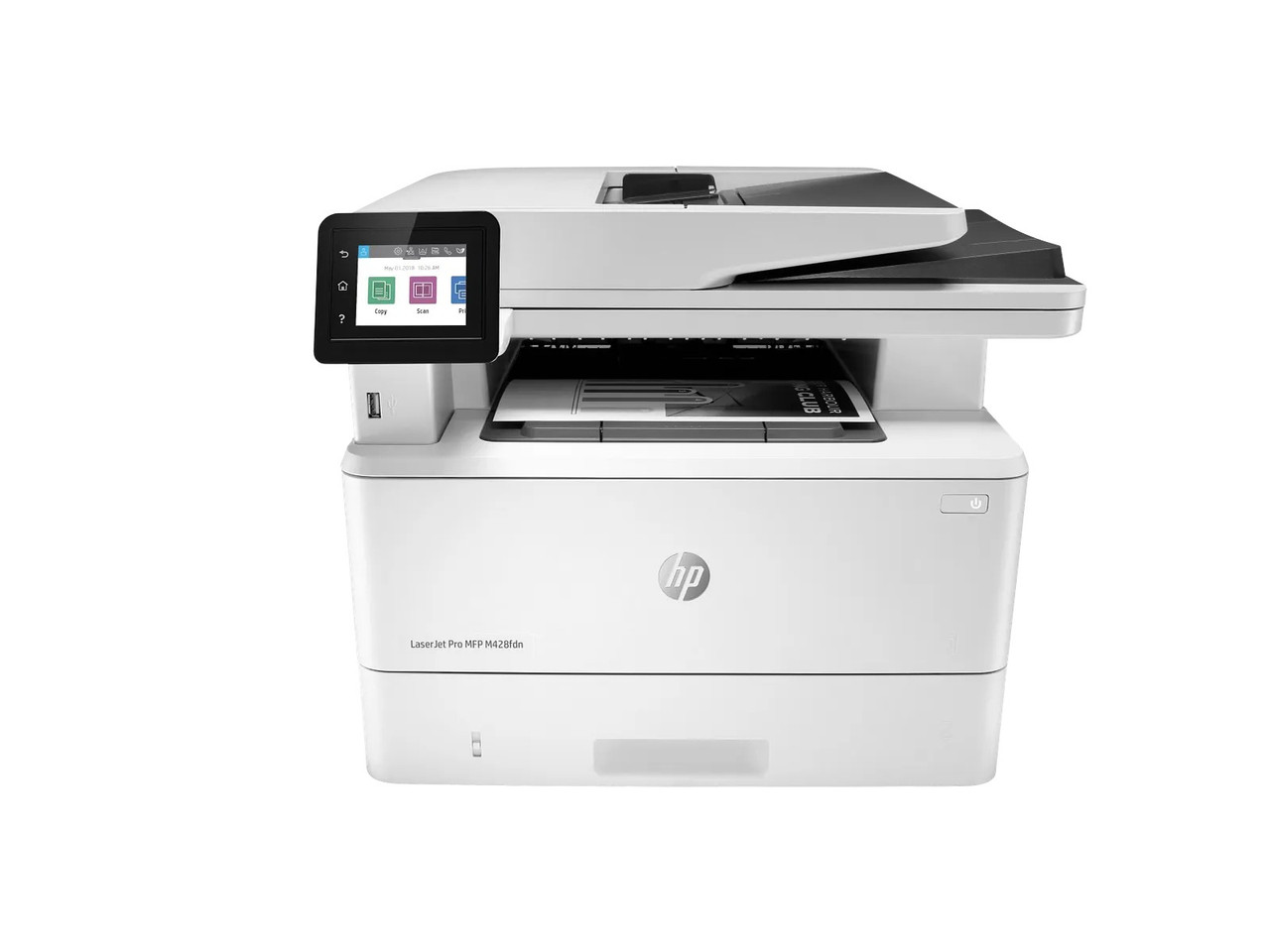
Fax is the distinguishing duty of the LaserJet Pro MFP M428fdn, and faxing changes a toner budget in a quiet way: every received page is a printed page. Add scanning, copying and wired-network printing, and this multifunction can move through black toner faster than its size suggests. It uses the family's two cartridges — the CF258A (58A) at HP's rating of about 3,000 pages, and the CF258X (58X) at about 10,000 pages, both ISO/IEC 19752 figures. There is no separate fax cartridge; the same slot feeds every function.
Budgeting Toner for a Machine That Receives Paper All Day
Inbound faxes arrive on their own schedule, including overnight, so an fdn that serves a clinic, law office or dispatch desk rarely enjoys a light week. That profile argues for the high-yield cartridge as the default and a 58X 2-pack as the standing spare; busier sites take the 58X 4-pack. Offices whose fax traffic has mostly moved to email can stay on the standard class with the 58A 2-pack or 58A 4-pack. The shelf is priced at launch: 58A singles are $67.02 and 58X singles $83.63, about 2.23 and 0.84 cents per page at HP's ratings. The 2-packs, priced at $120.38 and $153.61, save $13.66 and $13.65 against singles; the 4-packs, at $227.11 and $293.57, save $40.97 and $40.95.
A Note on Junk Faxes and Cartridge Life
Unsolicited fax pages spend real toner. Use the machine's fax-blocking and junk-fax settings where your phone system supports them, and route suitable inbound traffic to fax-to-email so paper copies are printed only when needed. Those steps stretch either cartridge class. The supply rule that cannot be configured away is HP's dynamic security: HP describes this generation as intended to work only with cartridges carrying a new or reused HP chip, with non-HP-chip cartridges liable to be blocked. The chip form of the cartridges stocked for this page, disclosed here from the written supplier evidence rather than in fine print: each cartridge ships with a new chip fitted — the listings say "New Chip" — and no chip transfer is required at installation.
Family Fit Beyond the Fax Model
The M428fdn drinks from the same shelf as the LaserJet Pro M404dn, LaserJet Pro M404dw, LaserJet Pro M404n, LaserJet Pro MFP M428dw, LaserJet Pro MFP M428fdw, LaserJet Enterprise M406dn and LaserJet Enterprise MFP M430f. Compatible cartridges are covered by a 1-year warranty and 1-year returns, and support runs Monday to Friday, 9 AM to 5 PM CST.
Frequently Asked Questions
Does receiving faxes really use much toner?
It can. Each received fax prints once, and a busy line receives around the clock. Count inbound pages alongside prints and copies when choosing a capacity.
Is there a different cartridge for the fax function?
No. One black cartridge — CF258A or CF258X — supplies printing, copying and fax output alike.
Why choose the 58X for this model in particular?
Because an empty cartridge on a fax machine can mean missed documents, not just delayed ones. The high-yield class widens the margin between changes.
Can I reduce toner spent on unwanted faxes?
Yes — enable the printer's junk-fax blocking, and consider fax-to-email for traffic that does not need a paper copy.