




LaserJet Pro M428dw
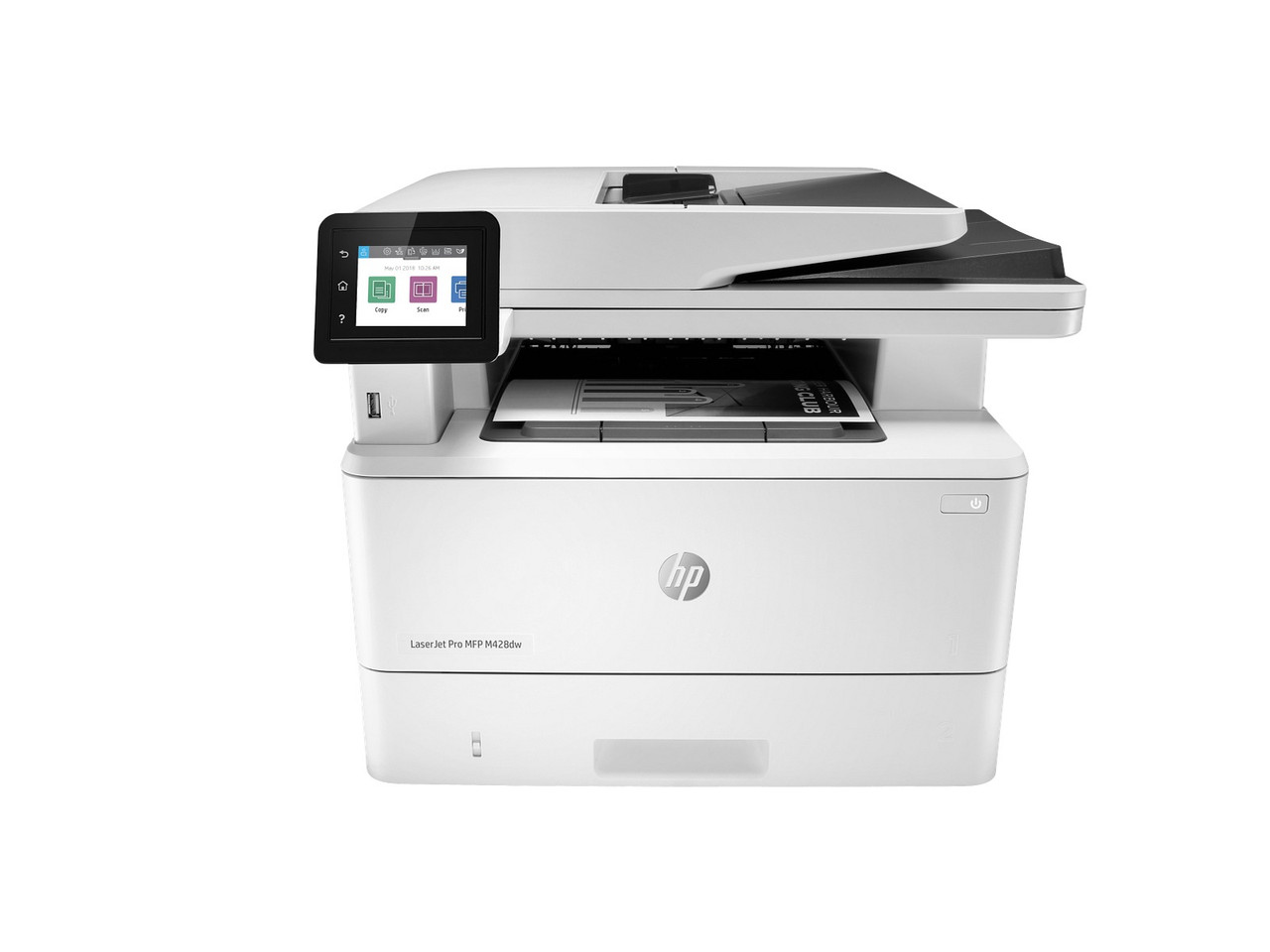
On the LaserJet Pro MFP M428dw, printing is only part of the workload: the same machine scans, copies and prints over Wi-Fi, and every one of those paper paths draws on a single black cartridge. That cartridge is either the CF258A (58A), rated by HP at about 3,000 pages, or the CF258X (58X), rated at about 10,000 pages (ISO/IEC 19752). Copies count against the cartridge exactly as prints do, which is why multifunction owners feel capacity choices sooner than print-only owners.
Copy Volume Is the Hidden Toner Budget
A copy-heavy desk — intake forms duplicated, signed pages reproduced, packets assembled at the machine — can consume a standard cartridge at print-room speed. For an M428dw that mostly prints, the 58A remains a rational fit. For one that copies daily, start with the 58X and keep the spare problem solved with a 58X 2-pack; a department stocking several machines can step up to the 58X 4-pack. Lighter fleets still have the 58A 2-pack and 58A 4-pack. Under the approved launch table the 58A single is $67.02 and the 58X single is $83.63, which works out to about 2.23 and 0.84 cents per rated page. Packs lower the per-cartridge cost: $120.38 for the 58A 2-pack (a $13.66 saving), $153.61 for the 58X 2-pack ($13.65 saved), $227.11 for the 58A 4-pack ($40.97 saved) and $293.57 for the 58X 4-pack ($40.95 saved).
Supplies Notes for a Scan-and-Copy Hub
Scanning to email or a folder uses no toner at all; only the printed output does. When copy quality fades, first check that the cartridge is seated and print a cleaning page — scanner-glass marks reproduce as the same defect on every copy and are a glass-cleaning issue, not a toner one. The chip deserves the same clarity. HP describes this generation as dynamic-security equipped, intended only for cartridges with a new or reused HP chip. What the cartridges stocked here carry, from the supplier's written evidence: a new chip, fitted before the cartridges ship — both listings are marked "New Chip". No transfer is required, so there is no procedure to carry: nothing has to be moved from an old cartridge.
One Cartridge Pair for Print-Only and Multifunction Models Alike
The M428dw's shelf is shared with the LaserJet Pro M404dn, LaserJet Pro M404dw and LaserJet Pro M404n, its multifunction siblings the LaserJet Pro MFP M428fdn and LaserJet Pro MFP M428fdw, and the LaserJet Enterprise M406dn and LaserJet Enterprise MFP M430f. Clever Supplies covers these compatible cartridges with a 1-year warranty and 1-year returns; support is available Monday to Friday, 9 AM to 5 PM CST.
Frequently Asked Questions
Does scanning use up the toner cartridge?
No. Scanning creates a file. Toner is spent when the machine prints — including when it prints a copy of something just scanned.
Why does our M428dw run through cartridges faster than the old printer?
Usually because copies and prints now share one cartridge. Count both streams when judging whether standard or high yield fits.
Can the M428dw use the same spare as an M404dn?
Yes. CF258A and CF258X serve both machines, so one spare covers a mixed desk.
What if copies are faded but prints look fine?
Clean the scanner glass and reseat the cartridge first. A mark on the glass repeats on copies only; even fading on both points back to the cartridge.