




LaserJet Pro M404dn
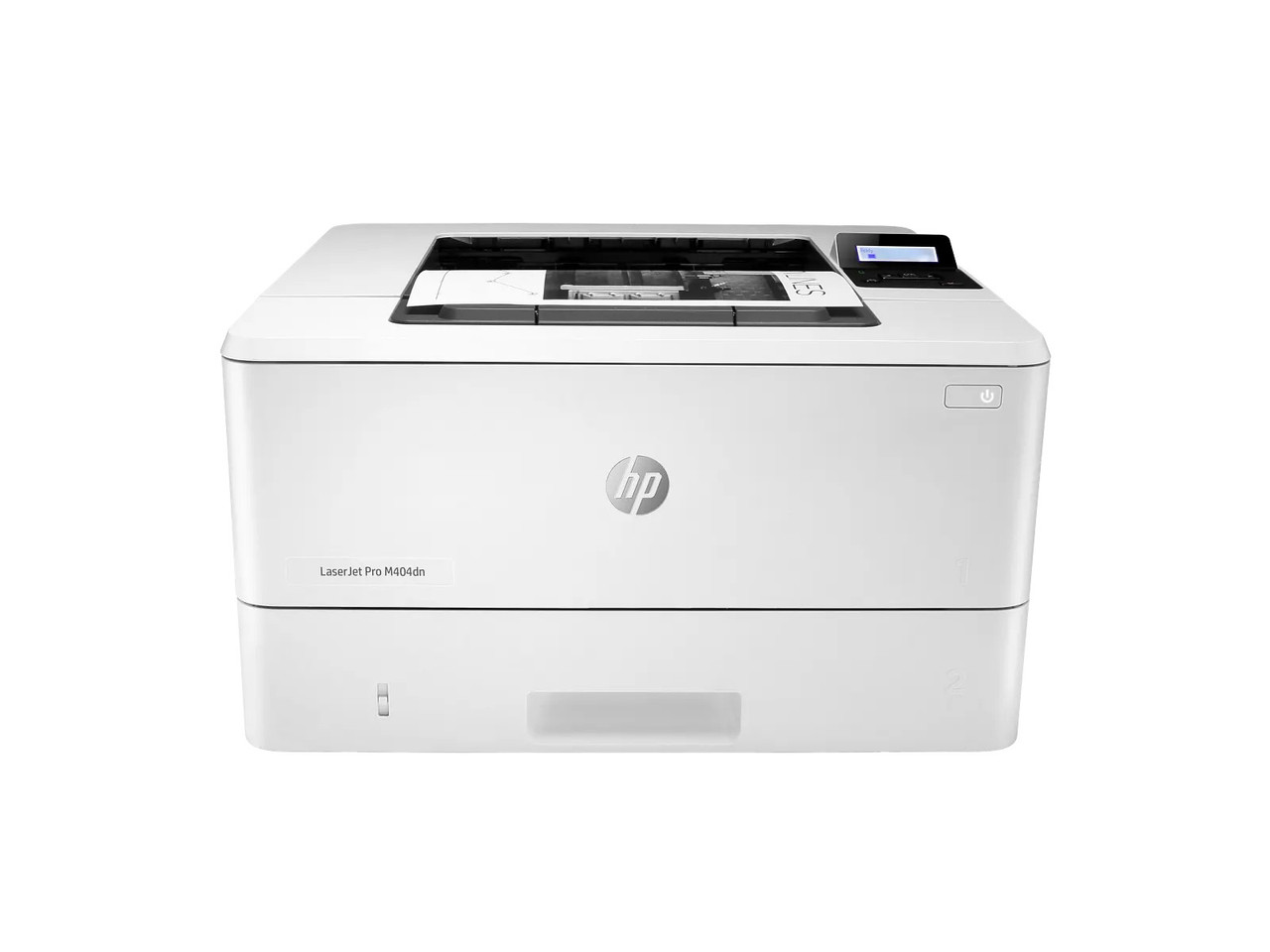
The LaserJet Pro M404dn is the wired-network anchor of HP's 58-cartridge generation: a single-function black printer built to sit on a shared office connection and turn out duplex pages without asking anyone to tend it. Its toner shelf is deliberately simple. There is one slot, one color and two capacities — the standard CF258A (58A), rated by HP at about 3,000 pages, and the high-yield CF258X (58X), rated at about 10,000 pages. Both figures are HP's ISO/IEC 19752 ratings, and both cartridges fit this printer interchangeably, so the choice is about workload rather than fit.
Choosing a Capacity for a Shared Desk Printer
A networked M404dn usually serves several people, which makes its page count harder to predict than a personal machine's. The 58A suits a small team whose printing arrives in letters, invoices and short reports; the 58X suits the same desk once month-end packets and multi-copy handouts become routine. Offices that dislike emergency orders keep a spare ready: the 58A 2-pack and 58X 2-pack put the next cartridge in the cupboard, while the 58A 4-pack and 58X 4-pack cover a run of machines or a stockroom shelf. At the locked launch prices the 58A single is $67.02 — about 2.23 cents a page at HP's rating — and the 58X single is $83.63, about 0.84 cents a page. The packs trim the per-cartridge cost further: $120.38 for the 58A 2-pack (saving $13.66 against two singles) and $153.61 for the 58X 2-pack (saving $13.65), then $227.11 for the 58A 4-pack and $293.57 for the 58X 4-pack, saving $40.97 and $40.95 against four singles.
The Chip Question on the M404dn
HP describes this printer generation as using dynamic security: the machine is intended to work only with cartridges carrying a new or reused HP chip, and it can block cartridges that use a non-HP chip. That statement describes the printer, not any particular compatible cartridge — so here is the stocked cartridge's chip form, stated in the same prominent position: the cartridges stocked here arrive with a new chip already fitted, as the supplier's written listings evidence. There is no chip transfer and there are no extra steps; the cartridge installs and prints.
One Shelf Across the Whole 58 Generation
The M404dn shares its two cartridges with the LaserJet Pro M404dw, the LaserJet Pro M404n, the LaserJet Pro MFP M428dw, the LaserJet Pro MFP M428fdn, the LaserJet Pro MFP M428fdw, the LaserJet Enterprise M406dn and the LaserJet Enterprise MFP M430f. A mixed fleet can therefore standardize on a single black toner shelf. Clever Supplies compatible toner is covered by a 1-year warranty and 1-year returns; support runs Monday to Friday, 9 AM to 5 PM CST.
Frequently Asked Questions
Can the M404dn take both the 58A and the 58X?
Yes. The two cartridges are different capacities for the same slot. You can start on a 58A and move to a 58X at the next change without any printer adjustment.
Does duplex printing change which cartridge I need?
No. Two-sided printing saves paper, not a different kind of toner. It may stretch the calendar time between changes, but the cartridge code stays CF258A or CF258X.
What should a small office keep as a spare?
One cartridge beyond the one in the machine. A 2-pack formalizes that habit; heavier shared volume is the point at which the high-yield class becomes the calmer choice.
Is the M404dn's cartridge shared with scanning models?
Yes — the M428 multifunctions and the Enterprise M430f use the same pair of cartridges, so a scanner purchase does not start a second toner shelf.