




LaserJet MFP M29w
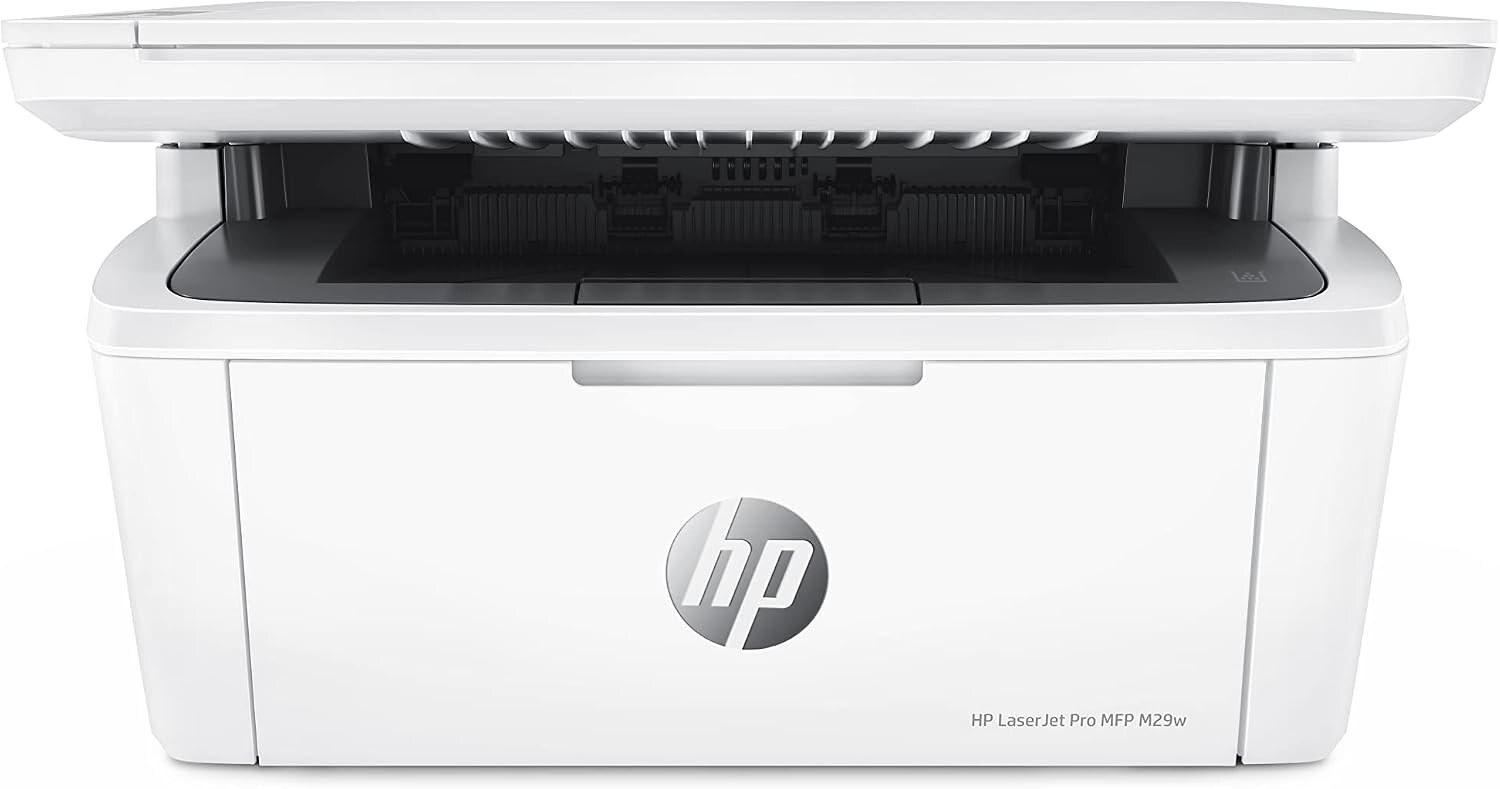
HP's LaserJet Pro MFP M29w packed print, scan, and copy into a remarkably small 2018 mono multifunction for home offices and dorm rooms short on desk space.
Like its M15w sibling, it runs on one cartridge: the black HP 48A (CF248A), available as genuine OEM or compatible.
Toner Cartridges for LaserJet MFP M29w
This printer works with the following toner cartridges:
- HP CF248A
More HP Printers
Frequently Asked Questions
Which cartridge codes fit the LaserJet MFP M29w?
The LaserJet MFP M29w fits CF248A. The code printed on the box is what matters; matching it exactly is how you avoid returns.
How do I install a new toner cartridge in my LaserJet MFP M29w?
Open the cartridge door on the LaserJet MFP M29w and slide the old CF248A out by its handle — set it aside for recycling. Unpack the new CF248A, pull off its protective seal, and slide it straight in until it clicks. Close the door and print a test page from the LaserJet MFP M29w to confirm.
How do I clear a paper jam in the LaserJet MFP M29w?
Power off the LaserJet MFP M29w, open its doors, and pull the jammed paper out slowly in the direction of the paper path — never against it. Check that the tray guides sit snug against the paper stack, since loose guides cause repeat jams. Fan the paper and avoid overfilling the tray.