




LaserJet Pro M15a
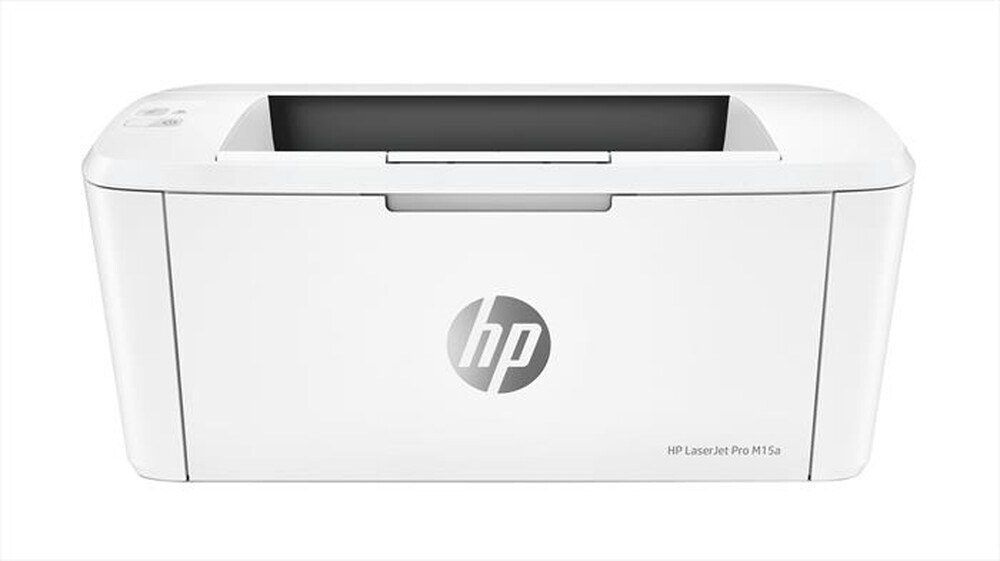
Small spaces ask a lot of a printer: it has to be dependable, quiet about its needs and tiny enough to earn its corner of the desk. The LaserJet Pro M15a answers with the simplest supply story in the HP range — a single black cartridge, the CF248A, which HP sells as its 48A. One code to remember, one slot to fill, and the fundamentals done well: clean text and even coverage without any fuss.
This is the printer for a desk that produces letters, forms and school or office paperwork in modest daily amounts. There is no color queue to manage and no set of four cartridges aging at different speeds; when output fades, one cartridge comes out and one goes in. A spare kept on the shelf is cheap insurance against the one stalled morning nobody has time for.
Toner Cartridges for LaserJet Pro M15a
| Cartridge | Color | Page Yield |
|---|---|---|
| 48A (CF248A) Toner Cartridge 2 Black | Black | See product page |
| 48A (CF248A) Toner Cartridge 4 Black | Black | See product page |
| 48A (CF248A) Toner Cartridge Black | Black | See product page |
| 48A (CF248A) Toner Cartridge 2 Black (Jumbo listing) | Black | See product page |
| 48A (CF248A) Toner Cartridge 4 Black (Jumbo listing) | Black | See product page |
| 48A (CF248A) Toner Cartridge Black (Jumbo listing) | Black | See product page |
The shelf carries the same cartridge in two listing lines — the standard line and a Jumbo line (the Jumbo SKUs) — each in single, 2-pack and 4-pack form. All six are the same CF248A cartridge for this printer.
Which cartridge should you buy?
With one code and no high-yield variant to weigh up, the only real choice is pack size. A single cartridge suits the lightest users, who may take the better part of a year to finish one. The 2-pack is the natural fit for most desks: one in the printer, one in reserve, and no emergency orders. Heavy home-office users who print daily come out ahead on the 4-pack, which drops the per-cartridge cost and pushes reordering far into the future. Between the standard and Jumbo listing lines, compare the two product pages and take the better value on the day — the cartridge that arrives is the same fit either way.
Chip, toner and everyday use
The CF248A carries its imaging drum inside the cartridge, so every swap also refreshes the part that most affects print quality — one reason output from this little printer stays crisp for years. Fit a new cartridge with the seal fully removed and the printer powered on so the chip registers, and if pages ever come out streaked, print a cleaning page from the printer's menu before blaming the toner. Store spares sealed and flat in a cool spot; quoted yields assume standard light coverage, so dense pages finish a cartridge sooner than the estimate suggests.
Frequently Asked Questions
Which cartridge does the LaserJet Pro M15a take?
Only one: the HP 48A, code CF248A, in black. Check the label on the cartridge you pull out and match that code exactly when you reorder.
What causes streaks across the page?
Streaks usually trace back to the drum surface inside the cartridge or to a cartridge nearing the end of its life. Run a cleaning page first; if the marks survive it, a fresh CF248A is the fix, because the drum is replaced along with the toner.
Can the M15a print envelopes and labels?
Yes — feed them one at a time through the manual feed and pick the matching media size in your print settings so the printer grips them properly. Use laser-rated stock only.
Is there a high-yield version of this cartridge?
No X version is stocked for this family. The way to lower your cost per cartridge here is pack size — the 2-pack and 4-pack — rather than a bigger cartridge.
More printers that use the same cartridges
The same single cartridge also runs these compact siblings:
LaserJet M15w, LaserJet MFP M28a, LaserJet MFP M28w, LaserJet MFP M29w