




LaserJet M15w
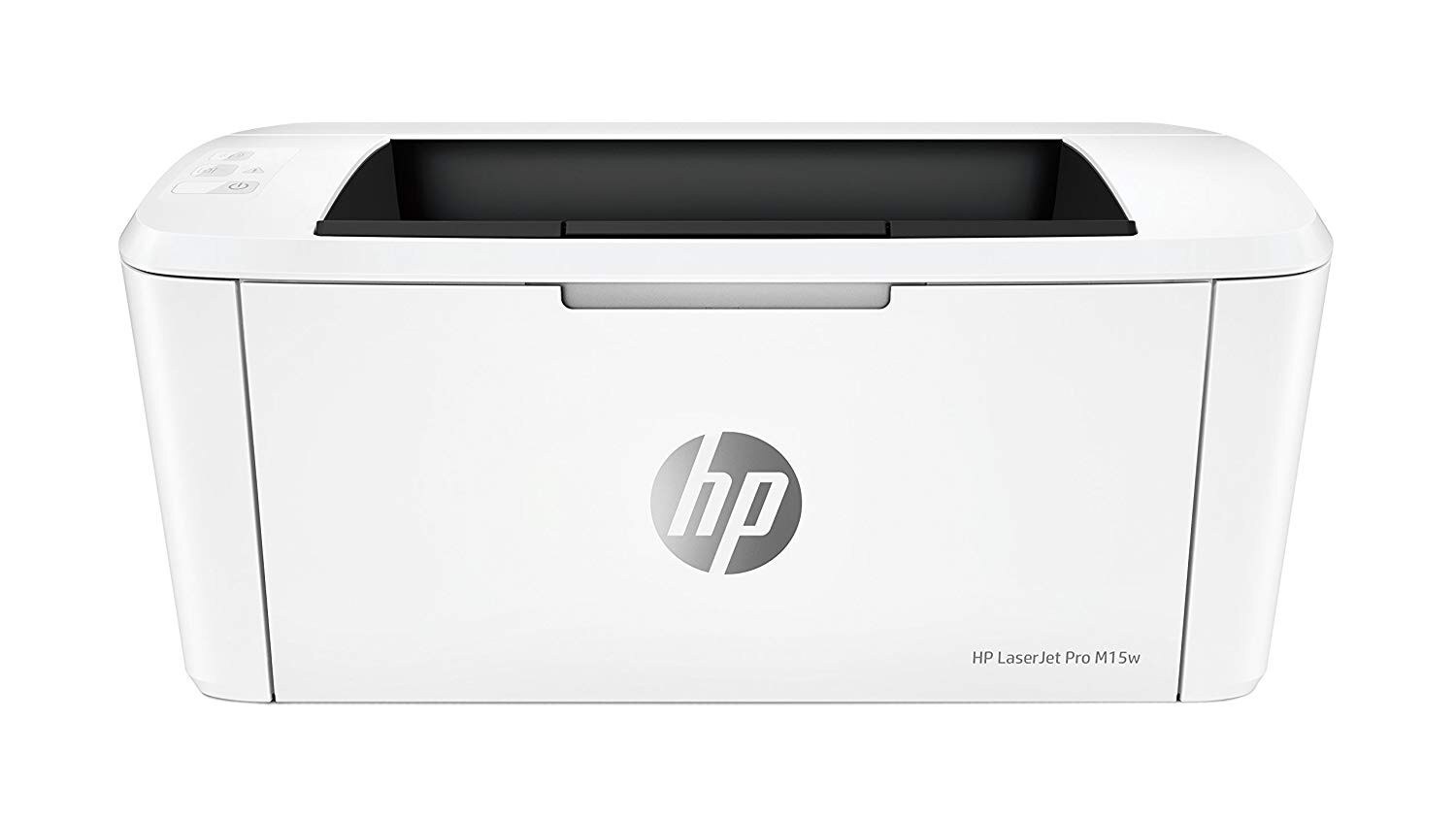
When the LaserJet Pro M15w arrived in 2018, it was one of the smallest monochrome laser printers HP had ever built — a machine designed to disappear onto a shelf in a home or a tiny office and simply be there when needed. Its supply list could not be shorter: a single black cartridge, the CF248A (HP 48A), with wireless printing as the one modern luxury in an otherwise deliberately simple package.
That minimalism is the point of the M15w. It serves one person or one small desk, printing documents from anywhere in the room without a cable, and it asks almost nothing in return. There are no color cartridges to track and no settings to nurse — just a toner level to glance at now and then, and a spare cartridge to keep within reach.
Toner Cartridges for LaserJet M15w
- 48A (CF248A) Toner Cartridge 2 Black — Black — See product page
- 48A (CF248A) Toner Cartridge 4 Black — Black — See product page
- 48A (CF248A) Toner Cartridge Black — Black — See product page
- 48A (CF248A) Toner Cartridge 2 Black (Jumbo listing) — Black — See product page
- 48A (CF248A) Toner Cartridge 4 Black (Jumbo listing) — Black — See product page
- 48A (CF248A) Toner Cartridge Black (Jumbo listing) — Black — See product page
Two listing lines stock the identical cartridge — the standard line and the Jumbo line, told apart by their SKUs — in single, 2-pack and 4-pack sizes.
Which cartridge should you buy?
There is no standard-versus-high-yield debate to have here, because this family offers one cartridge and one capacity. Your lever is quantity. Occasional printers do fine with a single and a reminder to reorder when pages fade. Most home offices land on the 2-pack: the working cartridge plus its replacement already in the drawer, which suits a wireless printer that tends to be forgotten until the moment it is needed. If the M15w handles a steady daily flow — homework, invoices, forms — the 4-pack trims the per-cartridge price and stretches the interval between orders to its longest.
Chip, toner and everyday use
Toner storage matters more for a lightly used printer, because a spare may sit for months. Keep cartridges sealed in their original packaging, flat, in a cool dry place out of direct sunlight, and do not open one until the day it goes in — toner degrades faster in heat and humidity. When the printer is finally asked for a fresh cartridge, leave it powered on during the swap so the chip is recognized, and remember the yield figures quoted for any cartridge are estimates at 5% coverage; a month of dense documents will use toner faster than a month of letters.
Frequently Asked Questions
How do I know I am buying the right toner for the M15w?
Compare the code on the box with this printer's one-item list: CF248A. HP builds look-alike cartridges for other families, and only an exact code match guarantees the cartridge will seat and print.
Why are pages coming out blank or very light?
The usual culprits are a sealing tape left on a new cartridge or a cartridge that is genuinely empty. Slide the cartridge out, confirm the tape is fully removed, reseat it, and check the toner gauge in the printer software if pages stay pale.
Does the M15w need a separate drum unit?
No. The drum is built into the CF248A cartridge itself, so it is renewed automatically every time you change toner — there is no second consumable to buy for this printer.
How should I store a spare cartridge for a printer this small?
Sealed, flat and cool. A drawer away from radiators and windows is ideal; an unopened cartridge keeps its quality far longer than one sitting open in the printer's box.
More printers that use the same cartridges
The rest of this compact family pours from the same one-cartridge shelf:
LaserJet Pro M15a, LaserJet MFP M29w, LaserJet MFP M28w, LaserJet MFP M28a