




LASERJET M209DW
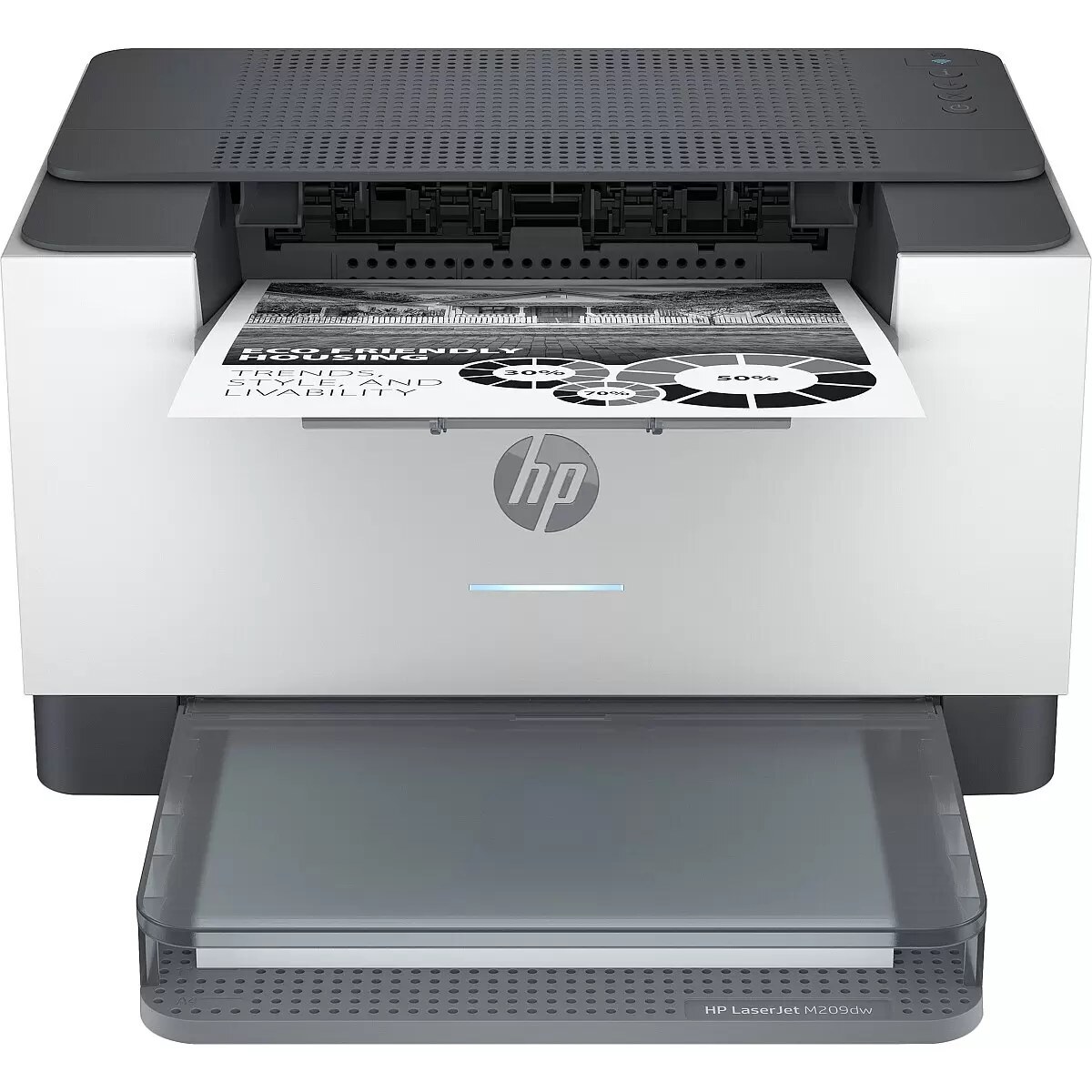
No cables, no waiting: the LaserJet M209DW is a compact monochrome printer built for desks that simply need pages, with wireless printing and automatic two-sided printing in a small footprint. It runs on one cartridge family — the standard W1340A for everyday volume, or the high-yield W1340X when the desk prints in longer stretches. On this page both members of the HP 134A and 134X lines are stocked as Clever Supplies compatible cartridges, in singles and multi-packs.
A single-user desk is exactly where this machine earns its keep. There is no queue of colleagues and no shared tray politics — just your documents, printed double-sided to halve paper use, from a printer that wakes and prints over Wi-Fi. Because one person controls the whole workload, toner planning is personal too: your monthly page count, nobody else's, decides which yield belongs in the machine.
Toner Cartridges for LASERJET M209DW
| Cartridge | Color | Page Yield |
|---|---|---|
| W1340A standard cartridge, single | Black | See product page |
| W1340A standard cartridges, 2-pack | Black | See product page |
| W1340A standard cartridges, 4-pack | Black | See product page |
| W1340X high-yield cartridge, single | Black | See product page |
| W1340X high-yield cartridges, 2-pack | Black | See product page |
| W1340X high-yield cartridges, 4-pack | Black | See product page |
The same two cartridges are also stocked under further listings: W1340A 2-pack, alternate listing, W1340A 4-pack, alternate listing, W1340A single cartridge, alternate listing, W1340A 2-pack, alternate listing, W1340A 4-pack, alternate listing, W1340A single cartridge, alternate listing, W1340A 2-pack, alternate listing, W1340A 4-pack, alternate listing, W1340A single cartridge, alternate listing, W1340X 2-pack, alternate listing, W1340X 4-pack, alternate listing, W1340X single cartridge, alternate listing, W1340X 2-pack, alternate listing, W1340X 4-pack, alternate listing, W1340X single cartridge, alternate listing, W1340X 2-pack, alternate listing, W1340X 4-pack, alternate listing, W1340X single cartridge, alternate listing.
Which cartridge should you buy?
Start with how much you actually print. A W1340A single suits light, irregular use — a few letters, forms and invoices a week — and keeps the least money tied up in the drawer. If the M209DW handles your main document flow, the W1340X high-yield cartridge stretches the interval between changes and lowers the cost of each page, because yield figures are rated at a standard 5% page coverage and heavier documents consume toner faster. Multi-packs of either code trade a bigger box today for never facing an empty printer mid-job; the 4-pack is the natural choice once you know your monthly rhythm. Whichever code you pick, every compatible cartridge here is covered by a 1-year warranty and 1-year returns.
Chip, toner and everyday use
Each cartridge carries a chip the M209DW reads to report toner levels, and the printer accepts these compatible cartridges without drama when the chip seats correctly — slide the cartridge in squarely until it clicks. If a low-toner message appears while pages still look strong, keep printing; the warning is an estimate, not a measurement. A gentle side-to-side rock of a fading cartridge redistributes the toner inside and often restores even output for a while longer. Store spares sealed, flat and away from heat, and open the bag only when the old cartridge truly gives up.
Frequently Asked Questions
Which toner cartridge does the LaserJet M209DW use?
Only two codes fit: the standard W1340A and the high-yield W1340X. Ordering by the code printed on your empty cartridge is the surest way to avoid a mismatch, since several small HP lasers look alike but take different toner.
Can I switch between W1340A and W1340X whenever I like?
Yes. The two cartridges share the same slot and the same fit; the difference is how much toner each one holds. You can run a standard cartridge for a quiet month and a high-yield one for a busy season without changing any setting on the printer.
Will two-sided printing slow the M209DW down?
Slightly — the printer pauses a moment to flip each sheet before printing its back. For most desk work the trade is worth it: duplex output looks more professional, and a ream of paper lasts roughly twice as long.
How do I change the cartridge in the M209DW?
Open the top access area, pull the used cartridge straight out by its handle, and unpack the replacement. Remove the sealing strip, rock the new cartridge gently to loosen the toner, slide it in until it seats, and close the printer — it runs a short calibration before your next job.
More printers that use the same cartridges
These printers take the same cartridges, so the listings above fit them as well: LASERJET M234DW, LASERJET M234SDW.