




LaserJet 1160
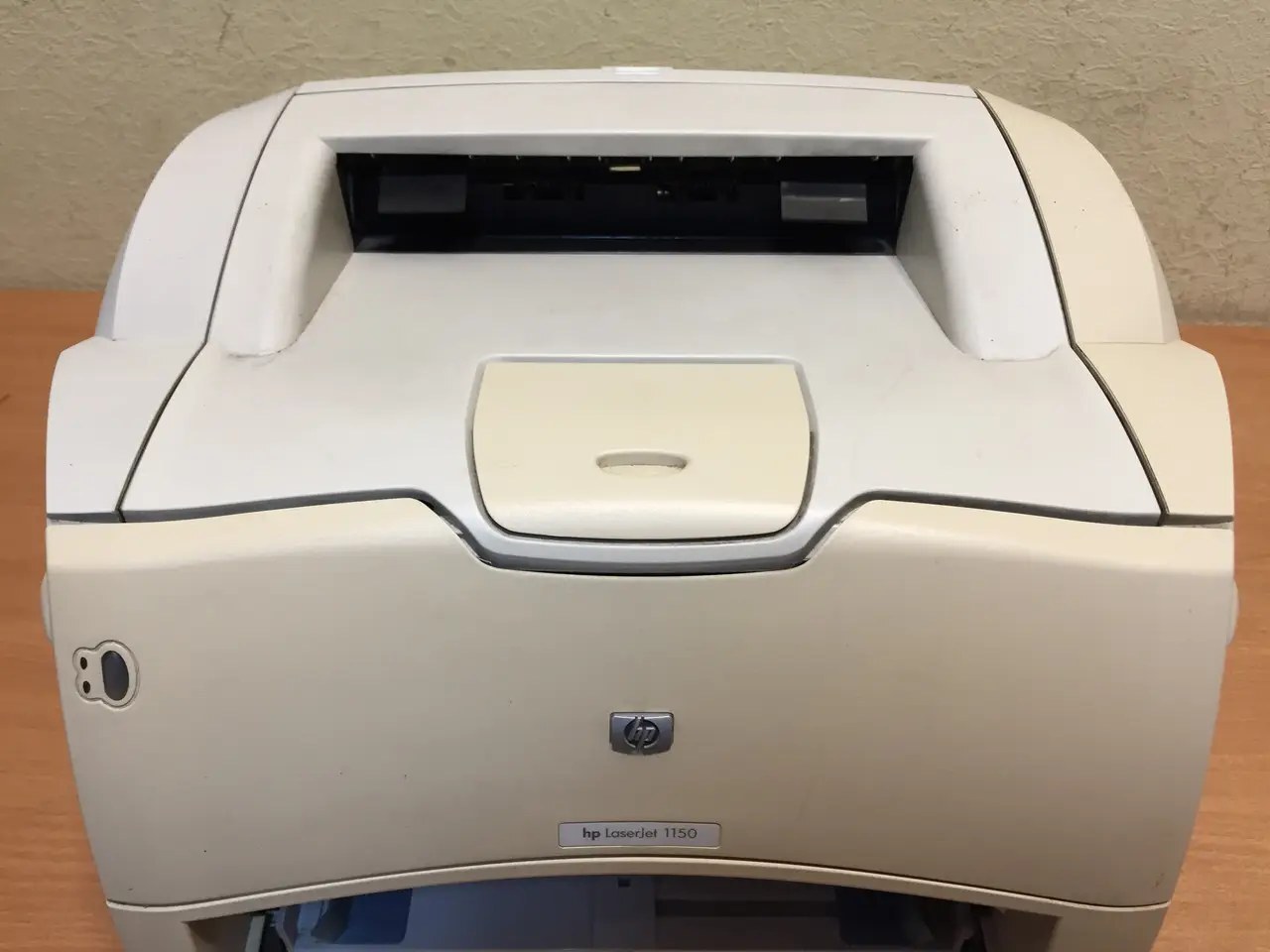
Few printers earn the word workhorse honestly, but the LaserJet 1160 has spent years doing plain, dependable black-and-white work in small offices that value a machine which simply works. The cartridges stocked for it on this page are HP's 49A family: the black Q5949A cartridge, in 2-pack and 4-pack form. Consistent supply is what keeps an older machine printing like a younger one, and this page keeps that supply simple.
The 1160 belongs to the generation of LaserJets that offices refuse to retire: a single-function monochrome printer with no appetite for attention. It prints the day's letters, invoices and reports, asks for a cartridge when the old one fades, and otherwise stays out of the way. Owners keeping one in service are usually running several of its 1320-family relatives alongside it, which is why the shared cartridge shelf below matters.
Toner Cartridges for LaserJet 1160
| Cartridge | Color | Page Yield |
|---|---|---|
| 49A (Q5949A) Toner Cartridge 2 Black | Black | See product page |
| 49A (Q5949A) Toner Cartridge 4 Black | Black | See product page |
Which cartridge should you buy?
This shelf keeps the decision short: the same Q5949A cartridge, bought two at a time or four at a time. The 2-pack covers a single 1160 in ordinary service — one cartridge in the machine and one in reserve, so a fading page never becomes a stopped office. The 4-pack is the better arithmetic for anyone running the 1160 hard or keeping several 49A-family machines fed from one cupboard, since the per-cartridge cost drops and one order covers a long stretch. There is no separate high-yield cartridge to deliberate over on this page; pack size is the whole decision.
Chip, toner and everyday use
Paper choice does more for an older LaserJet than most settings do: plain laser-compatible office paper for everyday work, heavier laser-rated stock for presentations, and never inkjet-only paper, which is not made for a laser printer's heat. Fit a fresh cartridge with its seal fully removed and the printer on so it registers, and when output eventually lightens, rock the cartridge gently to redistribute the toner before replacing it. Spares store best sealed and flat in a cool, dry cupboard, and yield figures assume standard 5% coverage.
Frequently Asked Questions
Which toner cartridge works with the LaserJet 1160?
The cartridges stocked for the 1160 on this page are the HP 49A, code Q5949A, in black. Match the code on your current cartridge before ordering so the fit is certain.
Some older notes list C4092A for this printer — should I order that instead?
Older documentation for this era of LaserJet sometimes points at the 92A (C4092A), which belongs to a different, smaller family of machines. The shelf for the 1160 here is Q5949A; the code on the cartridge you pull out of your printer is the one to trust.
Does the LaserJet 1160 print in color?
No — it is a black-and-white printer, and its single cartridge is black toner. If you need color output, one of the Color LaserJet models in the family list below is the right direction.
What paper should I use for presentations in the 1160?
Heavier laser-rated stock handles presentation work well. Keep everyday jobs on plain office paper and reserve the thick sheets for the jobs that face a client.
More printers that use the same cartridges
The 49A shelf is shared across the 1320 clan and its multifunction relatives:
HP Q5949A, LaserJet 3390, LaserJet 3392, Laserjet 1160, Laserjet 1160LE, Laserjet 1320, Laserjet 1320N, Laserjet 1320NW, Laserjet 1320T, Laserjet 1320TN