




Laser E514dw
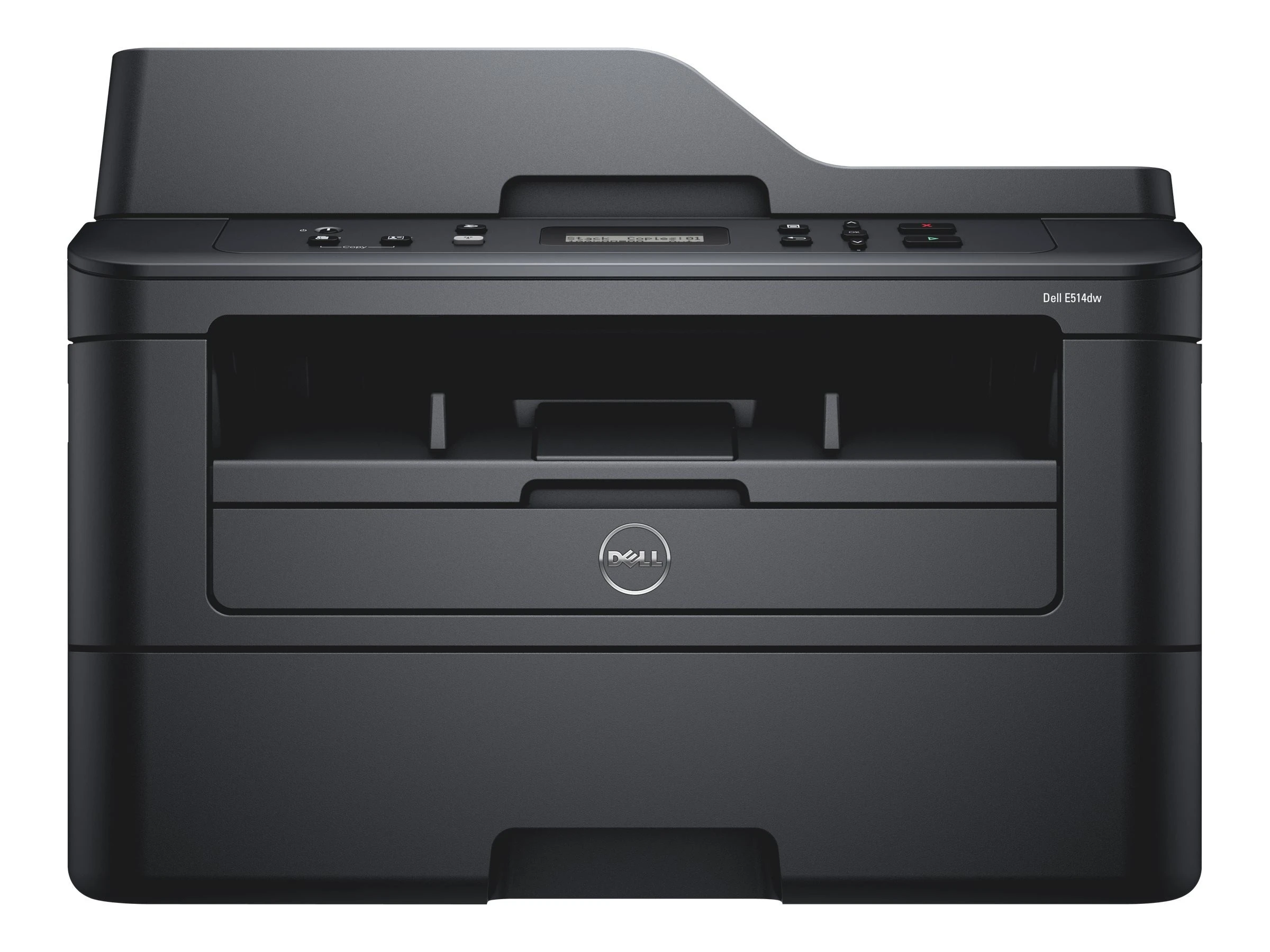
For a remote worker or a two-desk office, the Dell E514dw replaces a desk full of separate gadgets: it prints, copies, scans and faxes in monochrome, connects wirelessly, and does all of it from one compact unit. Its running costs rest on a two-part supply set shared with its smaller sibling — the 593-BBKD black toner cartridge, good for up to 2,600 pages, and the 593-BBKE drum unit, which keeps going for up to 12,000 pages. This page lists the drum unit, on its own or in 2 and 4 packs, so the longer-cycle half of the supply pair is easy to source when the machine calls for it.
Multifunction machines earn their keep differently from plain printers: the scanner and copier handle the paperwork a small office would otherwise send out, and only the print and copy side consumes toner. That makes supply costs unusually predictable for the E514dw — one toner code, one drum code, nothing else to stock. Owners who also run an E310dw benefit twice over, because both models draw on the identical supply set and spares can be shared between them.
Toner Cartridges for E514dw
| Cartridge | Color | Page Yield |
|---|---|---|
| 593-BBKE drum unit | Black | Up to 12,000 pages |
| 593-BBKE drum units, 2 pack | Black | Up to 12,000 pages each |
| 593-BBKE drum units, 4 pack | Black | Up to 12,000 pages each |
These drum units pair with the 593-BBKD black toner cartridge (up to 2,600 pages) that the E514dw uses for its everyday printing and copying.
Which cartridge should you buy?
Order toner when pages come out light and a fresh cartridge restores them — that is the 593-BBKD, the consumable this machine cycles through every few thousand pages. Look to the drum when copies and prints share the same repeating marks or washed-out patches even after the toner has been changed, or when the unit nears its 12,000-page rating. One drum is enough for a single machine; households or offices that keep an E310dw as well may prefer a 2 pack, since the same drum serves both. Compatible drum units from us include a 1-year warranty and 1-year returns.
Chip, toner and everyday use
Scanning consumes no toner at all, and copying uses it at the same rate as printing — worth remembering when a week of heavy copying empties a cartridge faster than expected. When the drum is changed, avoid touching or exposing its photosensitive surface to bright light for longer than the swap takes, and slide the unit home until it clicks so the printer registers it and resets its counter. Keep spare toner somewhere cool and dry rather than on top of the machine, where heat from the fuser shortens its shelf life. Yield ratings are quoted at 5% coverage, a normal text page.
Frequently Asked Questions
What toner fits the Dell E514dw?
Black toner is the 593-BBKD cartridge, rated up to 2,600 pages, working with the 593-BBKE drum unit rated up to 12,000 pages. The drum is the product listed on this page, singly and in multipacks.
Can I use E310dw cartridges in my E514dw?
Yes. The two models share the identical supply set — the same toner cartridge and the same drum unit — so spares bought for one machine fit the other.
Does copying use more toner than printing?
No. A copy consumes toner at roughly the same rate as the same page printed from a computer. Scanning and faxing, by contrast, use none — only pages that come out on paper draw on the cartridge.
How will I know the drum needs changing?
The printer reports the drum's status separately from toner, and print quality usually announces it too: repeating spots or a gray cast that a new toner cartridge does not fix point at the drum.
More printers that use the same cartridges
These Dell models run on the same toner and drum combination: Color Laser Laser E514DW, Color Laser Laser E310DW, Laser E310dw, Multifunction E515DN, Multifunction E515DW.