




Laser E310dw
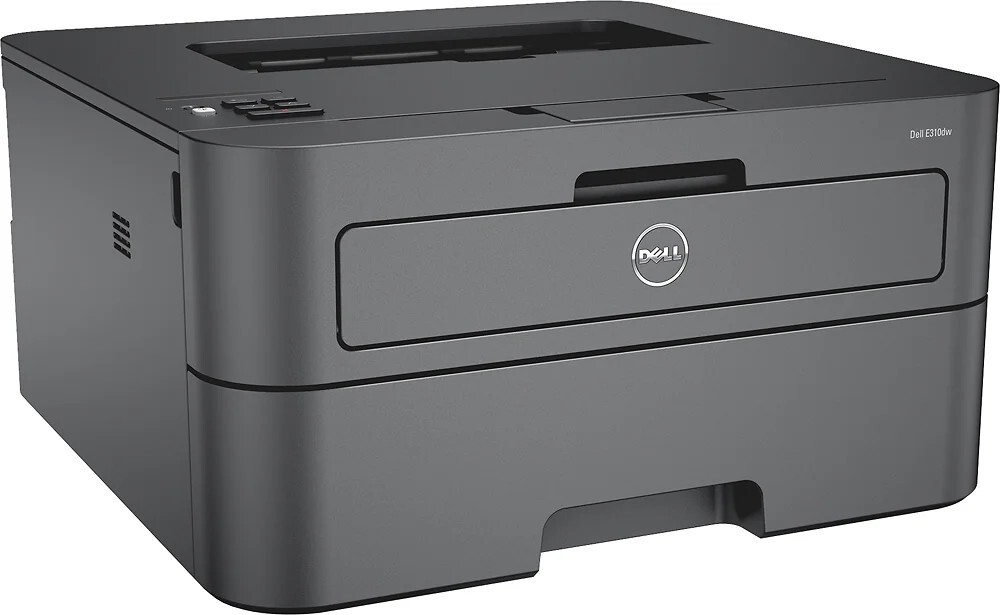
For small teams that just need fast, reliable black-and-white printing, the Dell E310dw hits the sweet spot: compact size, wireless connectivity, and mono laser speed that leaves inkjets behind. It slides onto a desk and starts working in minutes.
Running costs stay low with the E310dw’s cartridge options — pick the yield that fits your volume and print thousands of sharp pages per cartridge. Our compatible Dell E310dw toner matches OEM quality and page counts at a lower price, so everyday printing stays cheap.
Toner Cartridges for Dell E310dw
This printer works with the following toner cartridges:
- Dell 593-BBKD
- Dell 593-BBKC
- Dell P7RMX
- Dell CVXGF
- Dell PVTHG
- Dell 593-BBKE
- Dell C2KTH
Frequently Asked Questions
Which cartridges does the Dell E310dw use?
The E310dw uses 593-BBKD, 593-BBKC, P7RMX, CVXGF, PVTHG, 593-BBKE, and C2KTH supplies. Check the code printed on your current cartridge to order correctly.
What does dw mean on the Dell E310dw?
DW stands for duplex and wireless: the E310dw prints two-sided automatically and connects over Wi-Fi. Cartridge codes (593-BBKD, 593-BBKC, and the rest) are the same regardless of connection type.
How do I print double-sided on the E310dw?
Select two-sided printing in your print dialog and the E310dw flips the page automatically. Duplex is a paper saver - toner use per page stays the same, so pick the cartridge capacity among 593-BBKD, 593-BBKC, P7RMX, and the other listed codes that fits your volume.